
and help to keep the site free for all
You are using an out of date browser. It may not display this or other websites correctly.
You should upgrade or use an alternative browser.
You should upgrade or use an alternative browser.
The "how would you edit this photo" game.
- Thread starter Dman-Lewis
- Start date

Phil Young
Suspended / Banned
- Messages
- 6,584
- Name
- Phil
- Edit My Images
- Yes
[
Last edited:
Phil Young
Suspended / Banned
- Messages
- 6,584
- Name
- Phil
- Edit My Images
- Yes


swanseamale47
Suspended / Banned
- Messages
- 10,876
- Name
- wayne clarke
- Edit My Images
- Yes
Nice and moody.

Pork
Suspended / Banned
- Messages
- 1,339
- Name
- Paul
- Edit My Images
- Yes
This one was a bit of a stickler mr ZeroCoolbut this was my thoughts

Like that James. How do you add the shadows, it works really well.


new2me
Suspended / Banned
- Messages
- 6,925
- Edit My Images
- Yes
Like that James. How do you add the shadows, it works really well.
pity they're going towards the sun?
like it though


Pork: How I did mine, a simple explanation
Paste the driver etc to a new layer (name it driver for example)
Duplicated that layer (name it shadow)
Place shadow layer below original driver layer
Flip the shadow vertically - if 6 o'clock type arrangement
Move the shadow to suitable position
Reduce the exposure of shadow layer to create silouette
Reduce the Opacity to allow floor to show through
If there's not a full tutorial on it, i'll create one ... or if there's an easier way, let me know
Paste the driver etc to a new layer (name it driver for example)
Duplicated that layer (name it shadow)
Place shadow layer below original driver layer
Flip the shadow vertically - if 6 o'clock type arrangement
Move the shadow to suitable position
Reduce the exposure of shadow layer to create silouette
Reduce the Opacity to allow floor to show through
If there's not a full tutorial on it, i'll create one ... or if there's an easier way, let me know

Mr G
Suspended / Banned
- Messages
- 2,392
- Name
- James
- Edit My Images
- Yes
pity they're going towards the sun?
like it though
oops cant believe I did that

This is a more detailed way done in cs5
Go to File and open your image Use the Quick selection tool to make a selection of the figure.
Go to Edit, and click copy. Go to the Layers palette, and create a new layer. Then go to Edit, and click Paste.
Go to the Tools panel, and select the Magic Wand tool. In the layer you just pasted the figure into, click on the area of the image outside the figure. Now go to Selection, and select Inverse.
Go back to the Layers palette, and create a new layer. Go to the Tools panel, and select the Fill tool. Fill the selection with black.
Now go to the Layers palette, and move the "shadow layer" below the one with the figure on it, but still above the background layer.
Next, go to Edit and then Transform, and select Distort. Use the handles to pull the shadow down into position.
Now go to Filters, then Blur, and apply Gaussian blur of about 3. Finally, change the layer opacity to about 60
Now that is a more in depth way of doing it, to get yourself more funky shadows


new2me
Suspended / Banned
- Messages
- 6,925
- Edit My Images
- Yes
Lol, sorry just actually looked at my picture. It sucks so bad, and it looked so good in my head to
dont apologise man ... just a bit of fun
swanseamale47
Suspended / Banned
- Messages
- 10,876
- Name
- wayne clarke
- Edit My Images
- Yes
Made me think of that series Lost with the polar bear on that island, never did find out what the hell was going on in the end.
S
stupar
Guest
Anything further happening with this?


ZeroCooL
Suspended / Banned
- Messages
- 890
- Name
- Nick
- Edit My Images
- No
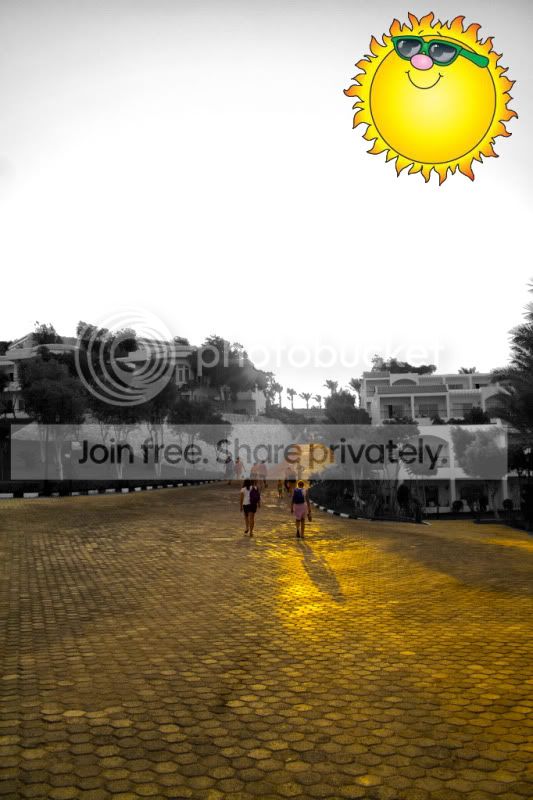
Right, well as good as some of the other ones are, they are all a little crazy 
I do love this thread...
But i think the one i have looked at the most and like because i wish it looked like this when i took the photo...
Loving the colours...
(shame there are no bears or planes though)
Over to you Swanseamale!
I do love this thread...
But i think the one i have looked at the most and like because i wish it looked like this when i took the photo...
Heres my effort.

Loving the colours...
(shame there are no bears or planes though)
Over to you Swanseamale!
swanseamale47
Suspended / Banned
- Messages
- 10,876
- Name
- wayne clarke
- Edit My Images
- Yes
Thank you, sorry there was no bears, I'll keep it in mind for next time.
Heres the next one then.

Heres the next one then.
Phil Young
Suspended / Banned
- Messages
- 6,584
- Name
- Phil
- Edit My Images
- Yes

Pork
Suspended / Banned
- Messages
- 1,339
- Name
- Paul
- Edit My Images
- Yes
Pork : you were a close second by the way, i lol'd at the terrorist pic!
Aww thanks for the mention, Ill try and be a little subtler next time.
Pork
Suspended / Banned
- Messages
- 1,339
- Name
- Paul
- Edit My Images
- Yes
I promised myself only 1 hr edit time!
My idea :
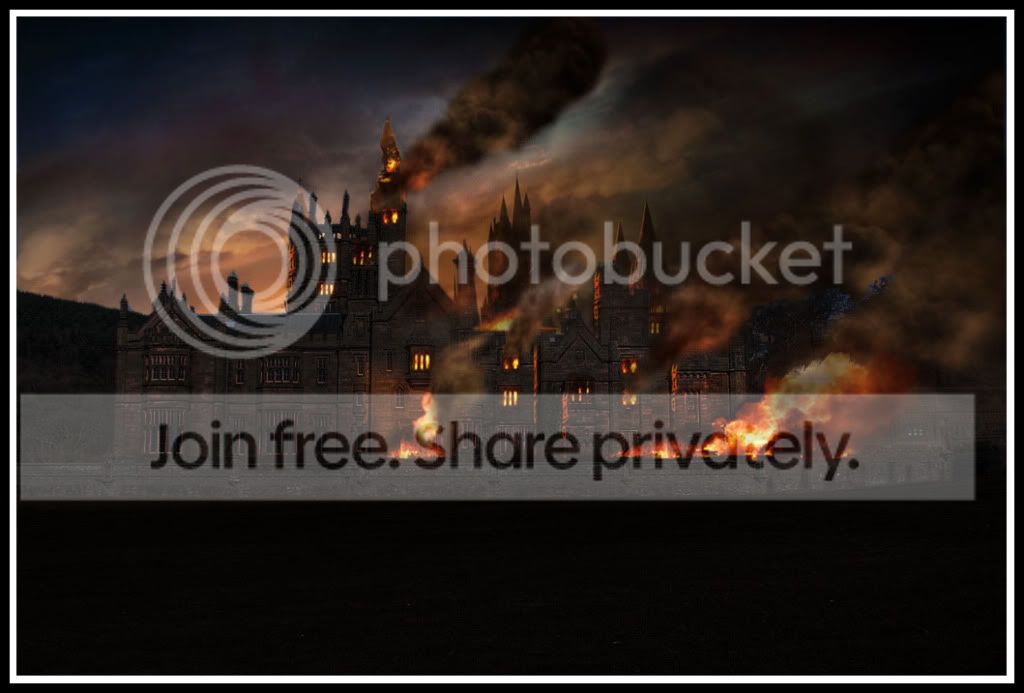
Holly smokes, now thats going to be hard to beat! Great stuff mate
new2me
Suspended / Banned
- Messages
- 6,925
- Edit My Images
- Yes
Holly smokes, now thats going to be hard to beat! Great stuff mate
exactly what I was thinking
 I couldn't even think of an idea in an hour, never mind execute it
swanseamale47
Suspended / Banned
- Messages
- 10,876
- Name
- wayne clarke
- Edit My Images
- Yes
I promised myself only 1 hr edit time!
My idea :
If this happenes you know who's going to get the blame don't you


Phil Young
Suspended / Banned
- Messages
- 6,584
- Name
- Phil
- Edit My Images
- Yes

You stole my clouds and then added a lake haha! I didn't give permission for that!!!
Pork
Suspended / Banned
- Messages
- 1,339
- Name
- Paul
- Edit My Images
- Yes
You stole my clouds and then added a lake haha! I didn't give permission for that!!!
Oops Im so sorry, youre right! I downloaded the wrong pic, lol
. Ill re-do my pic again with the correct one this time.
Phil Young
Suspended / Banned
- Messages
- 6,584
- Name
- Phil
- Edit My Images
- Yes
CALL THE POLICE!!!
lol! It's bloody disgusting!!!
new2me
Suspended / Banned
- Messages
- 6,925
- Edit My Images
- Yes
You stole my clouds and then added a lake haha! I didn't give permission for that!!!
Glad you noticed! I was going to boycot this one otherwise


Kerioak
Suspended / Banned
- Messages
- 7,245
- Name
- Christine
- Edit My Images
- Yes
I love that spring one Kerioak, would never have thought of that..... and Pork that picture is amazing. You got that water spot on!
Thanks ZeroCool - combinination of about six pictures plus cloud brushes - having made them I am going to use them
I did wonder if Pork had noticed he was using someone else's picture as a starting point
Pork
Suspended / Banned
- Messages
- 1,339
- Name
- Paul
- Edit My Images
- Yes
I did wonder if Pork had noticed he was using someone else's picture as a starting point
I didnt, it was a genuine mistake thats been rectified.
swanseamale47
Suspended / Banned
- Messages
- 10,876
- Name
- wayne clarke
- Edit My Images
- Yes
Is that what they mean by cloud computing???