chrism_scotland
Suspended / Banned
- Messages
- 7,958
- Name
- Chris
- Edit My Images
- Yes


Well I've got the batteries.... just need the A7riii now!!!

Nice, nice
Aren't they quite expensive ?
I saw somewhere £75 per battery

Well, I bought it as well.
I tried to resist, but...
by the way this is my 3rd A6000 that I am buying
P.S. I got mine from Amazon
 but I've got two Panasonic MFT cameras and a load of lenses
No you won't. These batteries last longer than my 5d4Aye they are that.... still - won't need another for along time!
Tempted to buy the A7ii at £850 currently

Great price for it, its an excellent bit of kit

The iPad Pro handles Lightroom Mobile and A7rii files without any issue, in fact I do 90% of my editing on the iPad now, it is much quicker than on my 2015 iMac 27”. I only result to the Mac for cloning etc (although this can also be done on LRM). My Mac is running “Classic” CC. Affinity Photo has also been mentioned however I have only just downloaded it so I’m not had chance to play with it much yet. The Northrop’s have done a video of all 3 elements (iPad, LRM & Affinity) and rates them very highly. With regards to the MS Surface, I should imagine it is slower because it is using the full desktop version of LR, this used to be an advantage however LRM has come so far it is virtually a full version of LR without a couple of features (which are available in Affinity).
I would image the Surface would run better with the new Lightroom CC (cloud based)

Hi Chris,
I also have an iPad Pro, I've tinkered with it for editing, curious to know your workflow and file management. I'd like to start using it more
Within the next year I am looking to start venturing into a bit of wedding/portraiture so my only concern is the lack of dual card slots! Very tempting though
Do you think you may be getting ahead of yourself a little? Stop worrying about dual card slots and try become a second shooter. Please dont become one of those I have a camera and facebook account so I can do wedding people.
Certainly my current workflow runs in 2 different ways, dependant on where I am.
For most photography when I’m at home it is as follows:
If I am on holiday it runs as follows:
- Import photos onto iMac and into LR Classic auto adding to a Collection which is set to sync with LR Mobile
- Carry out image selection and 90% of my editing on the iPad
- Finish images on iMac
- Export finished images to iPhoto
Nb This also has the added benefit of giving me a backup solution whilst I am away, photos are automatically sent to my desktop machine and also save in Photos
- Before I go I create a folder in LR Classic and set it as the location for LRM files
- Create a folder in LRM and set to auto import from my iPad
- Whilst I away I import photos onto the iPad (you can only import to Photos) using the SD Card adaptor
- These are automatically added to LRM
- Carry out culling and start editing
- When I get home all the photos are in LR Classic already along with all edits
- Finish images on iMac
- Delete images from iPad and from Photos
- Export FInished images into Photos
Certainly my current workflow runs in 2 different ways, dependant on where I am.
For most photography when I’m at home it is as follows:
If I am on holiday it runs as follows:
- Import photos onto iMac and into LR Classic auto adding to a Collection which is set to sync with LR Mobile
- Carry out image selection and 90% of my editing on the iPad
- Finish images on iMac
- Export finished images to iPhoto
Nb This also has the added benefit of giving me a backup solution whilst I am away, photos are automatically sent to my desktop machine and also save in Photos
- Before I go I create a folder in LR Classic and set it as the location for LRM files
- Create a folder in LRM and set to auto import from my iPad
- Whilst I away I import photos onto the iPad (you can only import to Photos) using the SD Card adaptor
- These are automatically added to LRM
- Carry out culling and start editing
- When I get home all the photos are in LR Classic already along with all edits
- Finish images on iMac
- Delete images from iPad and from Photos
- Export FInished images into Photos
[emoji1417]
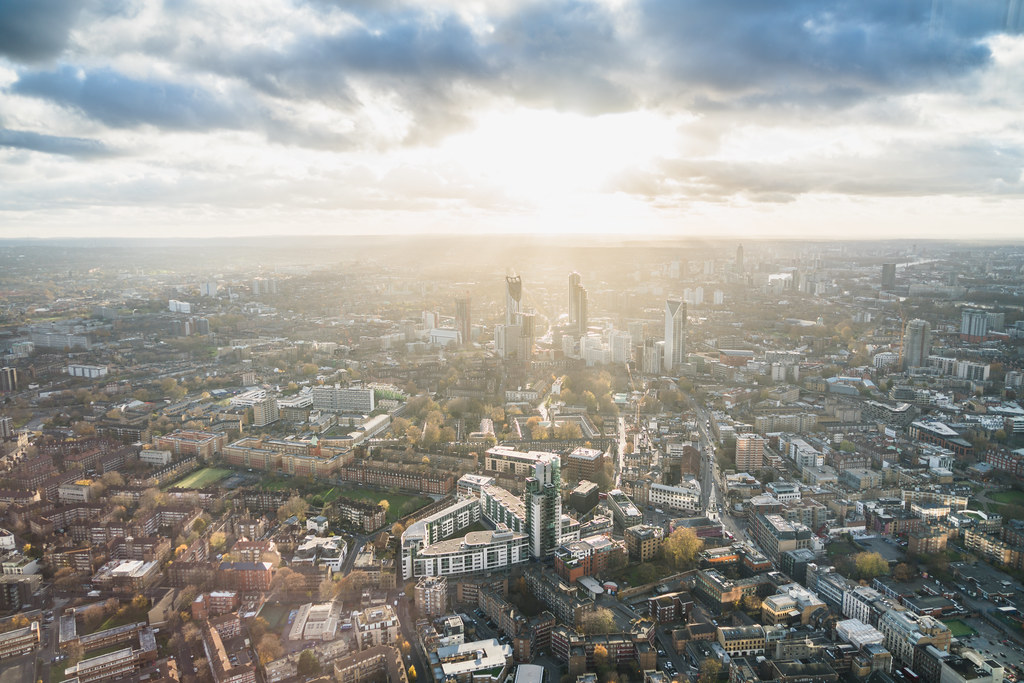 London by -Harry_S-
 London by -Harry_S-

Although there have been a few good deals around, Ive been very unimpressed by Black Friday, nothing has made me think “I’ve got to buy that.” I was hoping for a few more deals on GM lenses but nothing.
That A6000 deal looked very tempting.
Although there have been a few good deals around, Ive been very unimpressed by Black Friday, nothing has made me think “I’ve got to buy that.” I was hoping for a few more deals on GM lenses but nothing.
£150 cash back on some of the G Masters wasn’t too bad I thought.
£619 for an a7 with 28-70 was pretty darn special.

Youve been on about an A6000 for ages,you will have to get one at some point or it will eat away at youThat A6000 deal looked very tempting.
I know. I suppose I'll just have to accept that MFT is the better option and stop looking at A6xxx's.

Y not sell you M4/3rds and get the a6000,you can then use all your lenses
Is it though?
Consolidating your lenses into one mount would be the better option
Grrr you just had to post this ...... the Sony FE 55mm f1.8 is coming out at £549.99 after cash back... seriously tempted!10% off all Sony E-Mount lenses at WEX until Midnight Monday:
https://www.wexphotovideo.com/sony-...acturer&esp_category_filter_Manufacturer=Sony
Some decent deals in there with the Cashback as well


Grrr you just had to post this ...... the Sony FE 55mm f1.8 is coming out at £549.99 after cash back... seriously tempted!
Grrr you just had to post this ...... the Sony FE 55mm f1.8 is coming out at £549.99 after cash back... seriously tempted!
I couldn't resist it....yeah you should definitely pick that up. £550 is not much more than used price. if i could only have 1 lens that would be it.
The online photographer talks about the rather expensive Leica CL and wonders why anyone would buy one... Well, I can answer that... The Badge.
The Sony A6000 gets a mention.
Read all about it...
http://theonlinephotographer.typepad.com/the_online_photographer/2017/11/the-new-leica-cl.html

 making money with your gear yet?