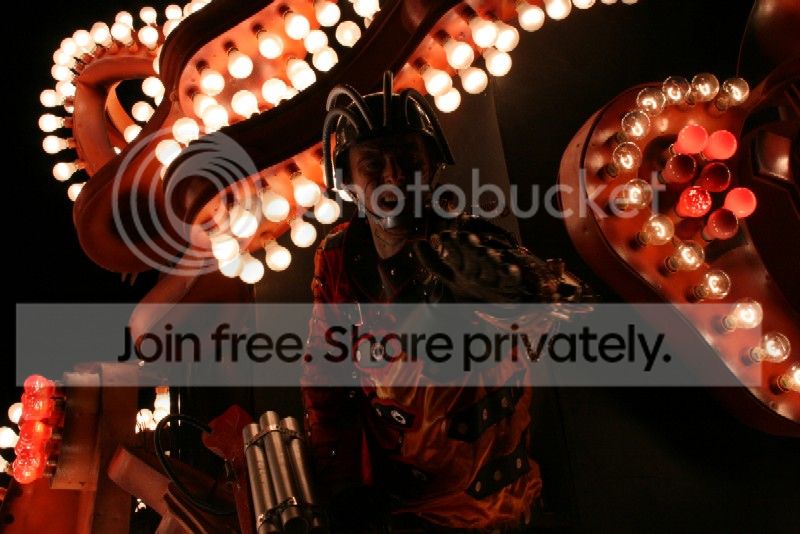
subject dark in front of bright background

topcat07

Suspended / Banned
Messages
431
Edit My Images
Yes
Ill try and explain this the best i can (may have a example i can dig out if it doesn't make sense)

If i am taking a picture of a subject (person) which is behind bright light such as the sun , bright sky, sunset etc the person becomes very dark you can hardly see them clearly

is there any settings or methods i can use to avoid this? or is is it just a case of make sure the light behind the person is not incredibly bright?
 
Two options, either spot meter off the face, that will expose the person correctly and blow out the background or expose for the background( its sometimes better to slightly underexpose the background) and use fill flash, just be careful you don't overdo the flash
 
Flash is the answer here but like trout fisher said above it's all about balance.
 
thanks both shall use this as a starting point for researching:)
 
Fill-in flash is usually the best solution and it looks great too, if you get the balance right, with a bright halo around the subject.

It's one of the few things the pop-flash is good at and, depending on the camera/mode, it will often do most of the work for you. Dead easy :thumbs:
 
Fill-in flash is usually the best solution and it looks great too, if you get the balance right, with a bright halo around the subject.

It's one of the few things the pop-flash is good at and, depending on the camera/mode, it will often do most of the work for you. Dead easy :thumbs:

Hi Richard

thanks for your help

i am looking in the flash menus on my nikon d40 and have these options in "M":

Normal
Normal + no red eye
slow
slow + no red eye
Rear

would a fill in flash just be normal in M mode then ?
 
Hi Richard

thanks for your help

i am looking in the flash menus on my nikon d40 and have these options in "M":

Normal
Normal + no red eye
slow
slow + no red eye
Rear

would a fill in flash just be normal in M mode then ?

I'm not a Nikon man and not familiar with D40. Nikons usually have something automated under BL (back-light button) or similar I think, but I'm sure someone with more knowledge will be along shortly.

There's always a way, prolly summat in the handbook :)
 
iirc fill flash is available in P A S and M modes. Just press the little flash button (to the left of the pop up as you look through the viewfinder) to raise the flash and it will automatically be in balanced fill flash mode which should do the trick. To cause only the subject to be exposed with flash choose spot metering in the menus (sorry can't remember which menu commands now).
 
Apologies for reviving this thread, but it seems to be relevant to a problem I have with fill-in flash. These pics were taken with a Canon 400D with a Jessops 360AFD flash.

Shepton-1100sml_zpsdde50459.jpg


Shepton-1384sml_zps059ab92d.jpg


I am not sure why the flash hasn't illuminated the subject. I suspect that my problem is that the camera was set to centre-weighted average metering, or is it just that the flash is not powerful enough? I realise that the images can be improved in software, but I would like to do better without having to resort to that. Any pointers would be gratefully received.
 
Last edited:
There's no evidence of any flash in either of those images.

Flash either didn't fire, or fired out of sync.
 
Thanks for that, Hoppy. What would stop the flash firing in those conditions, given the ready light and ETTL light are on? Should the camera be set to Evaluative metering? This was taken shortly after the other two with a less intense background and the flash seemed to fire OK.
Shepton-1330sml_zps21aae2fe.jpg
 
Nothing to do with metering.

Usual problem with intermittent faults is a dodgy contact/connection in the hot-shoe. Could be dirty contacts, foot not properly slotted in, needing a bit of a wiggle, or screwing down properly. Another possibility is dirt in the micro-switch hidden under one of the springs in the hot-shoe, or even the hot-shoe working loose.
 
Thanks, Hoppy. I always check the foot is screwed down properly, but it could be an intermittent contact. It's just that it only seems to affect shots in which the background is extremely bright, almost as if that fools the camera and overrides the flash. With less bright backgrounds, the flash can sometimes be too powerful and washes out the foreground.
 
Thanks, FB.

I'll have to find the manual for the flash to check the options. What i really need is something like the "forced flash" option on my compact. :)
 
Back
Top