Foxbat Flyer
Suspended / Banned
- Messages
- 1,100
- Name
- Chris
- Edit My Images
- Yes
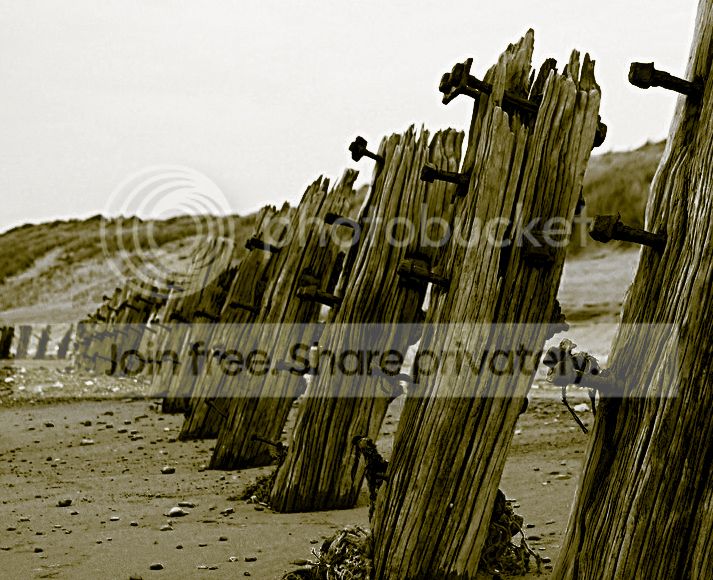
Whilst walking along the desolate coast that is Spurn Point, looking for a decent picture, I came across a line of rotting posts embedded in the beach - there's a picture in there somewhere, the texture, the curving lines, the beach debris - thing is, I can't find it!
A few days later, in an art shop in Whitby, there was a beautiful black and white print of the same view - taken from a similar angle.
I'm not sure if this is the right forum to ask, but I would really like some opinions and guidance - is there a picture in there? I've tried desaturation and adjusting levels and curves etc. but it's just not working.
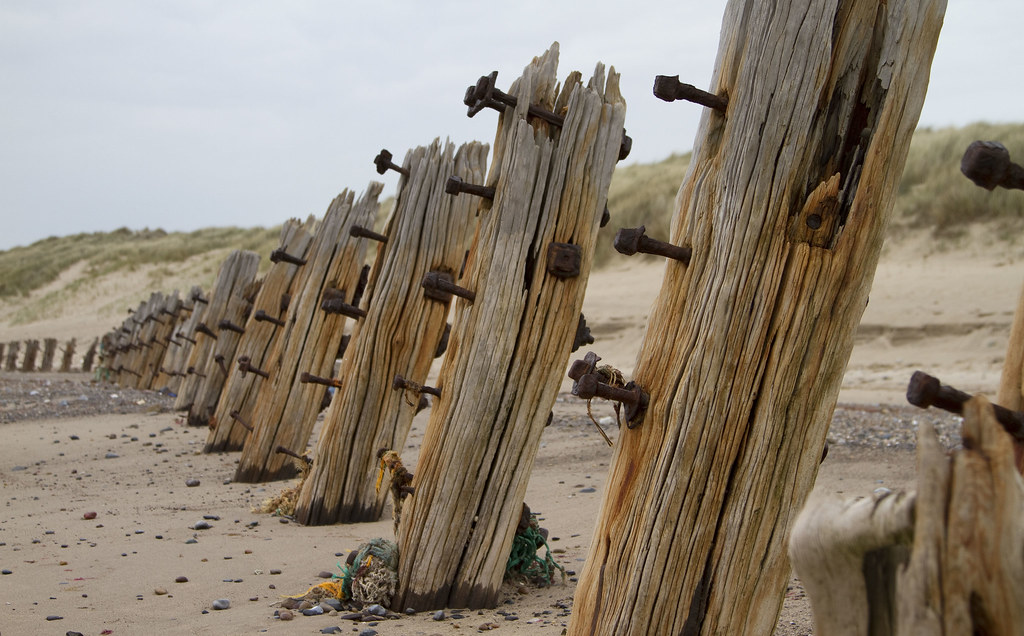
Spurn Point Posts on a Beach R by Chris S B, on Flickr
In my mind I can see a decent black and white conversion, would something like Silver Effex help me?
Do I need to delete this file and head back to Spurn Point?
Thanks,
Chris
A few days later, in an art shop in Whitby, there was a beautiful black and white print of the same view - taken from a similar angle.
I'm not sure if this is the right forum to ask, but I would really like some opinions and guidance - is there a picture in there? I've tried desaturation and adjusting levels and curves etc. but it's just not working.
Spurn Point Posts on a Beach R by Chris S B, on Flickr
In my mind I can see a decent black and white conversion, would something like Silver Effex help me?
Do I need to delete this file and head back to Spurn Point?
Thanks,
Chris