Some PP Help

mattchewone

Suspended / Banned
Messages
884
Name
Matt
Edit My Images
Yes
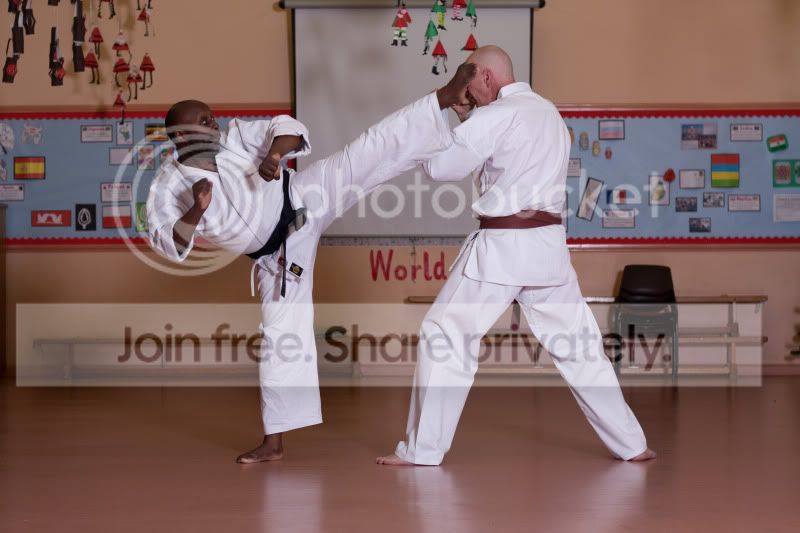
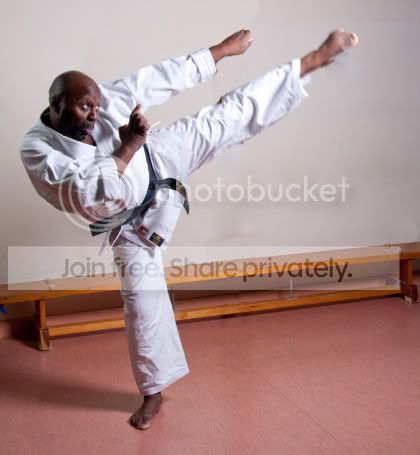
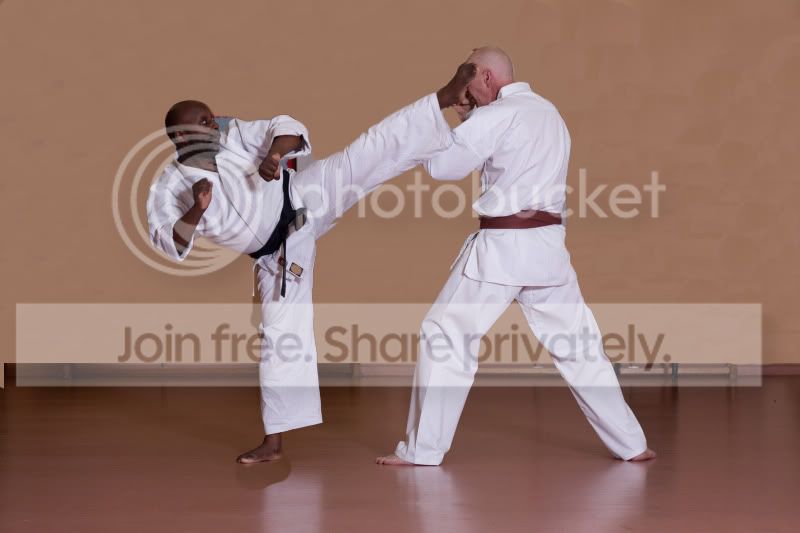
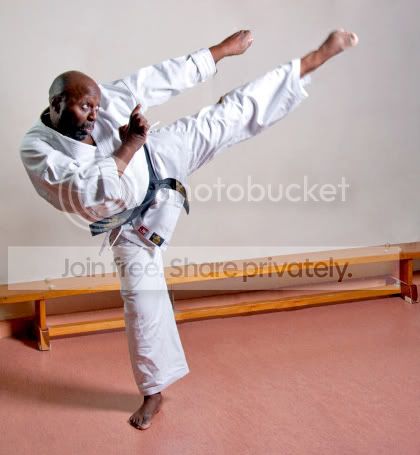
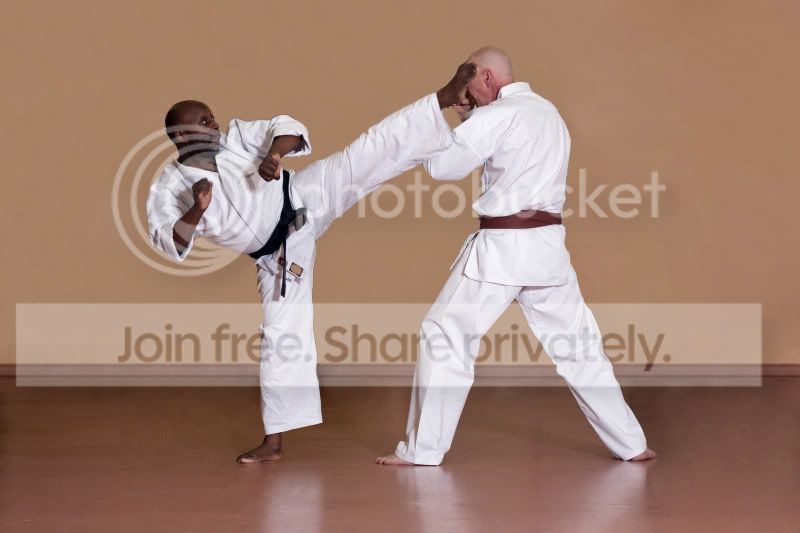
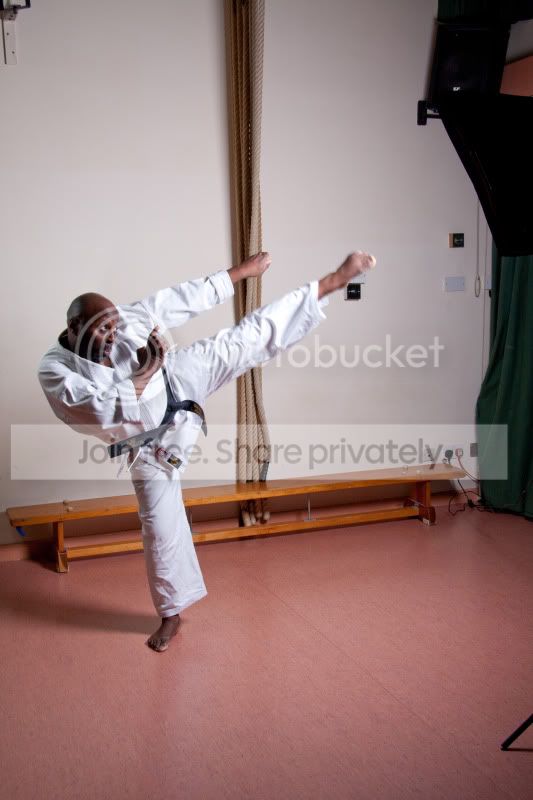
Did a few shots for a friend of mine the other week, he is a karate instructor, I took my small background and got some nice single standing shots of him, but couldn't get any of the movement shots on the background. So we decided to carry on and as its in a school it's not very much dojo looking. There wasnt any where either that was a clear wall, so they are all very cluttered, I would love some help on how to unclutter or tidy up the background of the images to make them more suitable for the website.

Thanks
IMG_9207-1.jpg


IMG_9228-1.jpg
 
first shot move the bench and hanging ropes, nice clean BG :thumbs: and you should get some nice reflections on the floor as well, if you shoot from the same height and angle of the 2nd :thumbs:
 
Last edited:
I'll try that next time, but is there anything I can do with these?

That wall isn't as good as it may look, if you see in the top left there is a bracket on the wall. Basically there is stuff all over the walls lol. Damn schools.
 
I'll try that next time, but is there anything I can do with these?

That wall isn't as good as it may look, if you see in the top left there is a bracket on the wall. Basically there is stuff all over the walls lol. Damn schools.

If you shoot the same height (low down) and angle of the 2nd shot for the shots the brackets wont be in shot and if theres the odd light switch/plug socket just clone them out or crop, the first shot is near enough only using the same space as the 2nd, and the wall in the first shot plenty of clear wall, its just a matter of framing and clearing the clutter
 
Last edited:
I'll try that next time, but is there anything I can do with these?

Erm...yeah. Careful and patient cloning if you want to keep the same setting! You could also extract the man and plonk him on some other background - probably the easier of the two options.
 
First one is quite easy. Just some Content Aware Fill and cloning stamp:

c8076d23.jpg


This one is a bit trickier. I cut out the figures with the Quick Selection tool, painted over the cluttery bits with Clone Stamp, then put the figures back. And I see I've missed a couple of bits by the ear and elbow of the kicker - hope he doesn't get upset...

The wall looks `dead`, and the bottom line is wrong, though nothing that can't be fixed. As ever, bigger files and more time would make a big difference. But, as Dave said, best to clear your background before shooting. A wider aperture and moving them away from the wall would help as well.

Both edits done on Elements 9.


35900f4a.jpg
 
Last edited:
Cheers thanks for that I'll have to have a go at doing that.
 
Just getting time to go through these again.

When cloning the background out do you use the picker tool to pick the colour and then paint it or do you guys use the clone tool? As when using the clone tool I end up reclining over things and its a huge mess.

That last one by scottthehat looks awesome i'd love to be able to do something that good! The background and floor look like they should be like that, well at least to me!
 
Anyone able to help?
 
Back
Top