smoke photography

minnnt

Suspended / Banned
Messages
18,233
Name
David
Edit My Images
Yes
Hi all. I have an urge to try some smoke photography, but... (You knew that was coming right? Lol) I only have one speed light which can be used as a slave so I could trigger it to flash but not sure it would work correctly? I guess I could use the on camera flash (pop up) with some kind of home made cardboard diffuser to direct it perhaps? Is this just going to be an epic fail or would it stand a chance of working OK ish?

How would you go about it if there is a better way?

Muchos Gracias!
 
I tried this a while ago. I positioned a flash a couple of feet to the right of a smoking incense stick. Made a crude barn door for the flash to direct the light toward the smoke and avoid spill onto the black background.

The main issue is lighting the smoke so that your camera can focus on it. To get round it I lit the smoke separately from the right with a torch

The only issue you might have is that you don't really want to be lighting the smoke from the front so you may run into difficulty using the on camera flash to trigger the slave.

Still well worth messing around with. Have a look at Gavin Hoey's Smoke Photography tutorial on YouTube. Out of all the ones I watched his was the most straight forward.

Here's what I ended up with btw (after a lot of faffing in PP)


Warm Smoke by Danny Birrell, on Flickr
 
Hi Danny, thanks for the reply. My plan was to cover the pop up flash with some cardboard and direct it to the flash off camera at the side of the table. Hmmm... Need to have a go now.

Your image is fantastic and exactly the thing I am after creating!
 
Yeah that sounds like a plan.

The main thing is directing the light accurately and tightly and limiting the spill. It's good fun though. I took hundreds of shots and came away with a few keepers.

Good thing about the Gavin Hoey tutorial is he talks you through the post processing too. I'd link it but I'm on my phone and wouldn't even know where to start with that :)

Have fun mate. Look forward to seeing the results!
 
Gawd, what a load of fannying about in that vid...

Just use a hot light and scrim, or some baffles to shape the light, then at least you can see exactly what you're getting in real time.

You don't need to faf with flash, flash sync, wireless triggers an all that crap
 
Hi all. I have an urge to try some smoke photography, but... (You knew that was coming right? Lol) I only have one speed light which can be used as a slave so I could trigger it to flash but not sure it would work correctly? I guess I could use the on camera flash (pop up) with some kind of home made cardboard diffuser to direct it perhaps? Is this just going to be an epic fail or would it stand a chance of working OK ish?

How would you go about it if there is a better way?

Muchos Gracias!
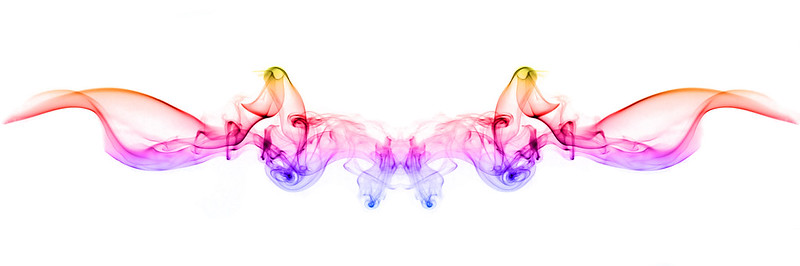
Did exactly that the other day. Forgot my radio triggers so tore a hole in a toilet roll, popped that over the pop-up flash so no forward spill and triggered the Yongnuo.

Added a flag made from black wrap to prevent background spill, et voilla.

To focus, as I was at f/13, I just focussed on the glowing tip re-framed.
 
Top tip.
An A4 piece of black card wraps round the average flash gun head with enough of an over lap to tape it together - voila a snoot for your flash and you will never suffer stray light ever again.
That was my technique for my smoke images.

I used to also focus on the tip of the stick and re-compose. At f16 on a 50mm lens the aperture gives you room for minor movement when you recompose but to also allow for the smoke drifting to and fro.

My settings were always 50mm, 1/250th, F16 ISO100 (lens in manual)
Flash 90 degrees to camera with snoot fired by cheap triggers and click away

Hope some of this helps you and will look forward to seeing your results
 
Great advice mate. Just sold my 50mm prime but I will use my kit lens I think as I may not have alot of room to work with... just been and bought a black bed sheet for my background.

Now I need to figure out how to stand the flash up with no foot... :eek:
 
I used a tamron 17-50mm lens so near as damn it kit lens territory
 
Great advice mate. Just sold my 50mm prime but I will use my kit lens I think as I may not have alot of room to work with... just been and bought a black bed sheet for my background.

Now I need to figure out how to stand the flash up with no foot... :eek:

Pint glass on a box :-)
 
Ok, so... here goes...


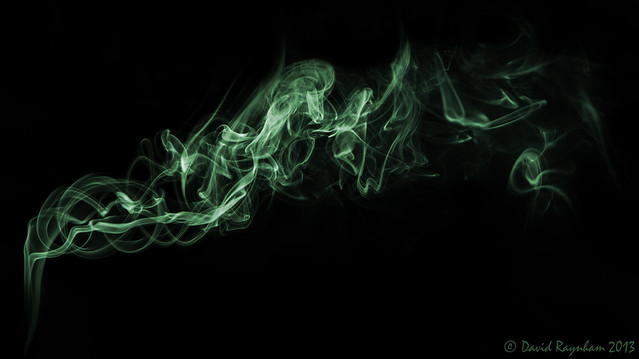
_DSC7394-Edit
by David Raynham, on Flickr


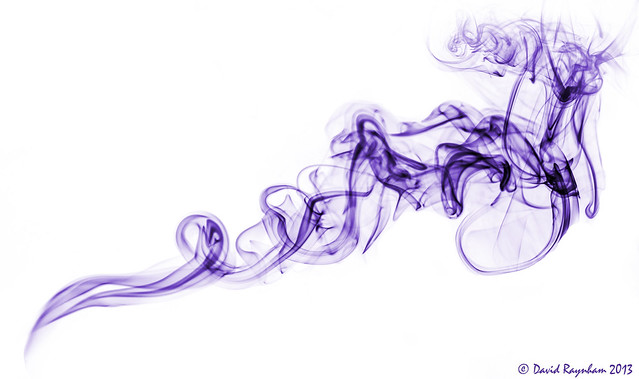
_DSC7395-Edit
by David Raynham, on Flickr

Quite enjoyable once the camera and lighting was set up. Still alot of technique to improve but for the main it was ok. The black sheet was a nightmare to get smooth, and i still didn't manage it fully but i just edited any blemishes out. I need to look into processing the images more with regards to multi colour and mirror images etc but i was happy with the colours i have achieved. Need to get a sharper smoke trail and attempt to make it more interesting.

Any advice and critique welcome as always.

Cheers.
David.
 
Yep for a first attempt you have nailed all the critical components to the shot and even figured out the colour changing/inverting aspect.
Well done. :clap:

Now time to try mirroring and also polishing up the shot to remove some of the unwanted stray smoke and start experimenting proper style like below. Feel free to ask any questions and hopefully I can help. As others have said, smoke photography is addictive.....very addictive as no two trails are ever the same!

Here's one of mine tidied up to make it look neat

Coloured smoke
by Stuart Pardue, on Flickr

then tidied up and mirrored to look like a cat

Siamese Cat Smoke
by Stuart Pardue, on Flickr

then just manipulated to look like other things

Lady in Red Smoke Art
by Stuart Pardue, on Flickr


Smoke Skeleton
by Stuart Pardue, on Flickr
 
:eek:

After seeing your shots i think i'll just give up now! :rolleyes:

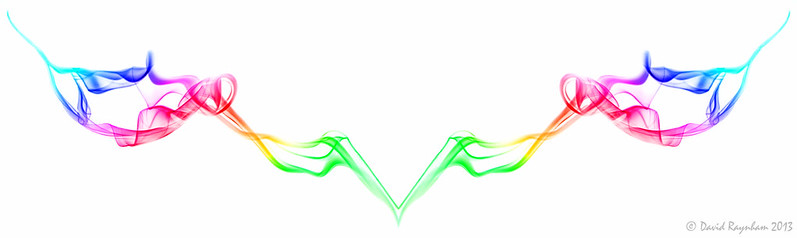
Ok, so, how do i mirror it? I've just spent half an hour trying to create an X type shape with the inverted purple image from above... How do i copy it and then flip that image and make it show? I couldn't get it to show outside the original frame. :( And then once i have done that, how do i make i mirror the two to make the bottom section? This is going to take over my life... :meh: :indifferent:
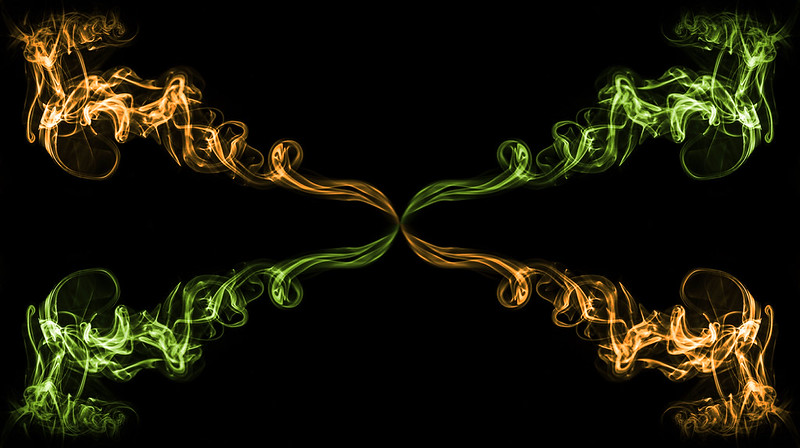
 
If my mind serves me right I think you have to create a new image which is 2 x the length and height of the original image.

You then want to duplicate the original smoke photo a further 3 times for each additional orientation you require.

You can then move the smoke photos into position on the new image you created and flip/rotate as needed.

There is probably a simpler way to do it but its a while since I last did a smoke image, but I'm sure thats how I did it.
 
Last edited by a moderator:
Hi David, I've just been digging through my old threads from when I started doing these as I posted a tutorial once heres the photoshop bit from it:

4. Photoshop

Look at the pictures you have taken and choose one that looks interesting (if smoke can be such a thing?). Alter the levels till your happy the background is black and the smoke trail is clear then layers>flatten. Use the snap and the ruler (view>snap/ view>rulers. depending which way you want to mirror you picture drag the ruler exactly to the centre of you image. Create a duplicate layer then edit>tranform>flip horizontal/vertical depending which way your mirroring the image. Select the rectangular marquee tool and select the half of the image that requires removing then hit delete then CTRL+H to remove the guideline. You should now have a mirrored smoke trail flatten the image. The last thing to do is us the gradient fill tool foreground to transparent, select radial 40% opacity and overlay as the blending mode choose any colour you want and fill over the areas you want to colour in.

If you just want to colour the standard smoke trails just use the overlay technique above

Keep it up, it's great when faces start to appear!!!
 
Back
Top