Sharpness, help needed

Marc.W

Suspended / Banned
Messages
254
Name
Marc
Edit My Images
Yes
Hi Guys, Just joined, in need of some enlightenment

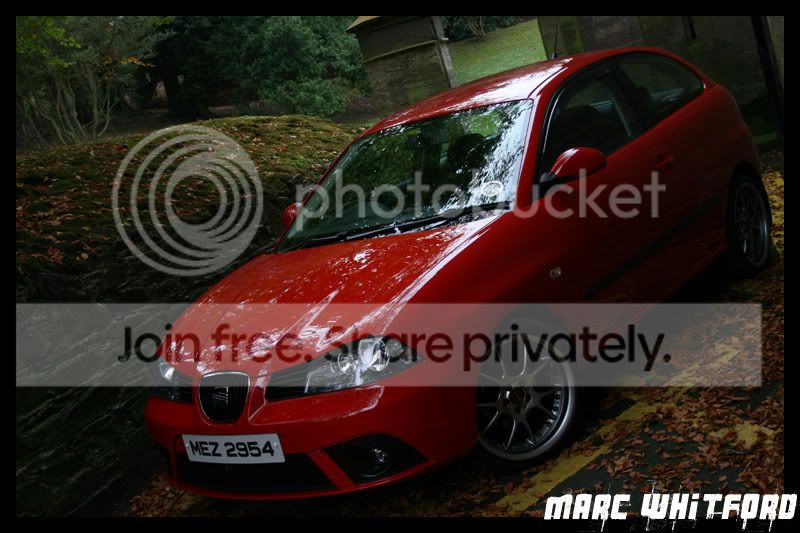
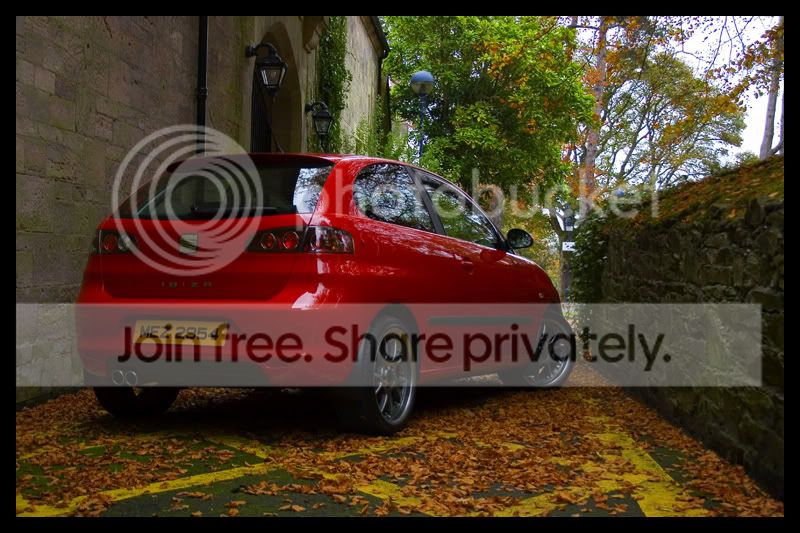
It could just be me and my settings, but in some lighting my pictures just dont seem to come out very sharp, here is an Example, this first picture, I Havent got a clue what setting Im using here but comes (To my eyes) out quite clear
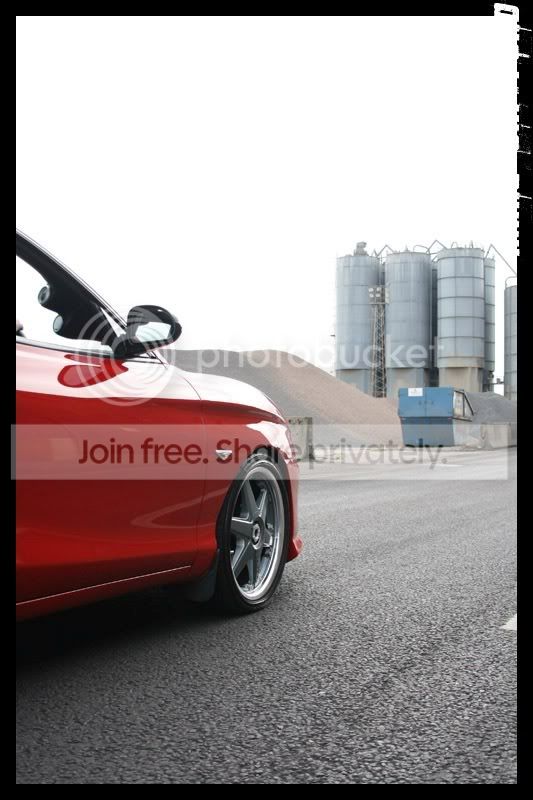
2007_08250009.jpg


I took this pic yesterday, Shutter Priority on 1/40
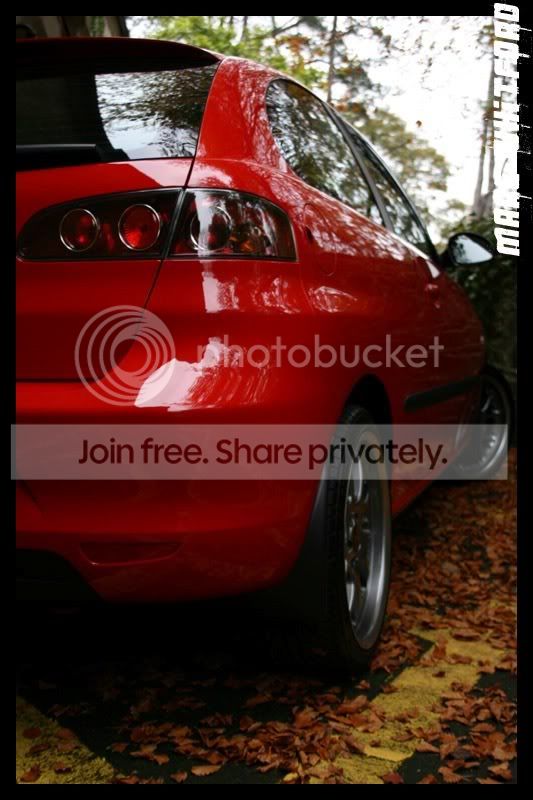
IMG_6738.jpg


Im not really a fan of "Altering" my Pictures in photoshop, as I see it as slightly cheating, so Is it me, or the camera? or should I have just used a Tripod for the Latter photo while being on quite a Low Shutter Speed
 
You don't say what lens/focal length you were using but in general 1/40th is bordering on too slow for handheld so yes, next time use a tripod or choose a faster shutter speed.

Rough rule of thumb, the shutterspeed should be at least equal to the focal length of the lens like this - 300mm lens = 1/300th shutter, 50mm lens = 1/50th shuutter
 
The first comment is that looking at the exif data, you have used F5 and F4 respectively, so relatively shallow DoF results from those fairly large apertures, which will result in some of the softness you mention. Both look to me like they have a focal area that is sharp, but particularly in the seconf shot, the DoF just isnt enough if you wanted sharpness all the way through. Using a tripod wil enable you to stop down the aperture and use slower shutter speeds where the lighting demands it.

There is no 'embarrassment' in using editing software to sharpen things, but by using better settings to begin with, you will have less to do if you really dont like doing it. ;)

FWIW, I think the first one is about right, I dont think having the background totally sharp would work.
 
Hi,
I think a tripod might have helped in no2, this also depends at what focal length you were shooting at.general rule of thumb the shutter speed has to be higher than your focal length i.e 1/300ths of a second or faster if using a 300mm lens or 1/125th of a second if using a 100mm lens. What camera are you using and what settings? I presume that you are shooting jpeg due to your comment about photoshop.
All I would say about photoshop is that it is no different to printing your own negatives in a darkroom, very few hand printed prints are not manipulated in some way be it a bit of dodging and burning, in black and white choosing the grade of paper that you print it on and so on, do not look at it as cheating, I sharpen all of my shots in photoshop as they are always a bit soft out of the camera plus I prefer having the control myself rather than letting the camera decide how much is needed, plus I always shoot RAW and not Jpeg for ultimate control over my final image. Do I see it as cheating, no I do not, I see it as having the same control that I had when I developed and printed my own negatives.
 
Many thanks, Will take into account all that has been said, might take this saturday off and just Fill my memory card and play about with everything on the camera :)

*Edit*
Davec, Im using a Canon EOS 400D and really couldnt tell you what settings im using, even if you payed me, AFAIK both of those photo's were taken in RAW and then Converted to JPEG
 
blimey Steep, I was typing while you were posting.:lol:
 
Im not really a fan of "Altering" my Pictures in photoshop, as I see it as slightly cheating, so Is it me, or the camera? or should I have just used a Tripod for the Latter photo while being on quite a Low Shutter Speed

You've got the wrong end of the stick there completely Marc. The best way to deal with sharpening is to disable it completely in the camera and use your own good judgement to sharpen in editing. Photo editing is just as valid to the final production of your digital image as developing and printing was with film.

Shooting RAW format gives you by far the best control over the final outcome of your images. Getting as accurately focused and sharp an image as you can in the camera is the best start you can get in producing a razor sharp image, but you do need to hone the sharpness in processing. A good solid tripod wil be an enormous advantage in producing sharp shots. You don't see weedy little pros lugging zonking great tripods about for their health. ;)

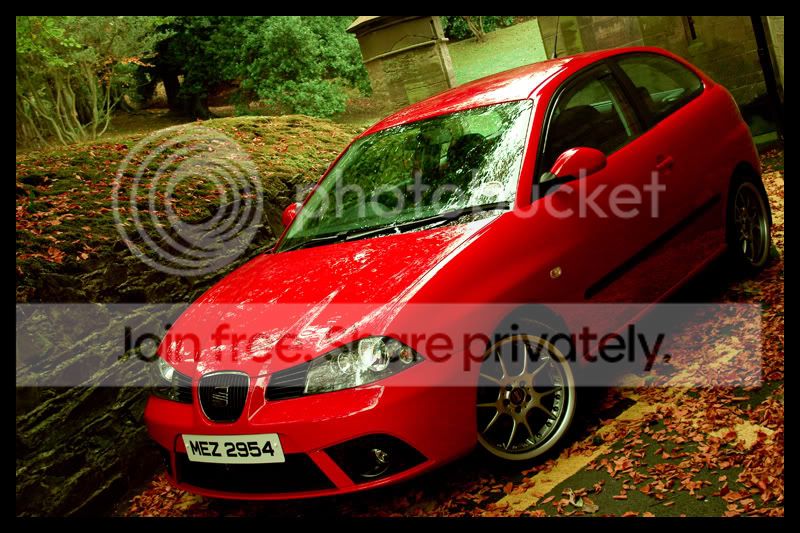
I did some image cheating on your shot . :D

Marc.jpg


Those are nice shots with excellent colour saturation but if they aint sharp why bother forking out all that money for glass? ;)
 
You've got the wrong end of the stick there completely Marc. The best way to deal with sharpening is to disable it completely in the camera and use your own good judgement to sharpen in editing. Photo editing is just as valid to the final production of your digital image as developing and printing was with film.

Shooting RAW format gives you by far the best control over the final outcome of your images. Getting as accurately focused and sharp an image as you can in the camera is the best start you can get in producing a razor sharp image, but you do need to hone the sharpness in processing. A good solid tripod wil be an enormous advantage in producing sharp shots. You don't see weedy little pros lugging zonking great tripods about for their health. ;)

I did some image cheating on your shot . :D

Marc.jpg


Those are nice shots with excellent colour saturation but if they aint sharp why bother forking out all that money for glass? ;)

I See where your coming from! Suppose I could give it a whirl after my Photo-Orgy on Saturday :thumbs:


*EDIT*
Just noticed what you did with the pics, You make it look good :D, I have used photoshop quite alot in my Young Years, but I Dare say I barely scratched the surface of photoshop, any tips?
 
CT, I Hate you, you have totally Changed my mind About Photo Editing........Just.......WOW!

IMG_6757.jpg

IMG_6757_1.jpg
 
All I did to your pic was sharpen it.

If you've used Photoshop (or any editing package ) before then you'll be off to a flying start, but it's a long uphill climb to really master the editing and it's a journey you'll never quite finish anyway. The best advice is get into a package and stick with it - you'll learn the most by just experimenting, but if you have any specific queries you'll find no shortage of help here. :thumbs:
 
Look what you did to the colour balance now though Grasshopper. :nono:

Marc2.jpg


Rome in a day and all that. :)
 
As this thread is about image editing and not critique of the image I've moved it :)
 
Was a bit OTT if im Honest :P

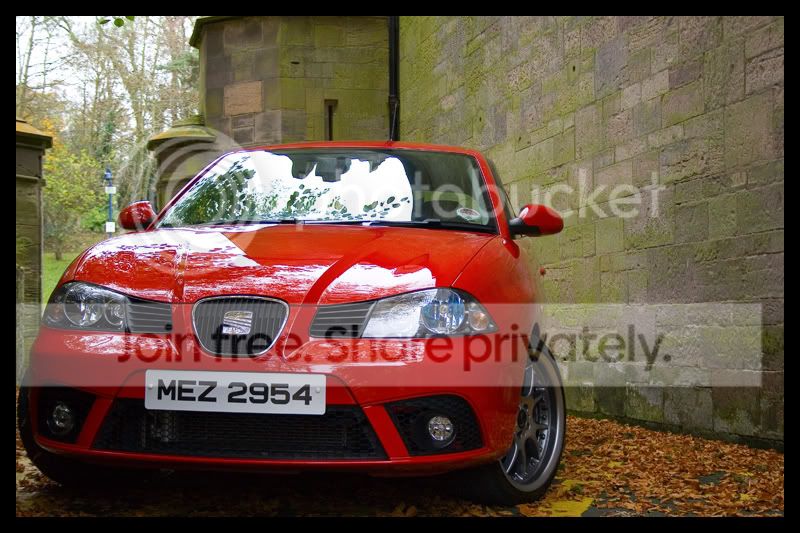
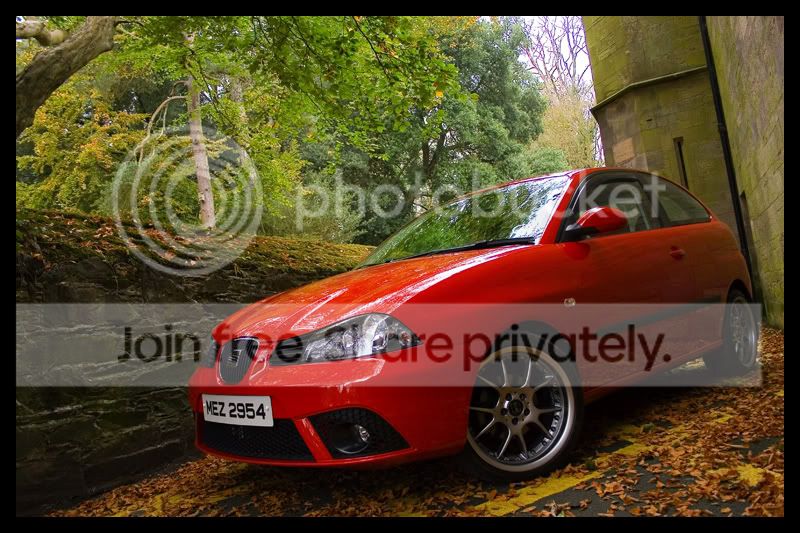
been playing about a bit with different pics

IMG_6748_1.jpg

IMG_6745_1.jpg

IMG_6736_1.jpg
 
Pretty massive improvement there Kemo Sabe. :thumbs:
 
:agree: Nicely done on the edits there Marc - good post processing can make a massive amount of difference to a decent image :thumbs:
 
Back
Top