Share your Lightroom Presets

mattyh

Suspended / Banned
Messages
7,021
Name
Matt
Edit My Images
Yes
Following on from the Photoshop actions thread.. Post your Lightroom presets here for others to use.

Instructions for installing Lightroom presets can be found here, if you're not sure how to do it.

I'll start the ball rolling with one called Golden Hour

http://www.vibrancephoto.co.uk/TP/uploads/Golden Hour.zip

Which gives this red kind of effect

golden-hour.jpg
 
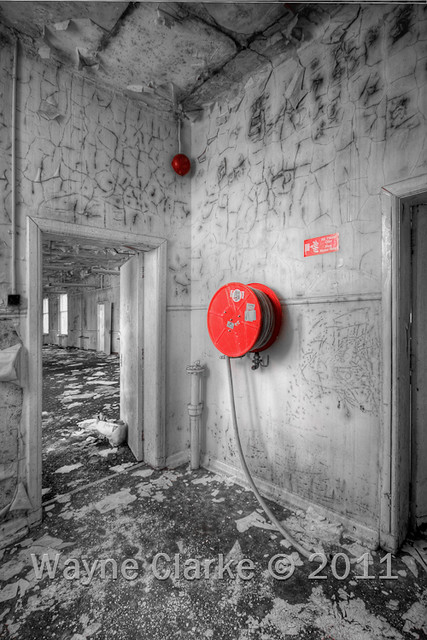
Oh dear I have a ton of these. Probably my favorite is called saturation zero, it just make the image black and white, but it does it by taking all the individual saturation sliders to zero not the global saturation, then by moving one or other slider back up you get selective colour (yes I know theres people shuddering out there but some brides like it) you can also make variations on it by having all the slider at 50% or whatever for muted colour.

5656666649_1e03a3f89b_z.jpg
 
mattyh said:
Following on from the Photoshop actions thread.. Post your Lightroom presets here for others to use.


OK here is a nice warm tone black and white, I think I originally got these settings or similar from Neil van Niekerk's Tangents blog. You can obviously play with basic settings, the camera calibration and split tone settings are the important ones.


warmtonebandw.jpg


And an example.


dsc5902f.jpg


dsc59022.jpg


ooops just noticed I didn't water mark the images, oh well they are tiny.
 
Last edited:
Back
Top