Sequence Shots

mark145

Suspended / Banned
Messages
27
Name
Mark
Edit My Images
Yes
I really should post more on this forum, I just don't think my shots are worthy:(. So instead I choose to post when I need the help.

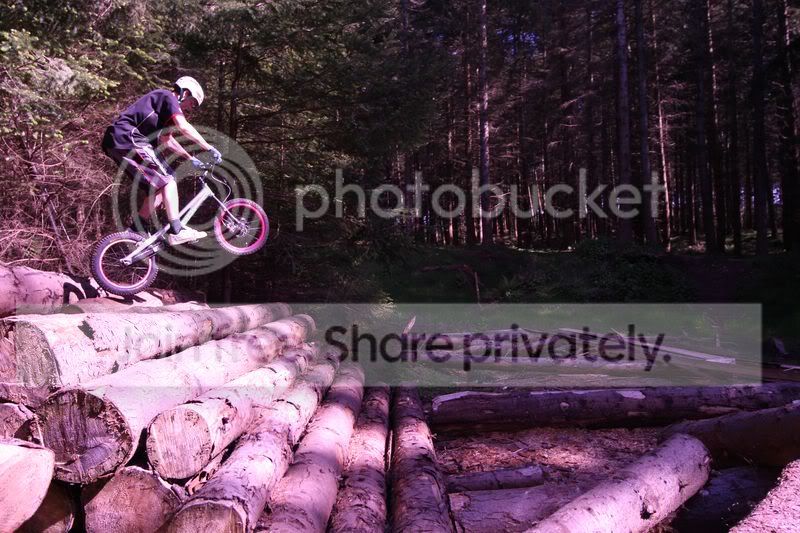
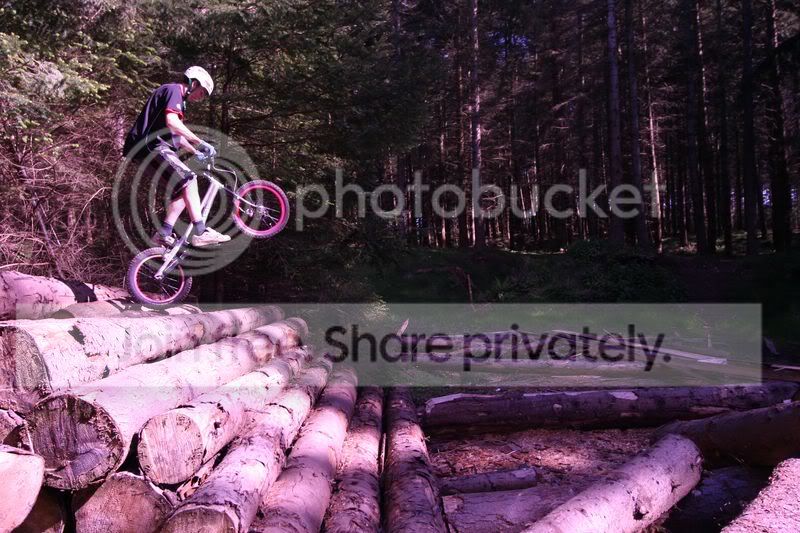
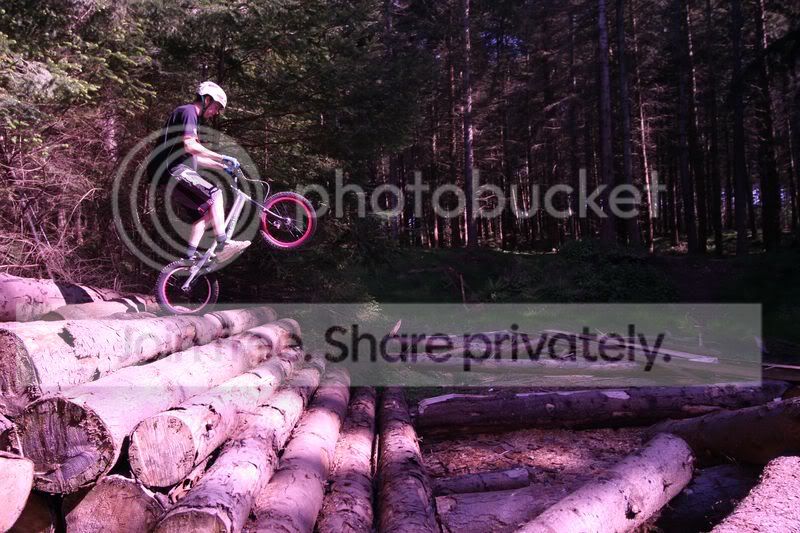
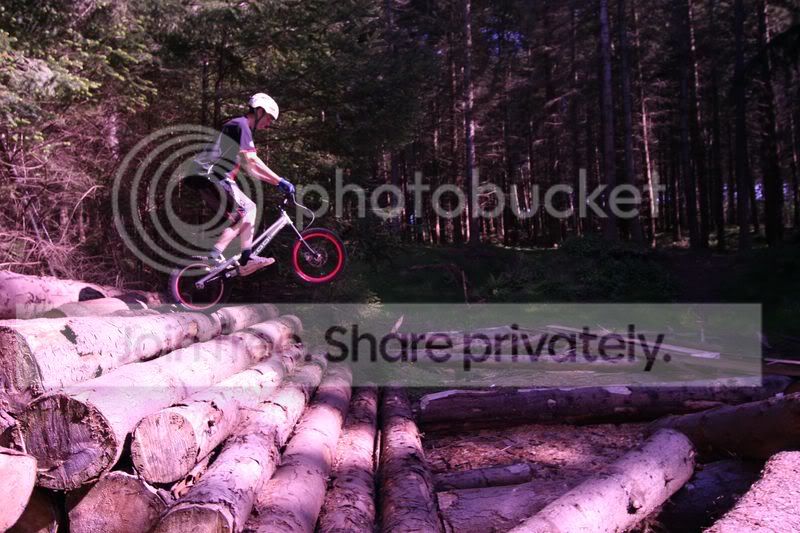
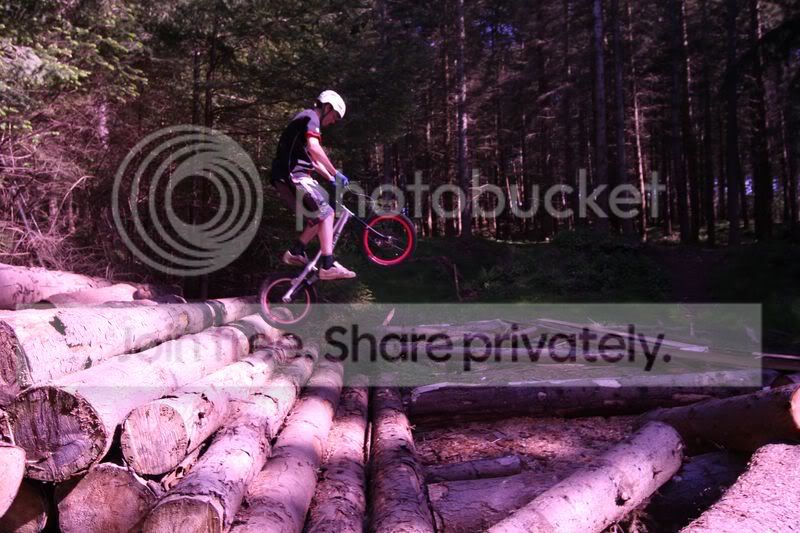
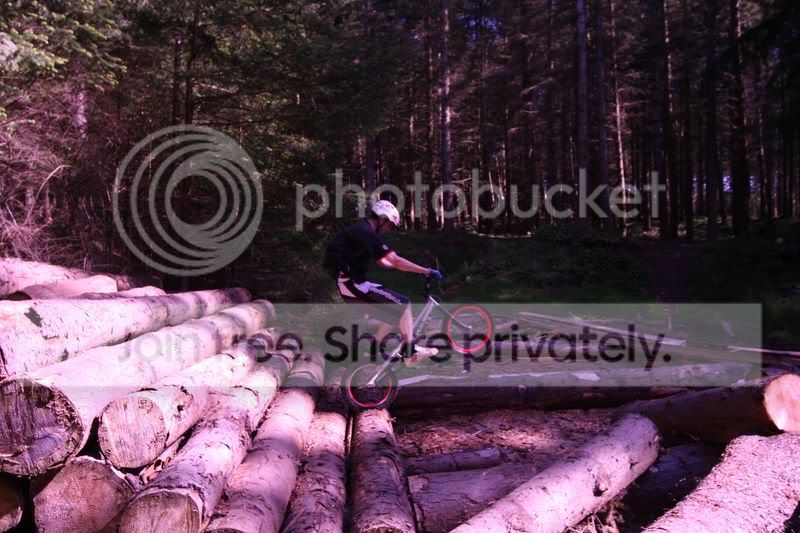
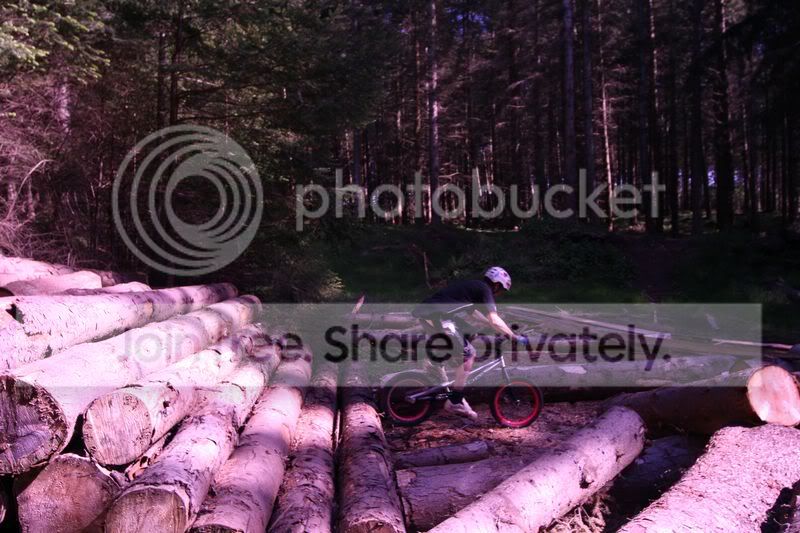
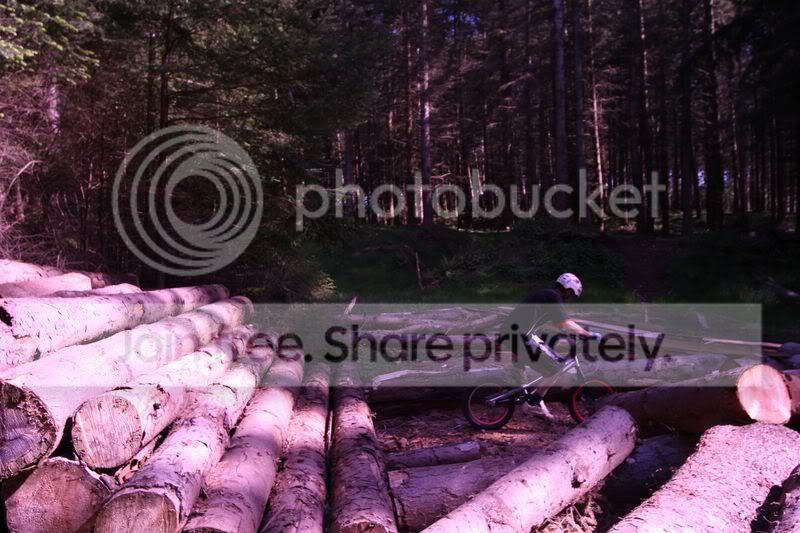
Now I have 9 shots here, that I have taken of a friend, now I know they aren't very good as basic shots, but the "friend" really likes them and would like a sequence shot and I have tried to sequence them in photo shop but my skills aren't really up, so at first I thought that google could help but it didn't so I thought the TP photo shop gurus might be able to help.

Also I have not edited these at all, they are completely "straight from camera"

Here are said photos :
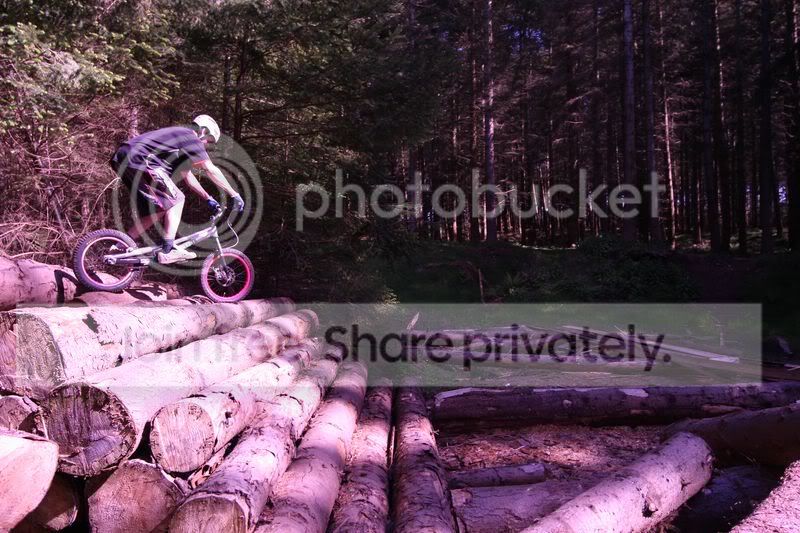
IMG_2786800x600.jpg


IMG_2787800x600.jpg


IMG_2788800x600.jpg


IMG_2789800x600.jpg


IMG_2790800x600.jpg


IMG_2791800x600.jpg


IMG_2792800x600.jpg


IMG_2793800x600.jpg


IMG_2794800x600.jpg
 
Hi Mark

I made a sequence image from 6 of your photos, is that what your friend wanted? what do you think? Click image for larger version

Original photos By mark145


Dave
 
have to say the colour balance looks a bit off to my jaded eyes - sorry
 
indeed - the originals I meant - wasn't having a pop @ u (or OP)!
 
Now see I knew the guys here at TP could solve ALL my problems, I have been editing these photos since I arrived home at 3:20 :O. And let me guess you managed that in 5mins tops?

Could you explain as to how you did that?

Was it easy or is it a painstakingly hard process.

And yes the color is completely wrong :-s I will have to change it on the original files me thinks.
 
Oh sorry, yes that is exactly what my friend wanted, and I think that is exceptional work.

Thank You Very Much
 
The method is pretty straightforward. You open all the images and then copy paste them all onto one as separate layers. Then using the eraser or a mask layer you remove the parts from all the layers that you don't want, ie everything except the bike & rider.

If it helps imagine each layer is like a piece of glass that's been painted that you're removing so you can see the piece behind it.
 
Hi Mark

Pleased you and your friend are pleased with my edit,

As pxl8 says its pretty straightforward, firstly I loaded the 6 photos in a stack, in CS3, File, Scripts, load Files into Stack, browse to files, make sure the options, Create Smart Object after Loading layers, and Attempt to align Source images are UN-Checked,

Once loaded check the sequence, to make sure their in the right order,first image would be the bike at the top and last on both wheels at the bottom.

Start with your base layer and un-check all the other layers except from the one you working on, and the ones below, eg if your on layer 3, 1, 2and 3 will be visible 4,5,6 are hidden, I always lower the opacity of the layer I am working on, so you can see easily what needs erasing, then either, erase the parts you don't want, or as pxl8 says and i prefer, to use layer masks, don't forget to re do the opacity of the layers as you go

Hope that make sense

Dave
 
Back
Top