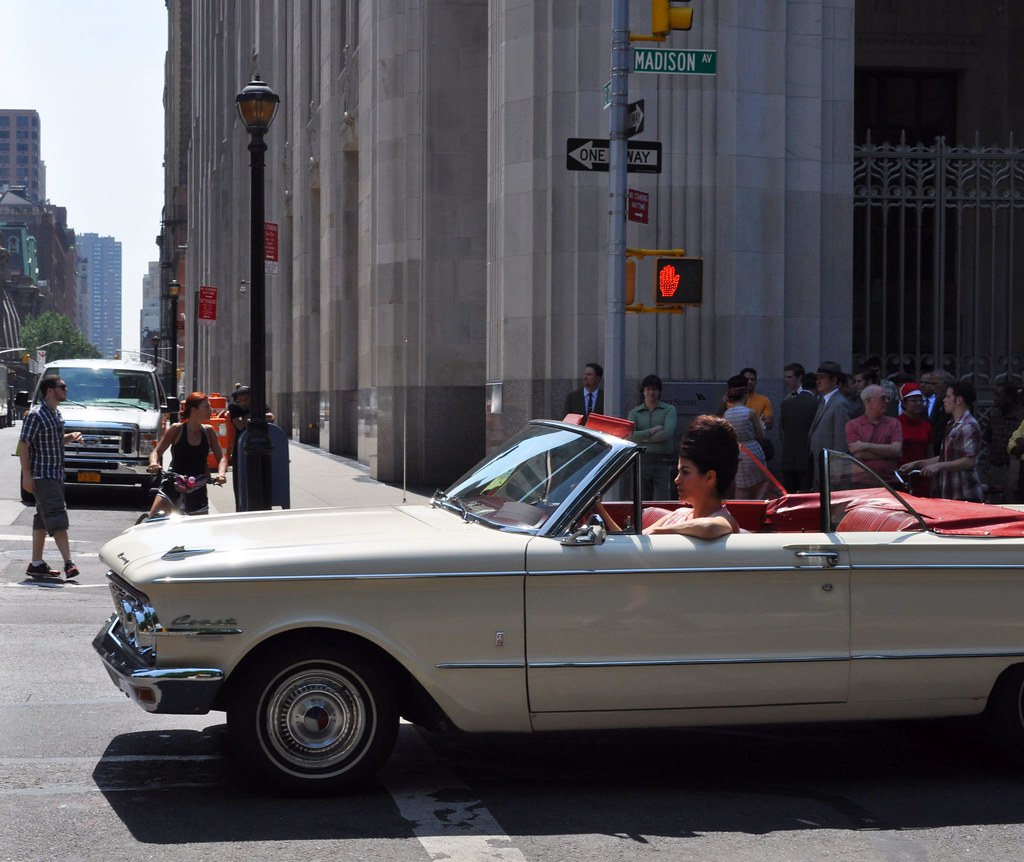
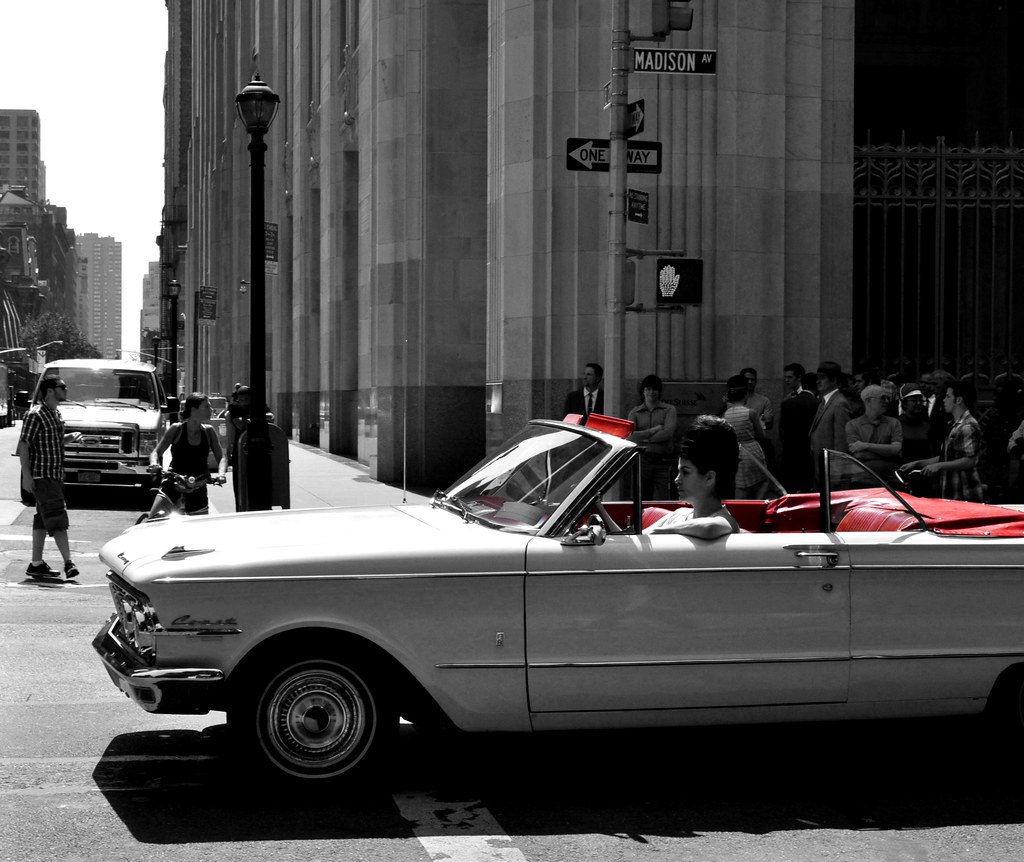
Selective Colour in Irfranview....

Basically you can't. You'll need an editing programme that can deal with layers, or a simulated equivalent.

In the free-to-use software dept Gimp might be able to, but I've never used it.
 
you can do this in Gimp but its a pain
But you can do it in Irfan view
go to Image
effects
effects browser
and try out
green eye reduction
yellow eye reduction
and red eye reduction
each of these can reduce the appropriate colors

then you can select areas that have colours you want to get rid of and reduce saturation.

I have done it on your pic and it took a few minutes
BUT
the contrast then needs upping a bit

I can show you how to do this
 
Last edited:
Hmm them effects just make it strange not black & white :confused:
 
bit of odd washout on the red leather at the back where it is white from the reflcted sun but a bit more playing around would get over that.
However
Honestly
well it looks better in black and white than selective
Have you seen my selective in the flickr daily thread
 
As you have GIMP, Google for "Selective colouring with GIMP".

As there is only a small area you want in colour and it is fairly clearly defined it should not take long to do.

Dave
 
GIMP is easy

Duplicate the Background layer
Desaturate the Background copy layer
Right Click the Background copy layer and Add Alpha Channel (if needed)
Eraser Tool and erase on the desaturated copy layer, the colour layer (background) will show through.


Andy
 
Here is the edit (I see you have an 'x' Edit properties) so I'll remove/delete this just say the word. Took about 10mins to do, following the instruction above.

missmoo_sc.jpg
 
Here is the edit (I see you have an 'x' Edit properties) so I'll remove/delete this just say the word. Took about 10mins to do, following the instruction above.

missmoo_sc.jpg


:lol: Snap... thank you for your help :)
 
Back
Top