

kjevans
Suspended / Banned
- Messages
- 362
- Name
- K
- Edit My Images
- No
Hi,
I just got the OnOne Plug-in Suite and am really quite impressed with it so far.
Below is an example of what I achieved with just a few clicks.
The original image was taken with a point & shoot digital.
What I really like is when I added the Smart Nuetral Density filter and the clouds become instantly more defined.
As I said, this was done in about 20 seconds, there are many more options and much more care could be taken to get the required outcome.
I was just really pleased with the quick results on basic old images.
Cheers..,
I just got the OnOne Plug-in Suite and am really quite impressed with it so far.
Below is an example of what I achieved with just a few clicks.
The original image was taken with a point & shoot digital.
#1 Original image looking quite washed out.
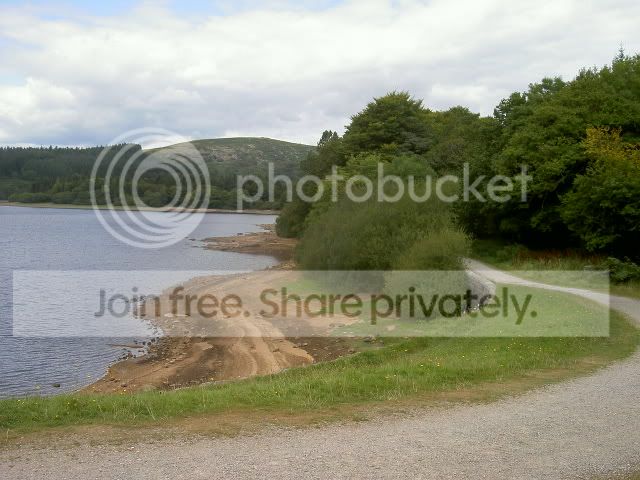
#2 1x Polarizer filter added.
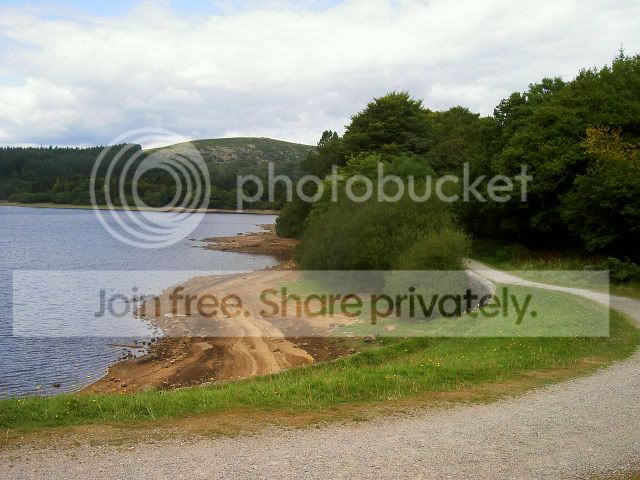
#3 2x Polarizer filter added.
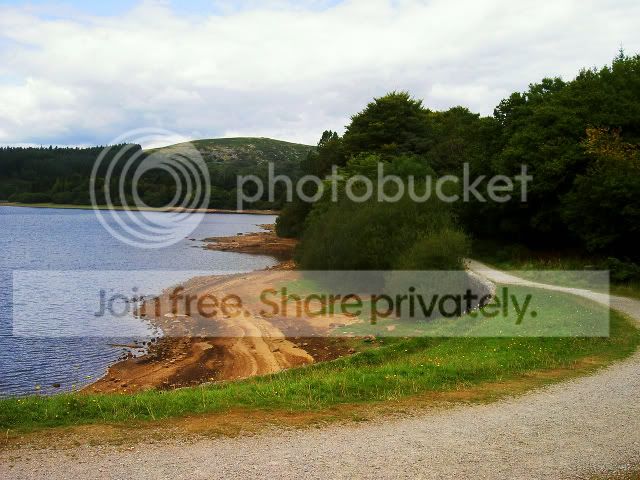
#4 2x Polarizer filter & 1x Smart Nuetral Density filter added.
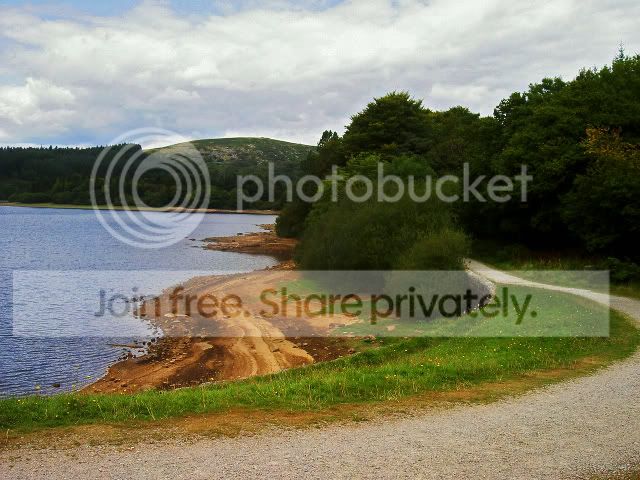
#5 2x Polarizer filter & 1x Smart Nuetral Density & 1x Velvia filter added.
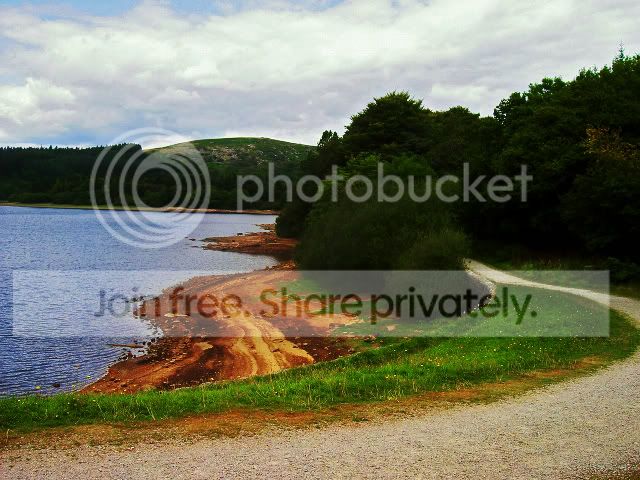
#2 1x Polarizer filter added.
#3 2x Polarizer filter added.
#4 2x Polarizer filter & 1x Smart Nuetral Density filter added.
#5 2x Polarizer filter & 1x Smart Nuetral Density & 1x Velvia filter added.
What I really like is when I added the Smart Nuetral Density filter and the clouds become instantly more defined.
As I said, this was done in about 20 seconds, there are many more options and much more care could be taken to get the required outcome.
I was just really pleased with the quick results on basic old images.
Cheers..,


