I didn't know I had a 1-woman fan club here, all I normally get is abusive emails

and there's one particular gentleman who sends PM's to people thinking about buying Lencarta lights, warning them against lencarta or me:shake:
Back to the point:
Yes, the background IN ANY KIND OF PHOTOGRAPHY is a separate subject and needs to be lit separately, and in the case of a white background it needs to be far enough away from the subject for light reflected from the subject to have no effect on the subject itself.
Now, there are ways of producing acceptable results even when the background is closer than it should be, including using the absolute minimum of light on the background, getting the background illumination absolutely even and flagging off the light to minimise the effect it has on the subject - but these workarounds require knowledge, care and skill and it's much easier just to have plenty of space.
One of my friends, who I consider to be one of the very best studio photographers in the world - certainly in the top 10 - says that 6 metres of space is needed behind the subject. He had that amount of space (and more) in his old studio, he doesn't have it now so won't do white backgrounds. I'm not sure that I entirely agree with that but I do respect his opinion.
Back to the specific question...
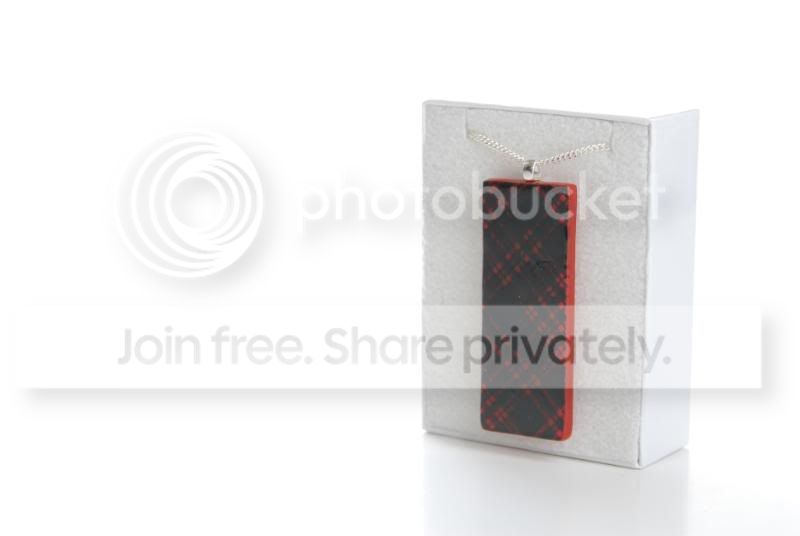
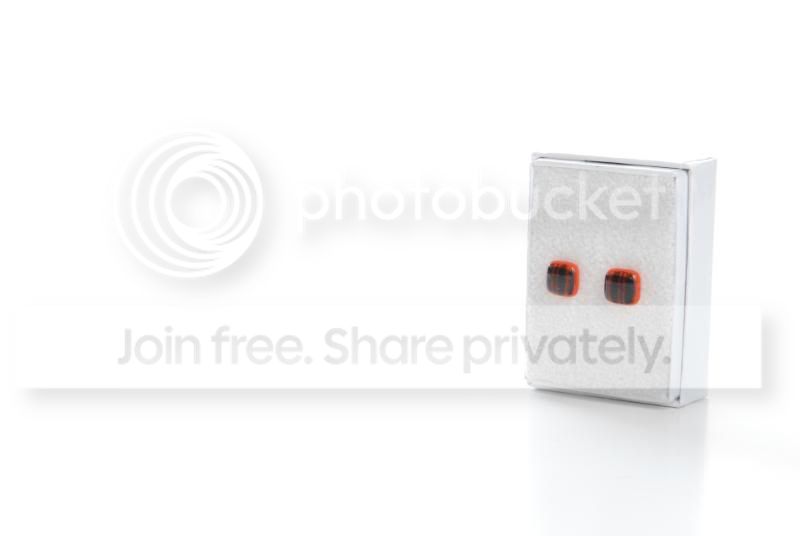
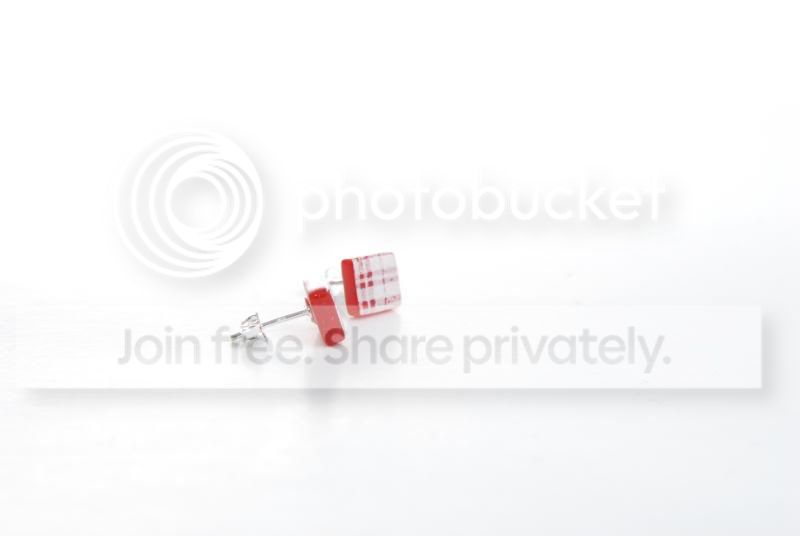
The OP has now emailed me the original files. These confirm my original thoughts, i.e. poor resolution caused by flare. He has also asked me some questions, here are the answers.
1. Light the background separately, don't rely on one light to do more than one job.
2. Yes, if you do want to backlight you will definately need a honeycomb on the light. Putting a flag on the flash will help but it will be nowhere near a complete answer. You can make up a honeycomb from black straws or similar, although it would be easier to use a studio flash.
3. Reduce the level of the backlight to the bare minimum, it's supposed to make the subject 'lift' from the background, nothing more.
4. A softbox would be a better choice than an umbrella because the lighting from a softbox is more controlled than from an umbrella and doesn't bounce around as much unwanted light, which again can create flare.
5. Make sure you use a lens hood to prevent flare/increase image contrast. I may be wrong but I believe that flare and overexposure on the sides of the boxes has created totally wrong colours on the boxes/products.
6. Do you really need to photograph these items in their boxes? The boxes are pretty ordinary and don't seem to me to add anything to the perception of quality.
7. If you really do need to show the boxes, do you really need to show the tops of the boxes? We know that they have a top and personally I don't see any need to show it. If you don't need to show it you can have the camera much lower, this will make the subjects look much more imposing. If you really do need to show the tops, then correct the perspective distortion in PS - not as good as using a large format camera, but cheaper
8. Introduce a black aborber card to create black reflections in the jewellery, especially the glass pieces. This really makes jewellery 'pop'
9. Consider using black absorber cards at the sides of the boxes, if they need to be there, to create a dark line. There's absolutely nothing wrong with having dark edges, shadows and reflections. The trick is to control them, not to avoid them.
10. Spend nearly 6 quid on my
still life lighting tutorial