Post processing help

chachu201

Suspended / Banned
Messages
40
Name
Gabriel Currie
Edit My Images
Yes
Hello all,

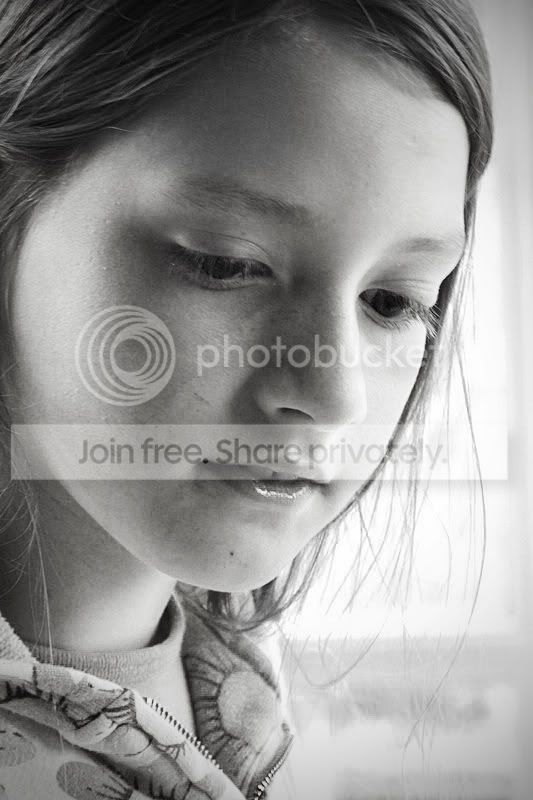
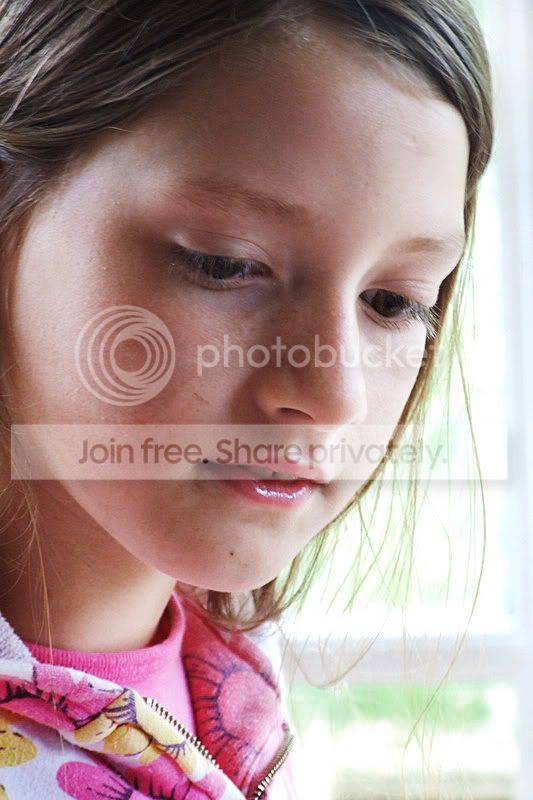
I took these shots of my younger sister this weekend, and have been playing around with them on CS3. However, I havent really been able to gain anything really good. Could anyone have a go at the edit please? :)

dscf1392ph3.jpg


dscf1393yg7.jpg


Thanks!

Gabe
 
This is what I have done - I am not much more than a beginner when it comes to processing (see my thread asking what can you do to this picture..) and I don't have photoshop...
However, with all the help I was given yesterday, it seems only fair to respond to your plea for help..!

chachu_picture.jpg
 
i tired both a mono and a colour...

try1.jpg


try2.jpg


if you wnat to know what i did: its bloomin' complicated and fiddly, but i can send you a psd if you want...
 
Quick edit from me :)
1. Curves adjustment to soften & lighten the shadowed areas of the face (making sure not to affect the highlights or skin detail here)
2. Hue/Saturation adjustment of reds & yellows to even out the skin tones after the curves adjustment (I think I've left a bit of a yellow tint to the image though but that's easily fixed with either hue/sat or colour balance :thumbs:).
3, Screen layer over the top to lighten the eyes slightly (awkward due to long eyelashes - would be easier on full size version though)
4. Sharpen (possibly a tad too much)

dscf1392ph31.jpg
 
Back
Top