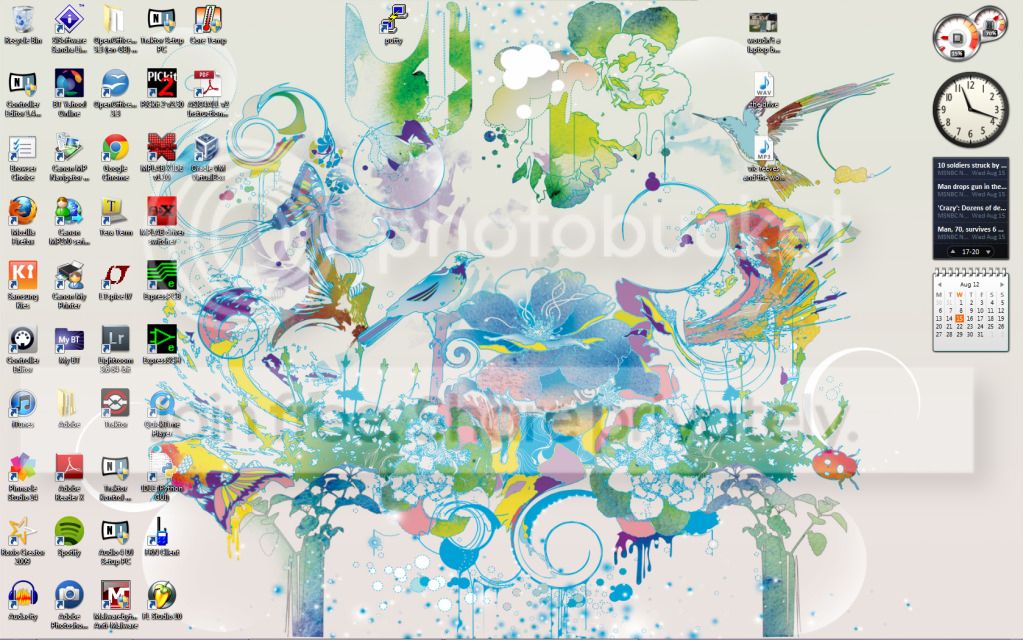
Post a screenshot of your desktop

jryans10

Suspended / Banned
Messages
546
Name
John
Edit My Images
No
Hi,

Apologies if a thread like this has already been created - but please post screenshots of your desktop so we can see what you work with!

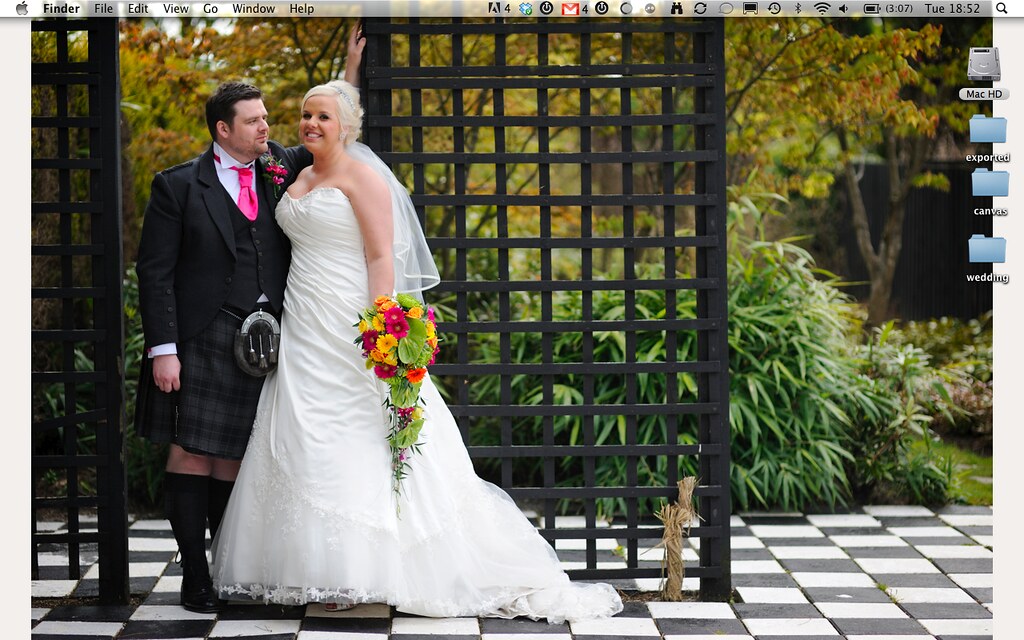
Here is mine (only just reformatted!):


Desktop by jryans10, on Flickr

Can't wait to see yours!

Thanks.
 
I hope this isn't too disappointing, but since I don't spend all day staring at the desktop and always use my apps full screen I see no point at all in cluttering it up with "stuff".

20120814_043332_000_LR.jpg
 
I hope this isn't too disappointing, but since I don't spend all day staring at the desktop and always use my apps full screen I see no point at all in cluttering it up with "stuff".
I'm pretty much the same (although I have multiple apps overlapped and open so I can get at them...).

I have an Aero theme that cycles pictures from Hubble.....
 
Desktop_Screenie.png


Still a few too many bits in my Dock :P

If i have Windows running its the exact same, No icons bar 1, and nothing in my start menu.

Simon
 
Looks like you might need a wipe for your screen. :D

:exit:
 
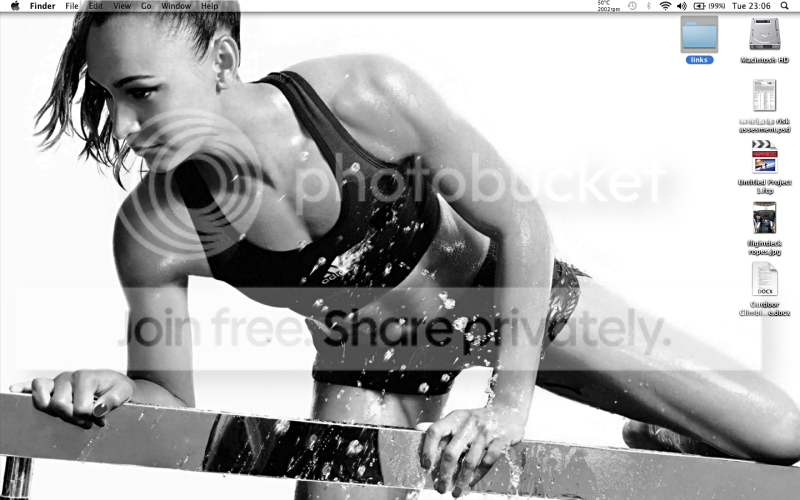
This is mine

The sidebar is courtesy of Rainmeter, need to get some more gubbins for it though

Image%202012-08-15%20at%2010.26.07%20PM.png
 
home
wallpaper201111.jpg


work
work.jpg


have "fences" on both, double click the desktop and the icons disapear (as home shot :D)

Very strange monitor size you have there Neil, seems to be 3 times wider than it is tall.:)
 
Ploddles said:
Very strange monitor size you have there Neil, seems to be 3 times wider than it is tall.:)

Duel screens :)

Work one will be even worse by the end of the week when I have my new laptop set up as it can handle triple sceens :D
 
Last edited:
Quite a shock seeing all those icons scattered about, I've always kept mine completely clear, you can have your desktop stuff pop up from the toolbar bottom right and this is far better as you don't have to close or minimise things to access something else.

With windows 7 you can also access desktop like a folder from libraries.
Most used stuff like browser and photoshop are on quick launch bottom left.
Toolbar is on autohide.
 
my work machine is particularly bad for that.. the desktop is just a dumping ground for various XML, SQL queries, PDF, XLSX etc which always are always forgotten to be moved or deleted
 
Back
Top