
Evening all,
Is there any simple way to create pop art type images from photos ? Ive been using the filter,sketch,note book adjustment in elements but im still not getting satisfactory results.
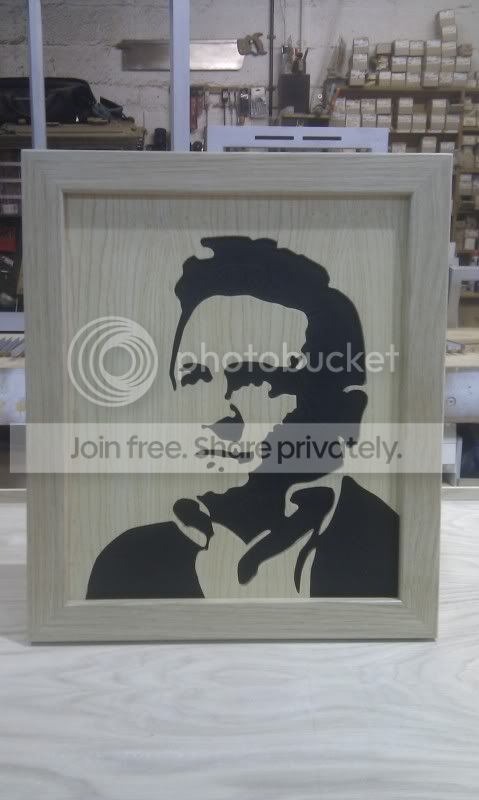
This is what im trying to achieve. I used the popart picture of Mr Cash i have, then stuck it on some wood- then cut away the black bits.
I've got quite alot of pictures i'd like to convert (cheap xmas pressies ) - just need a little guidance
  I did think a tablet/pen thingy might be good for doing this ? Im also thinking to get the desired shape i might need to fake sunshine coming from either direction
Any help with this would be greatly appreciated
Thanks
Simon
Is there any simple way to create pop art type images from photos ? Ive been using the filter,sketch,note book adjustment in elements but im still not getting satisfactory results.
This is what im trying to achieve. I used the popart picture of Mr Cash i have, then stuck it on some wood- then cut away the black bits.
I've got quite alot of pictures i'd like to convert (cheap xmas pressies
) - just need a little guidance I did think a tablet/pen thingy might be good for doing this ? Im also thinking to get the desired shape i might need to fake sunshine coming from either direction Any help with this would be greatly appreciated
Thanks
Simon


 )
)