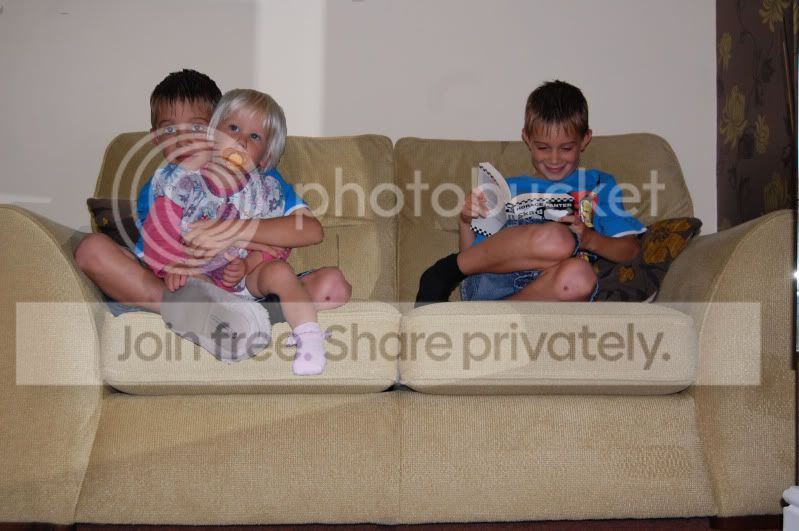
firstly put your camera on a tripod and set your shots up, preferably using a cable release or as i suppose its you a timer
take your 2 shots, its very important that the camera stays in exactly the same position between shots
open up cs5 and then open the 2 shots you want to merge
use the rectangular marque tool (should be second one down on the tool bar on the left) and select the whole picture, you should now have little flashing marks round your pic, top of the page select edit then copy when the menu bar drops down
now select the other tab that has the other pic on and again edit >paste, you should see the first pic superimposed over the that pic
now using the rubber tool (sorry eraser tool) rub over were you want the other image to come through (ie you sitting on the couch that you cant see yet and hey presto you should appear

easier to do that explain honest
all you need to do now is flatten it by selecting layer(at the top ) then when the menu bar drops down click flatten image
save it and your done
hope this helps



 ill have another go soon.