
Photoshop Question

ayjay80

Suspended / Banned
Messages
354
Name
Ashley
Edit My Images
Yes
I imagine that this is a really simple one to answer...

I have this portrait image of the Moon which I want to "Cut" out and paste into the middle of black landscape canvas, keeping the moon upright in the process.

What's the easiest way to do this?
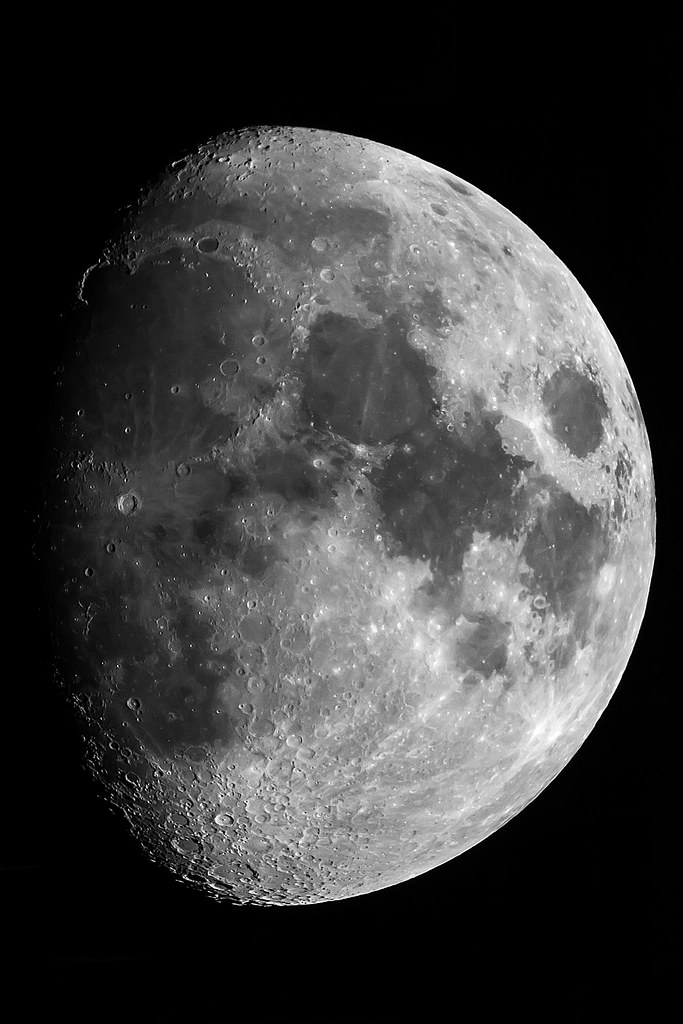
13092644594_8e72504b94_b.jpg
 
i would change the canvas size then use clone to fill in the background.
I think its ....................... Image > Canvas size
so for example if your picture is 600 x 900 pixels id change the canvas size to say 2700 x 900 pixels and then use the clone tool to fill the rest of the bckground in.
I wouldn't paste it onto a black background unless you are 100% certain your image is montone as you might get a fringe or be able to see the join otherwise.
If its definitely 100% mono then you should be fine :)

If you get stuck im happy to do it for you after work tonight and dropbox it back to you :)
 
I think the simple canvas re-sizing trick will work. I just tried it with the image posted here and there's no fringing.
Just increase size of canvas to suit, use magic wand to select the white canvas and go to Edit/Fill/ Use foreground colour.
 
Thanks both & thanks for the offer Nick...

I'll definitely be giving this a try when I get back home from work tonight.
 
The "canvas size" option is the easiest and you can set the background to colour to what ever you want.
Make it white, if you like, then the pick tool, to get the exact match on the background colour,
and use the bucket tool to flood fill.
Image (top left)then Canvas size, from the drop down menu
I started with a 600px image, then set the canvas size to 800px.
You can see the colour options below.

If you don't want it square, then just alter the appropriate height / size in the "boxes"

 
Last edited:
If it’s a resent PS,

Open in PS, pick up the crop tool, set to unconstrained, then pull the sides out, hit enter, job done.

Rhodese.
 
Beats what I was going to suggest; cut it out and stick it on as a new layer. Think the image looks great.
 
Back
Top