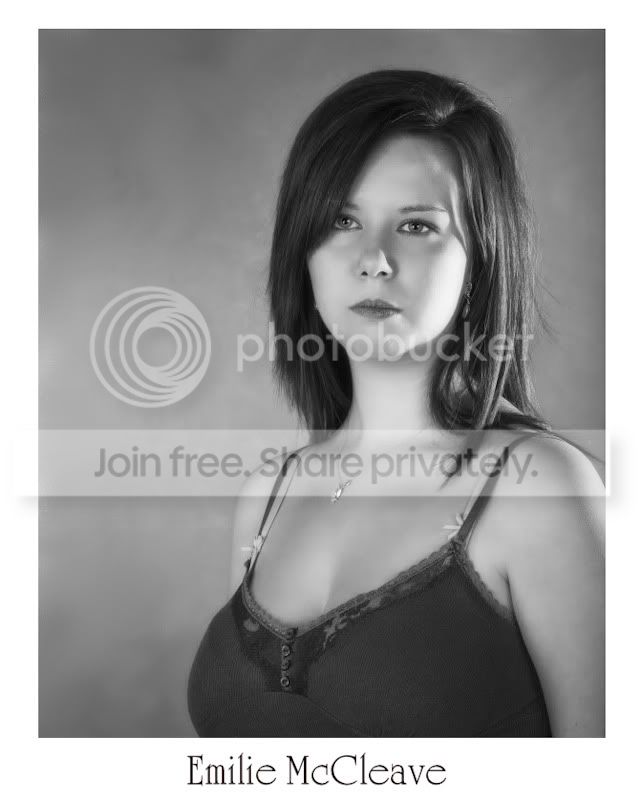
Ok, lets start this one from the top.
I have a CR2 RAW file in colour that needs to end up as a 8x10 black and white image with her name on the bottom of the frame there also needs to be a COMPLETELY white border around it. These are going to printed border less so I need to keep the aspect ratio.
The first thing I do is..........
You have a problem with the 8x10.
You will need to crop the image. When you open the the file in CS2, ACR (adobe camera raw), will open with your image. Now select the crop tool from the menu bar.
Now move the mouse over the litte black drop arrow on the crop tool button. Left click and hold the button down and a dialog box should open.
Enter your diamensions in the custom box. 8x10 (if inches are selected)
Now press enter, now you have the crop tool set at 8x10. Move the crop cursor to your image and starting from the very top left hand corner, left click, hold and drag out diagonaly to the bottom right.
It will stop when you have reached 8x10 and release. You should now have an 8x10 box over your image. You can move this around using the move tool so that everything you need is in the frame.
Click open and your image will open in CS2. Now first thing to do is check image size. Click Imag>Image size. Now in the document size dialog box make sure constrain proportions is ticked and resample image is ticked. Then enter 10 inches in the height box and 8 inches will appear in the width box. Click OK.
Now you have a perfect 8x10 image. Now with the rectangular marquee tool drag inside the image where the inner part of the white frame will be, make sure this is absolutely in the correct place. Release and you should have some dotted box, now go to Select>Inverse, then Edit>Fill and select colour, then enter 255,255,255 in the rgb boxes click OK and Voila an 8x10 image.
Long winded I know but I can't figure it out any easier because of the crop to 8x10.
Here is one I did. with the original to compare.


My head hurts because of getting a frame and an 8x10 image from the original. It is hard to do/impossible without cropping.