Photomatix Help!!

Slimbert

Suspended / Banned
Messages
6,914
Name
Damien
Edit My Images
Yes
Started using photomatix this morning (totally new to HDR) and I'm having trouble getting "that" HDR look. I had my first attempt earlier today and as soon as I'd posted it in a thread on here, I knew it wasn't as it should be.

I thought it was down to the subject so I tried again on somthing else but the result still isn't anything like what I'd call "that" HDR look.

Here's my second go:

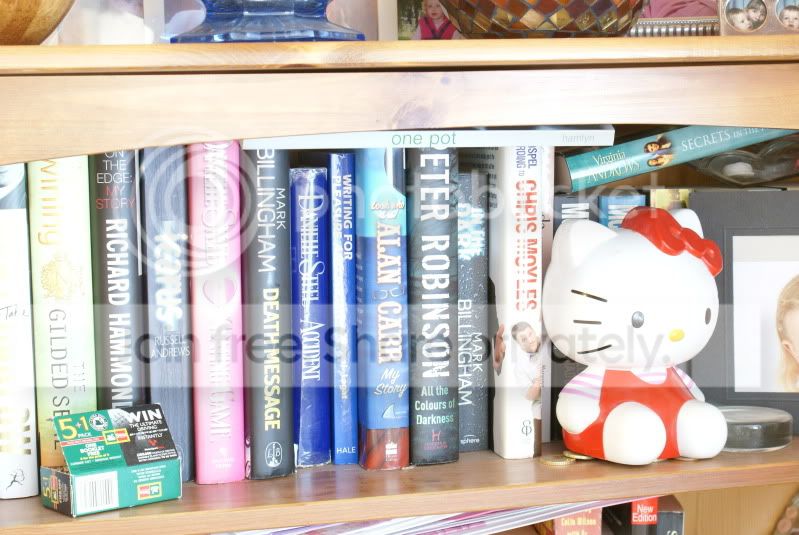
Original JPEG (only processed in camera), bang on "0"
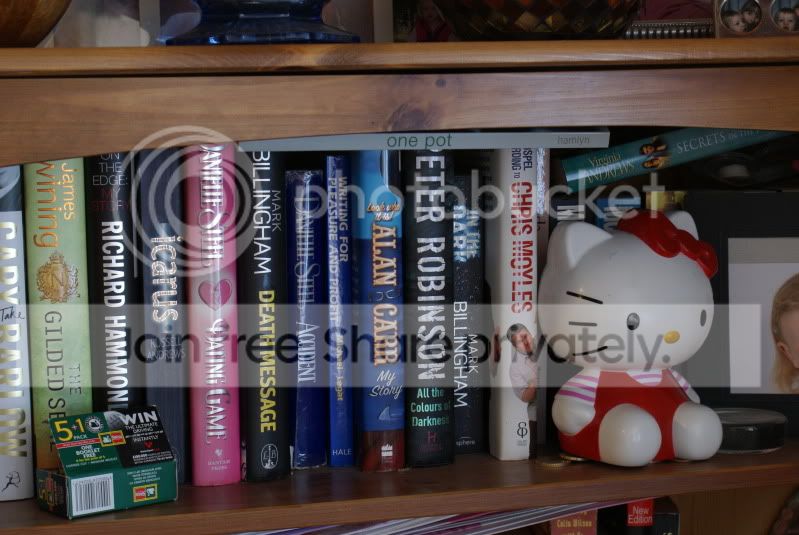
DSC04129.jpg


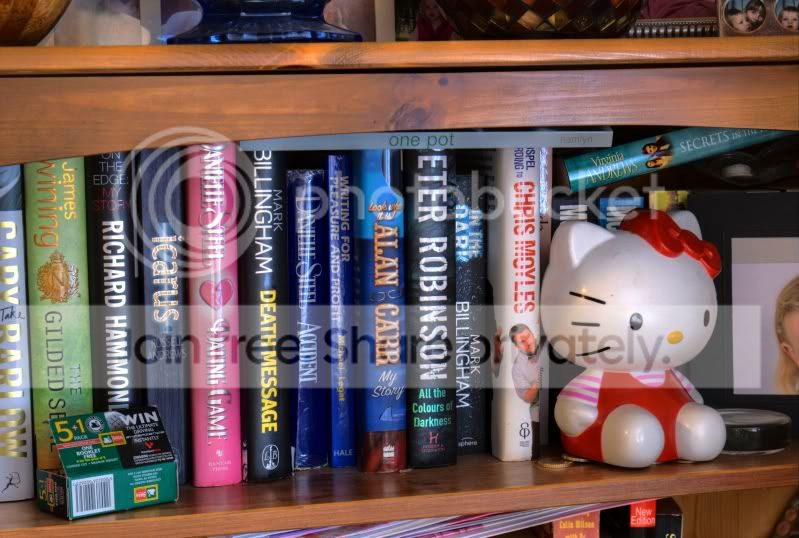
3 exposures (-3, 0, +3), done in Photomatix, nothing else done:
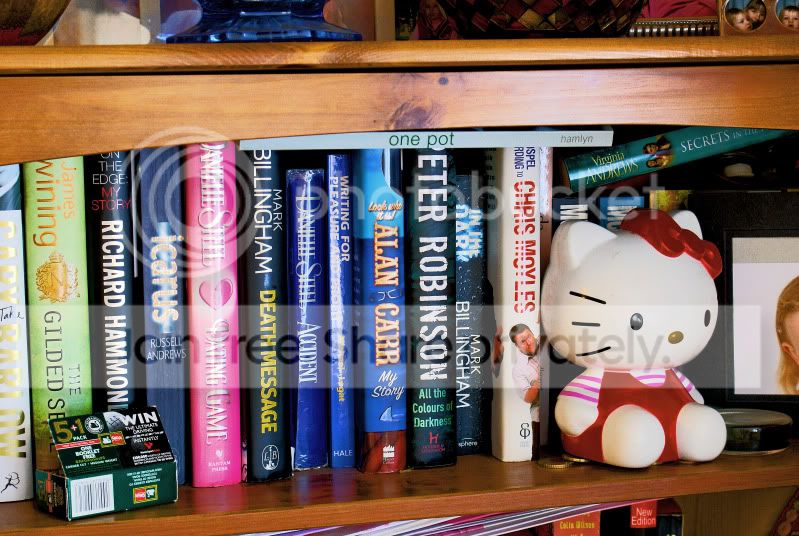
DSC04129_31_32_t.jpg


As daft as it may sound, I like the result considering it's been no where near photoshop, but it doesn't have the look I set out to get. Could it be the subject again? I thought this would be contrasty enough to practice with.......

Any tips on where I'm going wrong??:thinking:
 
Well it depends what 'look' you were aiming for in the first place? This effort would suggest a subtle balancing of levels/detail, but maybe you wnated something a little more obvious, in which case you perhaps need to go back and try again. Even on such a shot, you should be able to get something all the way from so subtle its not there to smack you in the face screaming OTT.

Have you followed any tutorials to use it btw?
 
Are you just using 1 image in JPEG format? I find to get good quality hdr you have to bracket in camera at least 2 stops either way. I normally shoot 5 shots in 1 stop steps
 
Well it depends what 'look' you were aiming for in the first place? This effort would suggest a subtle balancing of levels/detail, but maybe you wnated something a little more obvious, in which case you perhaps need to go back and try again. Even on such a shot, you should be able to get something all the way from so subtle its not there to smack you in the face screaming OTT.

Sorry, I should have put this in my first post!:bonk:

I tried plenty of different settings, dragging the sliders across both ways to alsorts of extremes and still couldn't get the HDR look I've seen loads of times before and wanted to replicate........

Hard to say what that look is without pinching someone elses work to show everyone.........

I could link to something so I'll have a scout around on here and see what I can find.

Have you followed any tutorials to use it btw?

I did follow a basic guide, but it didn't go into any detail at all or give examples of what different settings do........

I like the effect it had on the above example and I'll definitely be using it again, in fact I'm very pleased with it.

To be honest I think I'm just fishing for tips and tricks to give me a head start!!;)
 
Are you just using 1 image in JPEG format? I find to get good quality hdr you have to bracket in camera at least 2 stops either way. I normally shoot 5 shots in 1 stop steps

I'm using 3 JPEGs, each is 3 stops apart, -3, 0 and +3..........

Should that be ok? Or should I be using more than 3 images?:thinking:
 
That should be fine, sorry, was confused by your first post saying you were using that JPEG at the top

Do you want to post all 3 images up then I can see what photomatix is doing?
 
That should be fine, sorry, was confused by your first post saying you were using that JPEG at the top

Do you want to post all 3 images up then I can see what photomatix is doing?

Yep, might take a bit to upload them but I'm on it!!:thumbs:
 
Your problem is you're using jpegs, which dont contain anywhere near as much dynamic range as RAW's do.

Take your pictures in RAW format. Suggest -2, 0 and +2 ev. Thats the default level most people start with. Use detail enhancer mode, not tone mapping in Photomatix.

Also add a bright localised light source to your test photos, so you have very dark shadows and very bright areas. You should notice the final HDR version brings out detail in both extremes.
 
Your problem is you're using jpegs, which dont contain anywhere near as much dynamic range as RAW's do.

Take your pictures in RAW format. Suggest -2, 0 and +2 ev. Thats the default level most people start with. Use detail enhancer mode, not tone mapping in Photomatix.

I have the raw files, not sure why I didn't use them tbh!!:bonk::bonk::bonk:

Why should I be using Detail Enhancer over Tone Mapping??:thinking:
 
I have the raw files, not sure why I didn't use them tbh!!:bonk::bonk::bonk:

Why should I be using Detail Enhancer over Tone Mapping??:thinking:

Because tone mapping mode looks rubbish IMO :)
Photomatix should be able to handle your RAW's directly. If not, export them as 16bit TIFFs so you dont lose any of the dynamic range in them.
 
Actually, you can use jpegs and there will be enough detail, but the result tends to be more noisy than those from RAWs or tiffs.

They may have changed it in latest versions of photomatix, but my version has the tone mapping window opening and its default set in details enhancer I think.... will check later.
 
Here are the 3 JPEGs I used:

<snip>

I'm now going to have a go with the raw files..........wish me luck!!!:D

May I suggest an alternative subject. None of your images have areas that are completely over or under exposed, so you wont really get anything out of converting it to HDR.

Try something with darkness and also a bright light source at the same time.
 
I have the raw files, not sure why I didn't use them tbh!!:bonk::bonk::bonk:

Why should I be using Detail Enhancer over Tone Mapping??:thinking:

Use the RAW files and the Detail Enhancer will produce the "HDR effect" you're after.

A little tip.... if you only have 1 RAW file then use "File" and "Open" at it will create Pseudo HDR for you...
 
Having just had a play with your 3 pics it's pretty much down to the choice of subject matter, there isn't a massive tonal range in the shot anyway as the lighting is pretty flat. I'd recommend going outside and doing some quick landscapes or building shots as it'll give you a much better idea of what's possible. If you want to go for that massively overcooked hdr type image with your 3 pics then setting strength=100, colour saturation=100, luminosity -6, smoothing=far left option, and microcontrast=10

it's not a nice image by any stretch but you should see the the hdr effect showing through
 
The subject isnt helping, just had a quick play using the low res versions you just posted and got it a bit more outre, but even with ful res tiffs, I dont think you are going to have too much joy.


Have a look through your files and see if you have anything that is perhaps architecture and blue sky/white clouds, preferably with sunlight creating harsher highlights/shadows - this kind of thing is a good starting point. Just for practice you make the 3 exposures necessary from one, it will at least give you a better idea of what is happening until you can get some proper bracketted shots. Not technically HDR doing it this way but will allow you a bit more leaway to play with sliders and see the results
 
Having just had a play with your 3 pics it's pretty much down to the choice of subject matter, there isn't a massive tonal range in the shot anyway as the lighting is pretty flat. I'd recommend going outside and doing some quick landscapes or building shots as it'll give you a much better idea of what's possible. If you want to go for that massively overcooked hdr type image with your 3 pics then setting strength=100, colour saturation=100, luminosity -6, smoothing=far left option, and microcontrast=10

it's not a nice image by any stretch but you should see the the hdr effect showing through

I knew the subject was poor and I should have made more of an effort, 20/20 hindsight and all that!!

Here's my latest effort with the raw files which I think does start to show "that" effect:

DSC04129_31_32_tonemapped2.jpg


Not quite the same as your effort Yv but I think mines getting there which is reassuring.........

Massive thanks to everyone for the advice, much appreciated:thumbs:
 
Back
Top