

marc2004
Suspended / Banned
- Messages
- 277
- Name
- Marc
- Edit My Images
- Yes
Hello!
We've had some pictures taken of our little errr 'angel' and I have had a go at making the background white using the dodge tool but without great success. Would someone be kind enough to show me how it should be done without the image looking over exposed please. I'm trying to teach myself CS4 but failing!
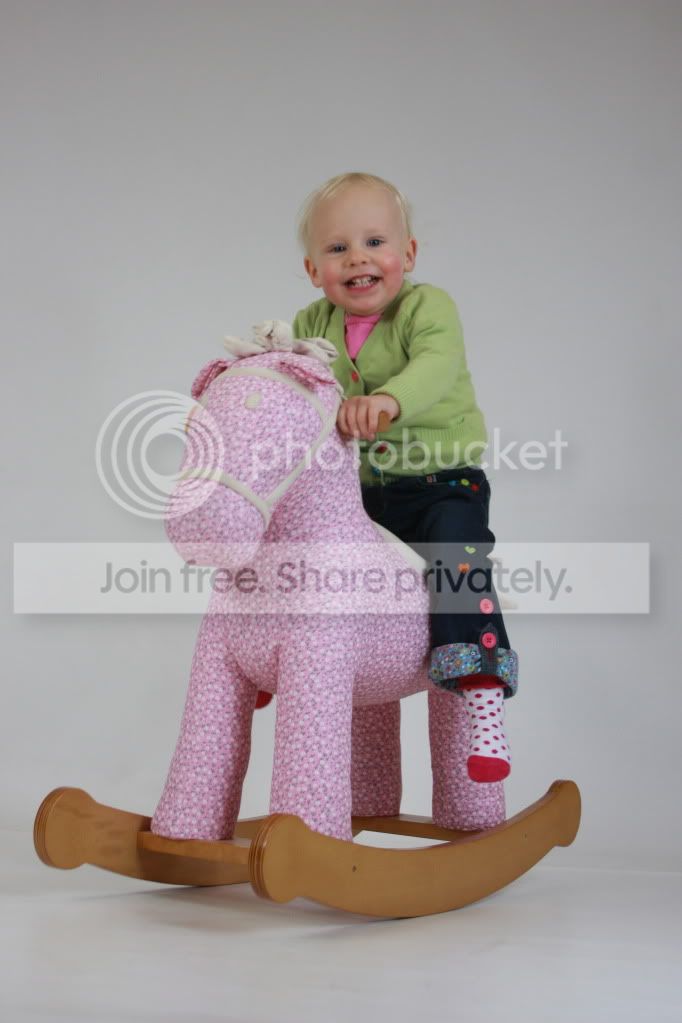
I can also email the picture to anyone if that helps
Thanks
Marc
We've had some pictures taken of our little errr 'angel'
and I have had a go at making the background white using the dodge tool but without great success. Would someone be kind enough to show me how it should be done without the image looking over exposed please. I'm trying to teach myself CS4 but failing!
I can also email the picture to anyone if that helps
Thanks
Marc


