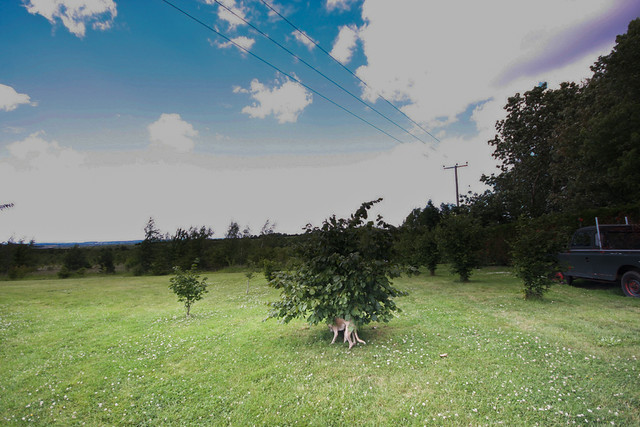
Its all in the EXIF data embedded in the image ;-)
Every scene is different, so there are no hard and fast rules.
For scenes with bright skies, ideally you need a graduated ND filter that will dull sky but leave the foreground the same.
If you feel comfortable using Av mode, thats fine. For most landscapes you will want between f/8-f/16 to get maximum depth of field. The camera will sort the exposure out, but it can be fooled by really bright skies as you have in your image. This is where exposure compensation can be used, but be careful not to underexpose the foreground. Put your camera on its base ISO, which will be either 100 or 200.
Another option is to use software and apply a graduated filter to the sky that way, you should recover enough detail to get a fairly pleasing image.
If you have blue skies, then a polarising filter will be very usefull. It will deepen the blues and make the clouds pop out.