- Messages
- 9,425
- Name
- Robin
- Edit My Images
- Yes
OM-1 RAW IN WORKSPACE > CAPTURE ONE 2022 (or also LIGHTROOM?)
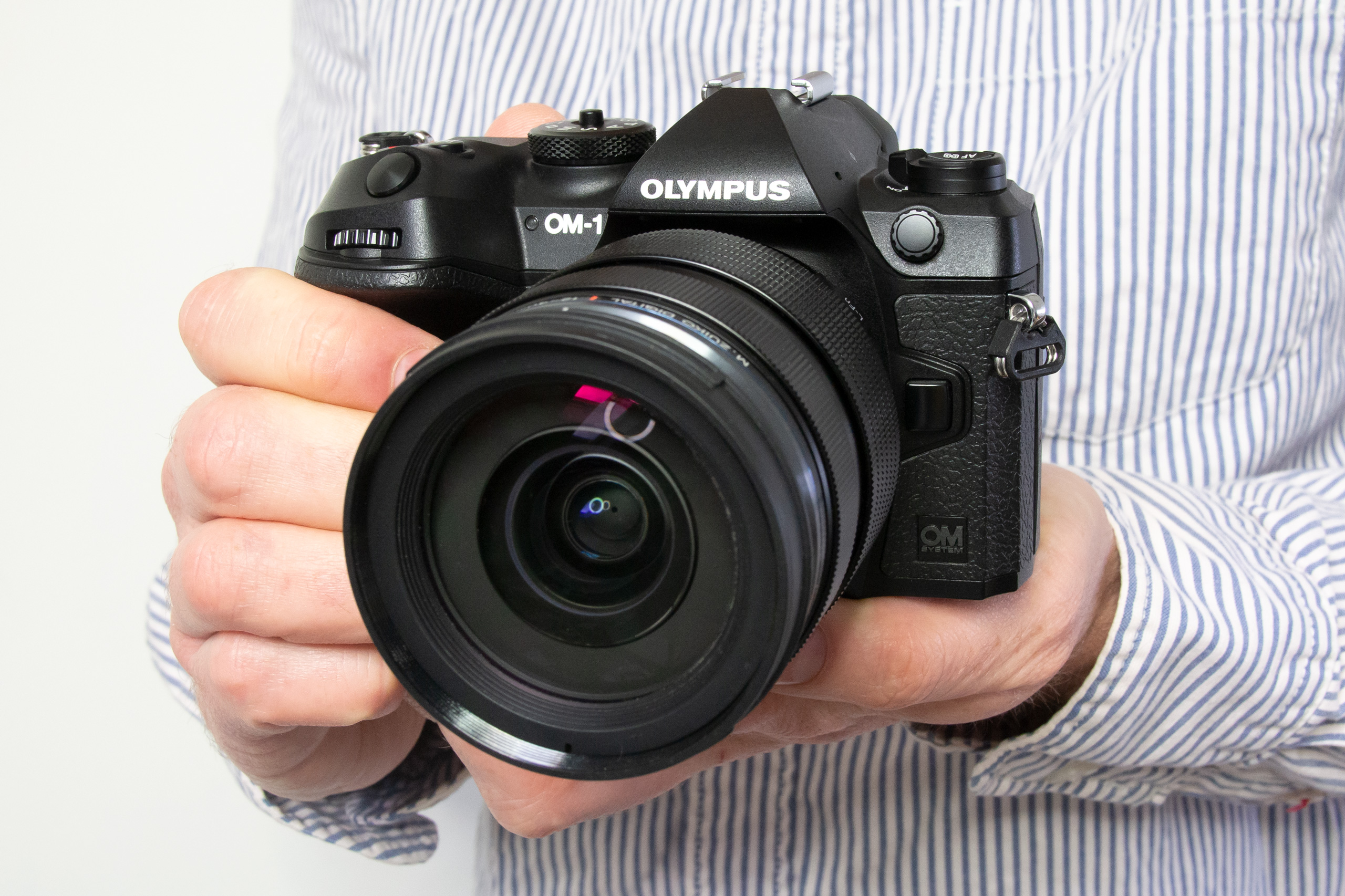
If anyone here is wanting to RAW convert and edit OM-1 RAW image files in Capture One (which supports OM-1) rather than in OMD Workspace (OW), unfortunately you can Export only as either a TIFF or a JPEG neither of which is ideal. BUT if you select the ORF files in OW and then 'Move...' instead of 'Export...' you can then move them remaining intact as ORF into your Capture One session and fully adjust and edit in your usual workflow.
When you first open a SD card in OW, select the 'PC' option rather than connecting the camera with card via USB cable.
I load my SD card into a LaCie Rugged RAID PRO 4TB external drive which has a built-in SD slot - Either connected to my desktop Mac or MacBook Pro laptop when travelling. I only edit in Capture One on my desktop at home, not any other device.
Consequently Workspace can be used just to view, cull, and rate your images before any editing is done elsewhere. FastRawViewer doesn't support the OM-1 yet and OMD High Res files still need OW2.
I don't use Lightroom but am guessing you can do the same as for Capture One by moving not exporting.
I am about to spend 14 days doing absolutely nothing but wildlife and surfer photography in Portugal, so I'll have many thousands of OM-1 images, and have discovered this when designing my travel workflow.
I hope this helps someone.
If anyone here is wanting to RAW convert and edit OM-1 RAW image files in Capture One (which supports OM-1) rather than in OMD Workspace (OW), unfortunately you can Export only as either a TIFF or a JPEG neither of which is ideal. BUT if you select the ORF files in OW and then 'Move...' instead of 'Export...' you can then move them remaining intact as ORF into your Capture One session and fully adjust and edit in your usual workflow.
When you first open a SD card in OW, select the 'PC' option rather than connecting the camera with card via USB cable.
I load my SD card into a LaCie Rugged RAID PRO 4TB external drive which has a built-in SD slot - Either connected to my desktop Mac or MacBook Pro laptop when travelling. I only edit in Capture One on my desktop at home, not any other device.
Consequently Workspace can be used just to view, cull, and rate your images before any editing is done elsewhere. FastRawViewer doesn't support the OM-1 yet and OMD High Res files still need OW2.
I don't use Lightroom but am guessing you can do the same as for Capture One by moving not exporting.
I am about to spend 14 days doing absolutely nothing but wildlife and surfer photography in Portugal, so I'll have many thousands of OM-1 images, and have discovered this when designing my travel workflow.
I hope this helps someone.
Last edited:






 I photograph linnets all the time and didn't recognise it though I recognised the tail shape. New specs are on order