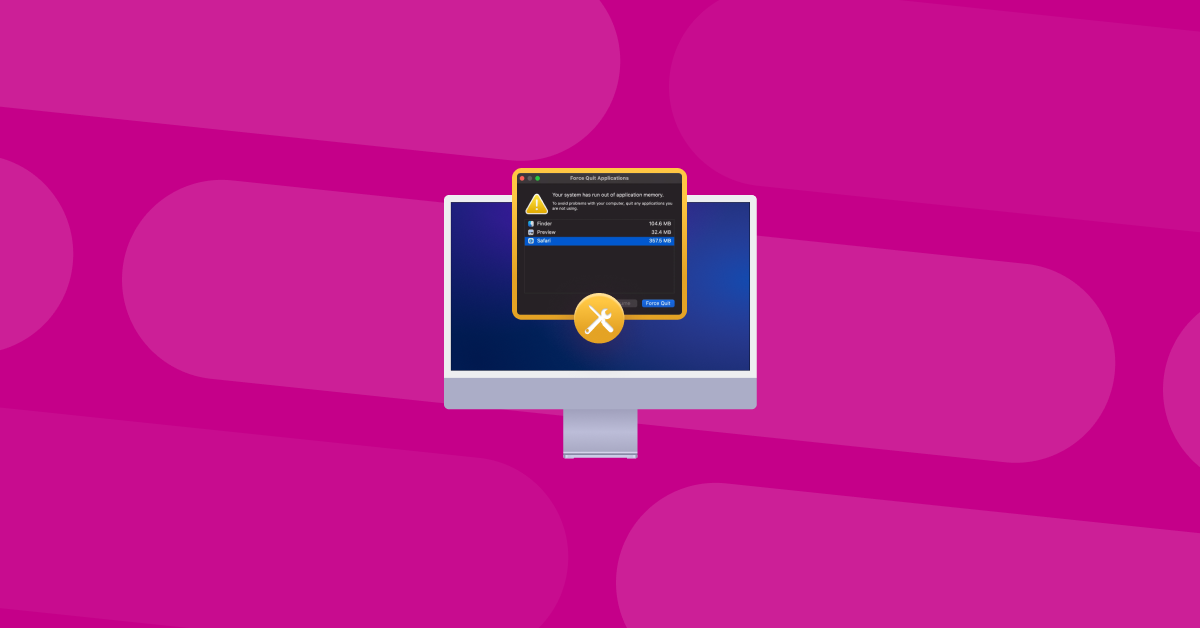
Not enough application memory on macbook air?

Donnie

Suspended / Banned
Messages
7,027
Name
Paul
Edit My Images
No
Hi all, so today trying to open Photoshop on my M1 Air it wont load, stating that there's not enough application memory? When I open activity monitor it's showing at over 40GB!!!

Anyone else had this issue and found a solution? Already cleared caches and closed all other applications etc so not sure on next steps?
 
Hi all, so today trying to open Photoshop on my M1 Air it wont load, stating that there's not enough application memory? When I open activity monitor it's showing at over 40GB!!!

Anyone else had this issue and found a solution? Already cleared caches and closed all other applications etc so not sure on next steps?
I use Photoshop on my M2 MacBook Air (8GB, 512GB). With a CR2 from my 7Dii open in PS, AM shows PS using 2.99GB and total use 6.65GB
 
Have you installed the latest macOS? My M1 Air was running poorly this morning, but seems to be much better after I updated macOS at lunchtime. Also, how much storage memory have you got spare?
 
I've got it set on auto updates but youre right, just checked and there is an update! Will do this now and report back.
Storage I have a 500gb disk with about half free.
 
I had a problem with my pc , it had 16gig ram and a 512 ssd, photoshop got upset, when I did certain things, I know the op can’t upgrade the machine, I put 64gb ram and a 4tb m2 in and not had a problem since
 
Have you tried removing it and reinstalling?

PS takes 1.93Gb on my M1 Mac after opening (no image opened)

Do you have any PS plugins that could have gone rogue?
 
Last edited:
re installing is probably my next step to be honest. It annoying as lightrooms fine still its only photoshop.

Don't know if it's possibly coincedence but I installed OM Workspace for the new camera just the day before yesterday too, might uninstall that too and see if that's had some sort of effect.
 
Well there you go, deleted all the beta stuff that's downloaded with the last update and now it loads with no bother at all! @ecoleman you sir, are a star! :banana: :banana:
 
Well there you go, deleted all the beta stuff that's downloaded with the last update and now it loads with no bother at all! @ecoleman you sir, are a star! :banana: :banana:

Glad you got it sorted. I can't take any credit though, the video just popped up in my youtube feed. I didn't even watch the video but the description said PS was using all the RAM so figured it may be the cause of your problem.
 
Back
Top