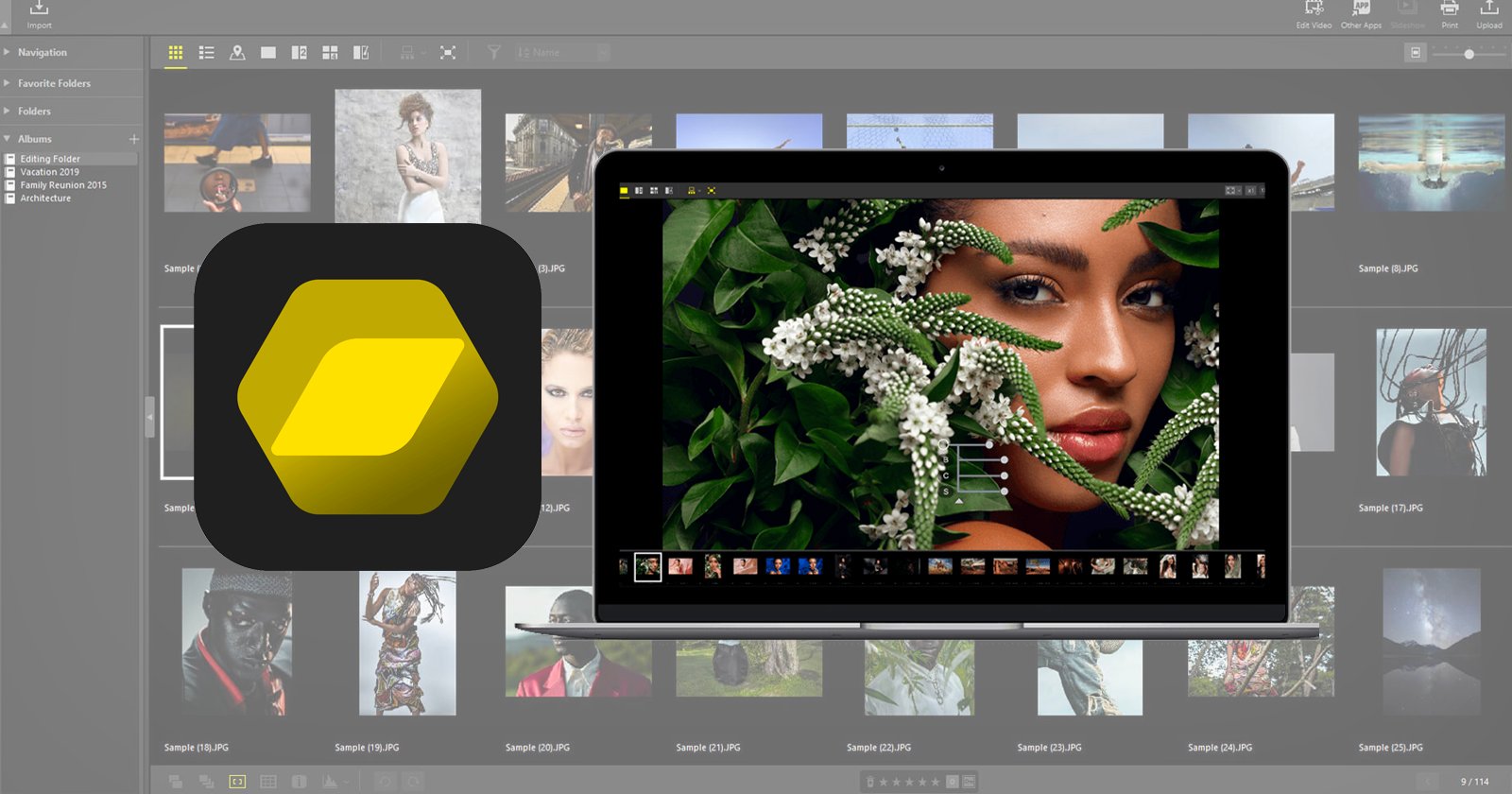
Nikon's new free post-processing program, NX Studio

garryknight

Suspended / Banned
Messages
12,452
Name
Garry
Edit My Images
No
Last edited:
Thanks Garry, that looks pretty good at first glance. :)

It's a shame they force you to sign up for their promotional bumph though - nothing's ever truly free. You can opt out of course, but in the meantime they have your details. :banghead:

I will of course give them false information . . .
 
You can use the global site for downloads without spam:

https://downloadcenter.nikonimglib.com


Look interesting - ViewNX-i has been pretty much redundant since Capture NX-D got a decent browser, so it makes sense to roll any remaining useful features from View into a single app. And the Capture name didn't make much sense since they moved camera control functions into a separate program years ago.

DPReview:
 
Last edited:
Wow...Thank you.
As an old timer with no money perhaps I can replace my Capture One Express (Free) with a full programme.
 
@Retune Thanks for the link to the review. For some people NX Studio will be a good replacement for Lightroom or On1 Photo Raw, especially as it includes IPTC keywording and geotagging using a map. But it's missing a few things, one of which - I was surprised to see from the comments - is the use of Ctrl+Z to undo things!

The review says:
It will support all Nikon DSLRs released since the D1 in 1999, as well as all of the company's Z and 1-series mirrorless cameras, Coolpix compacts and KeyMission action cameras.
which makes it sound as if it somehow detects whether your photos were taken with a Nikon camera. But someone specifically says in the comments that anyone can use it. I would expect that the only raw formats it can handle are Nikon's own, though.
 
@Retune Thanks for the link to the review. For some people NX Studio will be a good replacement for Lightroom or On1 Photo Raw, especially as it includes IPTC keywording and geotagging using a map. But it's missing a few things, one of which - I was surprised to see from the comments - is the use of Ctrl+Z to undo things!

The review says:

which makes it sound as if it somehow detects whether your photos were taken with a Nikon camera. But someone specifically says in the comments that anyone can use it. I would expect that the only raw formats it can handle are Nikon's own, though.
Yes, I assume it's only for Nikon raw formats. If it's like C-NXD, it will read tiffs or jpegs (Nikon's or others) and you can apply a curve or something, but most of the useful adjustments are raw only.
 
Yes, I assume it's only for Nikon raw formats. If it's like C-NXD, it will read tiffs or jpegs (Nikon's or others) and you can apply a curve or something, but most of the useful adjustments are raw only.
yep just tried with a V1 NEF and was fine, but an iPhone X DNG didn't work!
 
Cheers @garryknight

Just downloaded it and tried it out, I really do like it. I was using Capture NX-D that I hated, as it kept locking up. :)
 
I am finding it very very slow to start up. Several minutes..... I have a MacBook Pro 2016 which normally works well with LR, PS, DXO etc. It is ok once it has set itself up but....... All my photos are on a recently purchased external HD.
 
Starts instantly on a 2020 Windows laptop. Maybe it takes time to search for images? There are none to find on this machine yet. I'll transfer some across and see how I get on with it.
 
I am finding it very very slow to start up. Several minutes..... I have a MacBook Pro 2016 which normally works well with LR, PS, DXO etc. It is ok once it has set itself up but....... All my photos are on a recently purchased external HD.

Perhaps do an install? Fine on my 2018 MacBook Pro
 
Pretty fast load on this 2013 iMac and it does look a decent improvement on NX-D. :)
 
Last edited:
Pretty fast load on this 2012 iMac and it does look a decent improvement on NX-D. :)
I hated NX-D, mine always locked up then crashed the laptop. The new software is great, I am going to enjoy using both my Nikon cameras now. :)
 
Just re-installed the software then relaunched my MacBook. The software launches significantly quicker now (y)
 
Windows 10....MS Edge.
Unfortunately I've had a few Windows automatic reboots while using the programme.
Have uninstalled/reinstalled a few times so will try on another similar PC in the next day or two!

FWIW...The computer has rebooted from a bugcheck. The bugcheck was: 0x00000050....etc.
 
Last edited:
There are 3 or 4 good ones on You Tube now........but none show how to load images into the programme.
 
There are 3 or 4 good ones on You Tube now........but none show how to load images into the programme.

In the first couple of minutes, the main screen shows the folder list on the left hand side. You navigate to where your photos are stored and click on the folder icon. You'll see the photos in the main part of the window in the middle. Then click (or was it double-click? The guy garbles his words a little.) on the photo you want to edit. The editing controls then appear in the panel on the right.
 
  • Like
Reactions: EJB
Windows 10....MS Edge.
Unfortunately I've had a few Windows automatic reboots while using the programme.
Have uninstalled/reinstalled a few times so will try on another similar PC in the next day or two!

FWIW...The computer has rebooted from a bugcheck. The bugcheck was: 0x00000050....etc.
I had the same problem today, it was ok the other day when I had a play with it. I think I will stick with Capture NX2, that has local adjustments as well :)
 
Back
Top