

monitor help please - pics included

sturisoma

Suspended / Banned
Messages
2,908
Name
Summer
Edit My Images
Yes
I have a new laptop (not brand new) and the screen contrast seems a bit too low.

it can't be adjusted

in case it's just me I have uploaded 2 versions of a pic - one edited with my old monitor, one with this lap top.

which do you think is better?

thanks in advance:
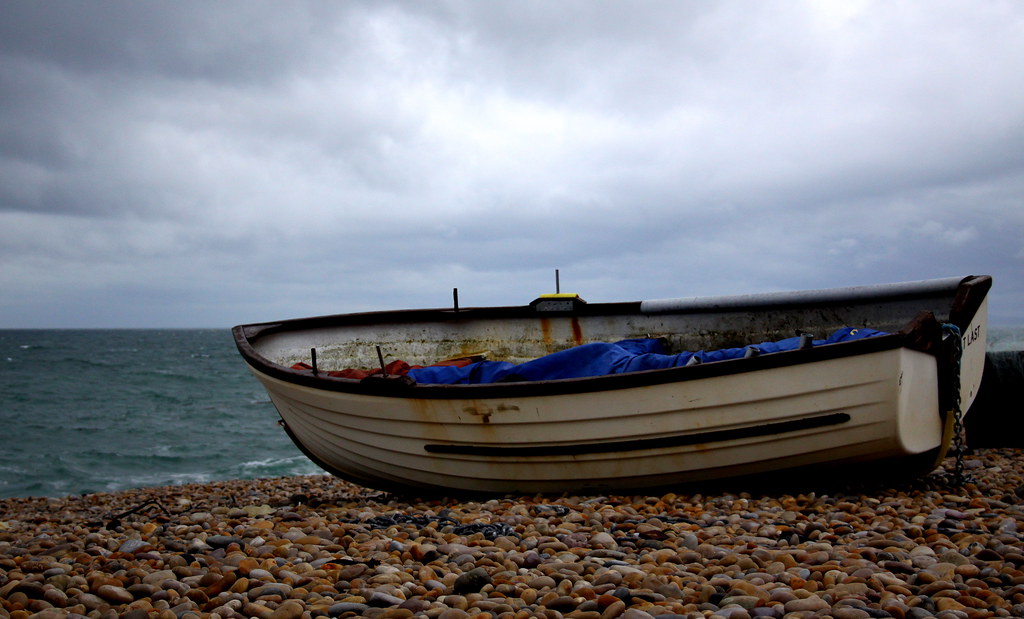

old by moominmama, on Flickr
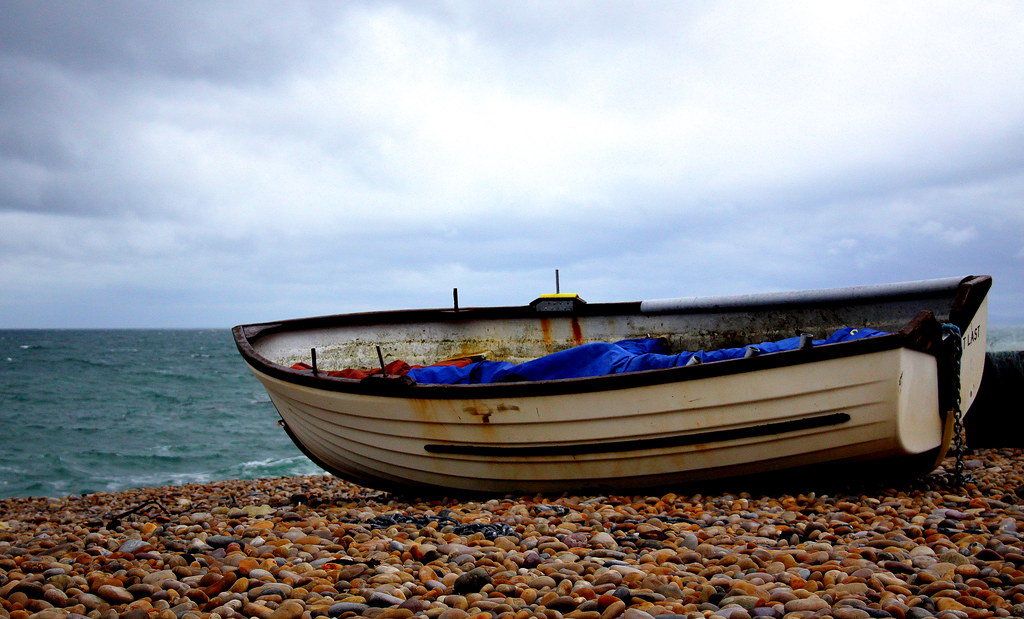

new by moominmama, on Flickr
 
no2 looks much better
 
I think colours are better on the second one, but I think there are slightly too saturated for me to look natural.... BTW, laptops are not good for editing photos, you tilt the screen and you see completely different colours and brightness....
 
:agree:

Laptops introduce too many variables for consistent editing.
 
Last edited:
thanks for the replies. :)

I swapped the monitor I had so until I get a new one to fix to the laptop I will have to make do. My last arrangement was a noteboook with extended monitor but the notebook wasn't powerful enough to handle RAW.

the new one looks better to me too so maybe this screen isn't as bad as I thought?

well, I will get another monitor and see how it goes
 
definitely too saturated so would seem that your laptop is taking the colour out of the image which you have over compensated for?
 
Stu - have you calibrated either of the screens?

I sometimes use a laptop, sometimes use a desktop and monitor.. as long as I have them both calibrated the results are difficult to tell apart. Laptop screens do have variables, but some screens are better than others and some of the variables you can get around with practice (eg viewing angle).
 
I have calibrated the laptop and the monitor for 'old' was also calibrated. Trouble is I can't adjust the contrast on the laptop.

I'm looking on my work setup just now, and on the work laptop both pics look fine but when I move across to my work extended monitor the 'old' pic is far too dark :(

*sigh*
 
use the grad filter when converting from RAW for the sky of one but the boat of two.

get your monitor profiled for best results.
 
Back
Top