Making a black background (photoshop)

milster

Suspended / Banned
Messages
2,438
Name
Gary
Edit My Images
Yes
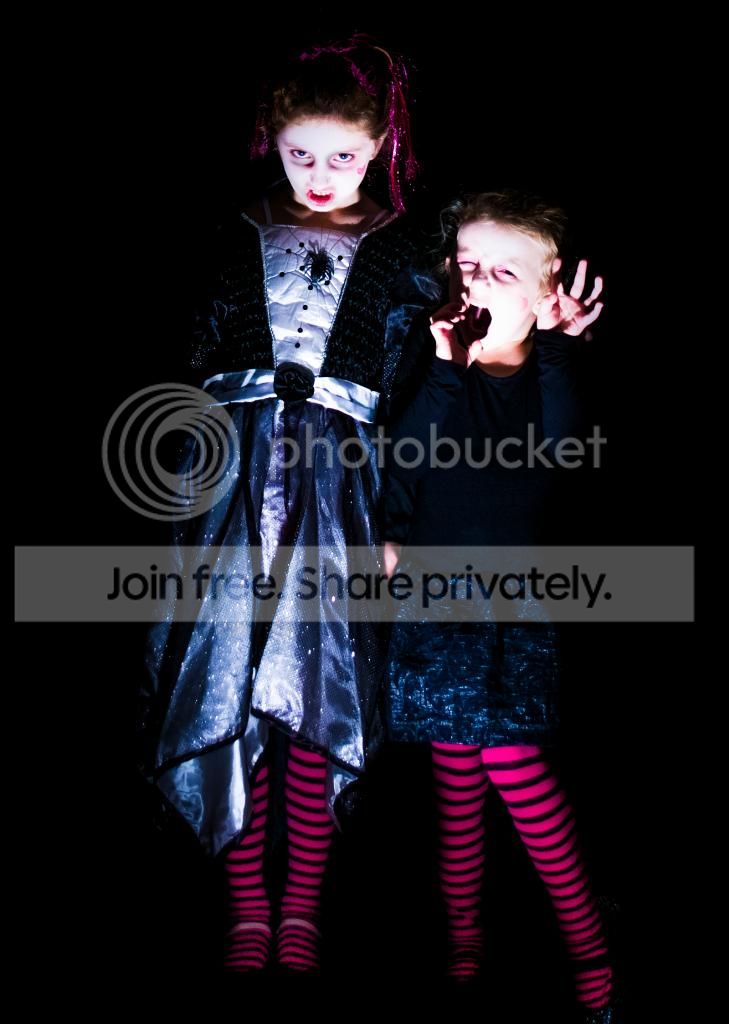
I know this is probably very easy but I don't know how to do it, basically all I want to do is make a background so this image is in landscape rather than portrait.

Any help much appreciated

Cheers,

Gary.

020-Edit-Edit-Edit.jpg
 
In Photoshop, select 'Image' (top bar), within that menu you will see 'canvas size'...... enter your desired width that you want to increase it by.
This will leave you with two white blocks on either side of your image.
Then select the 'Colour Picker' (left side the small dropper symbol), click on the area behind the girls.

Select the 'Paint Bucket' tool.....and just click on the white areas and it will fill them in.

Neil.

 
Last edited:
I use CS5 and in the canvas size 'pop up' box you have a choice of canvas extension colour at the bottom.....just choose black and PS will automatically fill in the extended canvas black!
 
Back
Top