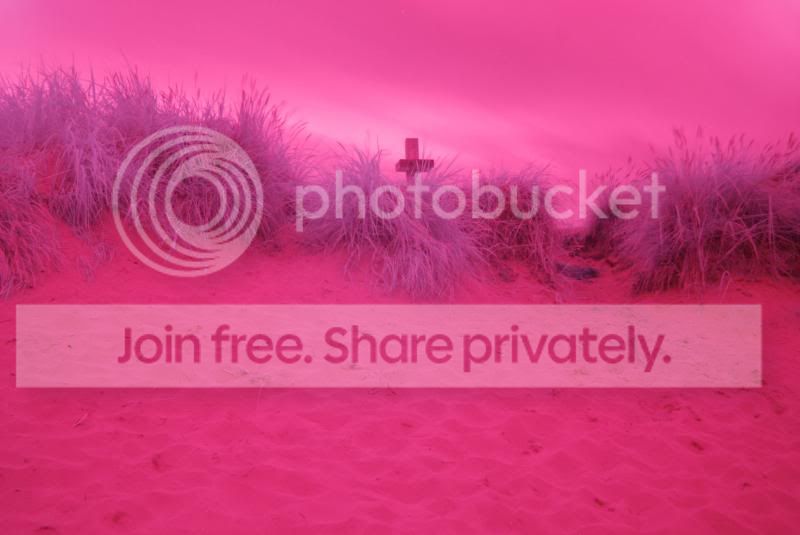
looking for advice editing infared filtered pictures

smithey1981

Suspended / Banned
Messages
307
Name
Darren
Edit My Images
Yes
i brought a 850nm filter and taken some pictures however i am unsure how to edit them to get them looking good in black and white. can anyone offer any advice on how to get the results i am looking for

here is the two images

 
Last edited:
Morning,

OK, to start with, can you set a custom white balance ? If so, set it with a shot of green grass well sunlit. This should change the colour cast to almost neutral.

If not, can you shoot RAW, if so, move the colour temp down to around 2200.

Then, in Photoshop, use Khromagery as a free plugin, this swaps the red/blue colour channels. If you dont have Photoshop, there is an action available for the GIMP which is free.

Once you swap the colour channels, blue skies return, while green foliage stays white (ish).

Heres one direct from a nikon D70 converted at 650nm :

9467441444_d159d5b4fb_b.jpg


and after RAW conversion and Khromagery :

9464661043_d7d44d0be2_b.jpg


The 2nd shot above looks like a 650nm filter, so there is plenty of colour to get back. This is JUST after using Khromagery -

9509038866_17e6ef9deb_b.jpg
 
That is fantastic advice cheers mate. I have cs6 and lr5 so ill get the plug in and have a play with it
 
OK, to start with, can you set a custom white balance ? If so, set it with a shot of green grass well sunlit. This should change the colour cast to almost neutral.

David I have set white balance by using a piece of white paper as per the Fuji instructions, would you just leave that permanently or would you alter white balance as conditions changed in the field?
 
Hi im shooting with a nikon d80 with 850nm filter. Would love to learn how to process them into black and white with all the trees and foliage white
 
Morning both,

Bob, custom white balance for 650nm infrared is best done using a well lit green grass shot.

Darren, you also need to set a custom white balance, but at 850nm you wont get any colour, its pure mono. Simple enough in Photoshop once you've set the WB.
 
Ordered a 650nm filter so see what results from that. Once again thabks for the advice
 
still waiting on my filter to arrive which is very annoying but got the plugin working so will have a play with my 920nm filter until the other one arrives. debating on having my d70 converted to ir as i really want to get into it
 
I thought maybe with a longer exposure on the 920nm would be useable ? Any advice regarding the conversion would be most welcome and would like to thank you for all your advice so far :)
 
Back
Top