Lightroom De-haze

Fatheadedlizard

Suspended / Banned
Messages
695
Name
Alan
Edit My Images
Yes
I've been using the de-haze more for artistic effect until today.

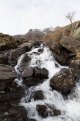
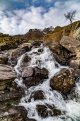
We recently got a dog so took some shots on this mornings walk, which resulted in the first image below which I've managed to save using the de-haze, the image isn't going to win any prices but i like it and was very impressed with the de-haze function in lightroom (which was at +100)

F2.8 / ISO 1000 / 1/100s

De-haze 1-2 by Alan Cook, on Flickr

De-haze 1 by Alan Cook, on Flickr
 
Last edited:
Dehaze does definitely give some extra possibilities for an image :)
 
Example purposes only:-

Heron against the sun - jpeg from RAW, no adjustments.

Heron1.jpg


De-haze and adjust highlights etc in ACR.

Heron2.jpg
 
I had a similar, I went to north Wales on Sunday. The views were great of the mountains and across the sea. But the haze was very strong. The De-haze in lightroom was great at clearing the image up.
 
I believe its only in the CC version of Lightroom but there are plug ins that claim to do the same .

http://www.proloststore.com/products/dehaze is one of them that is free/ donation software

I have not used it as still on Lightroom 4 but thinking about updating to version 6.
 
Last edited:
I believe its only in the CC version of Lightroom but there are plug ins that claim to do the same .

http://www.proloststore.com/products/dehaze is one of them that is free/ donation software

I have not used it as still on Lightroom 4 but thinking about updating to version 6.
It was on CC LR6 but not in stand alone LR6 if that helps
 
I have it in ACR 9 and it can be found under the FX tab. It can be used in any Photoshop programme that supports ACR 9.
 
I've found dehaze gives me a Martin parr style processing for certain images. Very vibrant and interesting
 
I've found myself using this feature a little more on portraits recently, slight adjustments with it are lifting the images and improving the clarity. Not something I use all the time but good to know its available when needed!
 
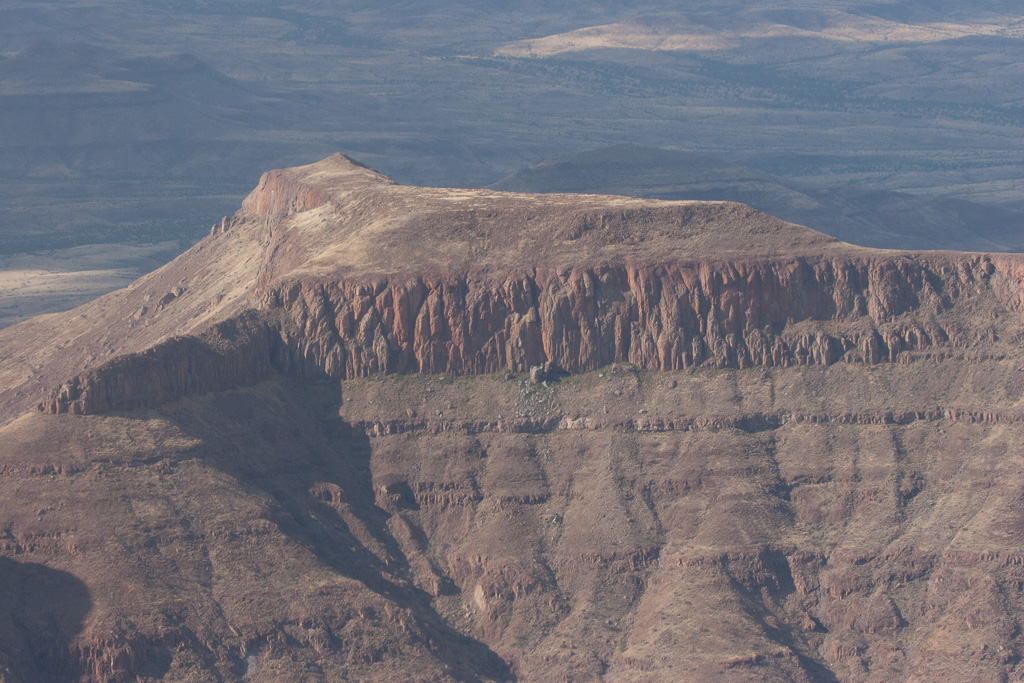
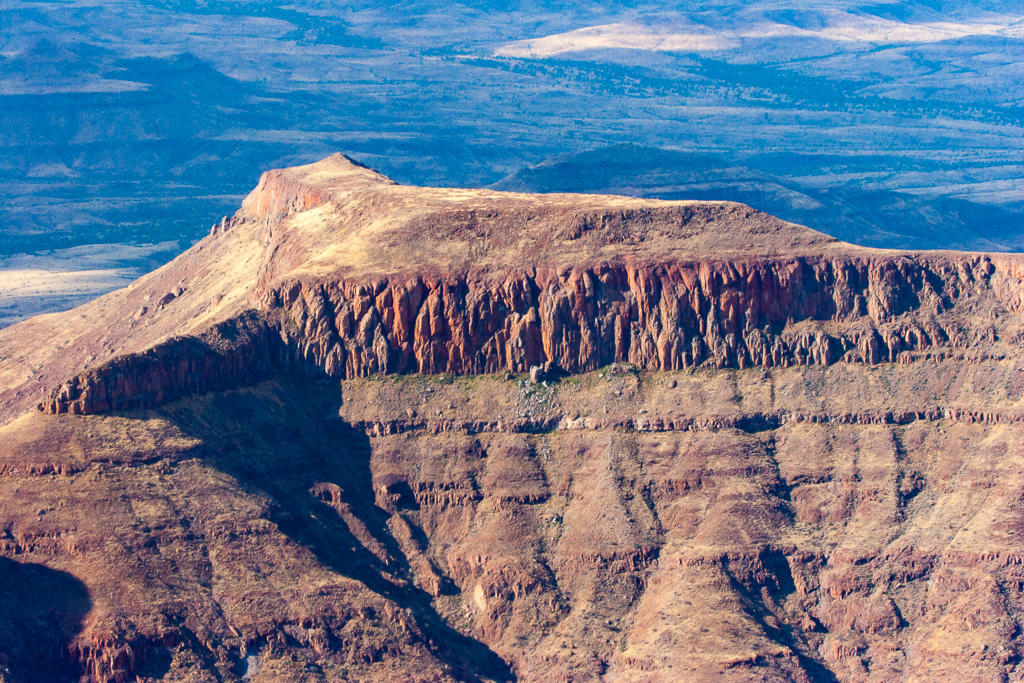
I was astounded at the difference between processing with the 2010 engine and the 2012 one with de-haze....

DeHaze%20%281%20of%202%29.jpg


DeHaze%20%282%20of%202%29.jpg
 
That's some good results - am now thinking it may be worth getting CC now, especially as the D7200 isn't supported by my version of Lightroom:)
 
That's some good results - am now thinking it may be worth getting CC now, especially as the D7200 isn't supported by my version of Lightroom:)

I got a special on it and I pay £7 odd a month for Lightroom and Photoshop, which is not bad I don't think
 
I got a special on it and I pay £7 odd a month for Lightroom and Photoshop, which is not bad I don't think
Yeah I missed that deal - hesitated too long and it's back to £8.50 or so now. Still not a bad deal though.
 
Yeah even at that price you cant grumble. I did have an issue getting the license to work on both my MacBook and iMac to begin with but a ten min online chat with Adobe fixed it, so no complaints at all from me on that one.

Well worth the money I think
 
I have noticed that the ability to remove haze has been added to Photoshop elements 14 too.
 
I'm speechless. Not noise, not sharpness but the overblown skies always were my top concern in photography.

A picture I snapped with Canon 6D originally looks like this:
. IMG_9877.jpg

Now this is what I could get my dropping down Highlights and Whites both to -100. Crude example of dynamic range and how far it goes. IMG_9877-2.jpg

And this is what I got by maxing out the de-haze filter.
IMG_9877-3.jpg

Obviously now the image looks overcooked and tasteless, yet I'm blown away by realising how much more dynamic range my camera could potentially achieve.
 
Rudlin, looks much better to me,is that just using dehaze in LR? Thanks
 
Yep. Simple as that. De-haze and tone down highlights. Certainly needs more work but the potential is immense.
 
  • Like
Reactions: nog
Makes me wonder if I should have gone for the CC version of Lightroom rather than standalone! I saw a video on YouTube the other day about the content aware technology in PS - liked the look of this but have always been a little hesitant to jump into PS... wary of spending more time in front of the computer than taking photos....maybe it's time to rethink that!
 
Thanks for the great examples. I think I need to have a play around with de-haze.

It's also great that it's possible to revisit old images with these new tools.
 
Back
Top