Is this bad news.... ERR99 on a 450 D

Martyarty

Suspended / Banned
Messages
955
Name
Martin
Edit My Images
No
Hi all,

I was out shooting pictures today when my canon 450d suddenly locked up and started reporting 'err99'. I can not get it to restart no matter what I try.

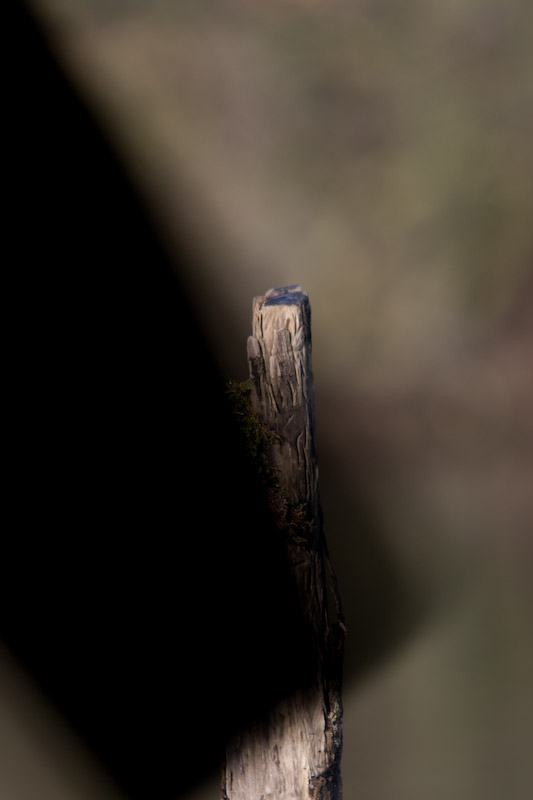
The last picture I took on my card is below,

It looks to me that the mirror or shutter is knackered. Any thoughts would be appreciated.

And I know i should of bought a Nikon.....:thinking:

Thanks

Marty

4178492939_d77e09abb5_o.jpg
 
Error 99 is a generic code, i.e it can refer to a few different problems i think. It can appear for no reason and restarting the camera can often solve it. Error 99 also refers to communication issues between the lens and camera, so its worth worth cleaning the contacts.
 
Well, to answer the question in the title. Yes, looks like bad news.

I'm not 100% up on shutter design, but I'd say it looks more like shutter than mirror. I guess all you can do is remove the lens and look see if there's anything loose that wasn't before?
Do you have another cam? even a mobile phone, just so you can photo its guts and post it up for people to see?
 
As said Err99 is something you can expect when there is a problem with the lens, if you suspect shutter or mirror may be worth putting it ito manual clean mode and have a look inside the mirror should be up and the shutter should be open
 
Hi guys

I have tried cleaning the contacts and changing the lens, battery and memory card, but all have failed to restart the body. It just goes straight into err99 mode after a brief flash on the screen of the camera settings.
I can not even get the camera into cleaning mode.

I can not see anything loose or broken in side the camera.

Marty
 
Hi guys

I have tried cleaning the contacts and changing the lens, battery and memory card, but all have failed to restart the body. It just goes straight into err99 mode after a brief flash on the screen of the camera settings.
I can not even get the camera into cleaning mode.

I can not see anything loose or broken in side the camera.

Marty

Have you tried a different memory card in it??
 
Okay just give these a go. Info i've heard, not guaranteeing anything but its worth a try.

1. Turn off the camera.
2. Remove the lens, battery, and SD card.
3. Allow the camera to sit without power for approximately 20 minutes.
4. Insert only a fully charged battery, and turn on the camera.
5. Depress the shutter button as you would to take a picture.

Also, while the camera is off press down the shutter button and switch it on at the same time this may override the error and you may be able to use the camera until it can be repaired or fixed.
 
Thanks all.

I have done all of the above with no joy.

I will just have to see how good the PC World extended warranty is.:shrug:
 
Also out of interest, can i just ask what lens it is inc brand? And im assuming you've tried it with a different lens already with the same result?
 
I was using a Sigma 150-500 at the time. I have since tried 2 other lenses without success.
 
thats one of your shutter blades. no amount of taking out the card/battery will sort it. send it in for repair.
 
There is something about this in Canon plus this month if you can have a read of it, may help you *** it does say it is most likely to be between lens and camera
Bob
 
Try holding down the shutter button whilst turning the camera on.
 
Back
Top