IQ trouble with Canon 400 L f/5.6

slwx

Suspended / Banned
Messages
728
Name
Adam
Edit My Images
Yes
Evening chaps.

I recently purchased this lens. I have MFA'd it (tethered laptop) with my 7D, and I am still a bit confused.

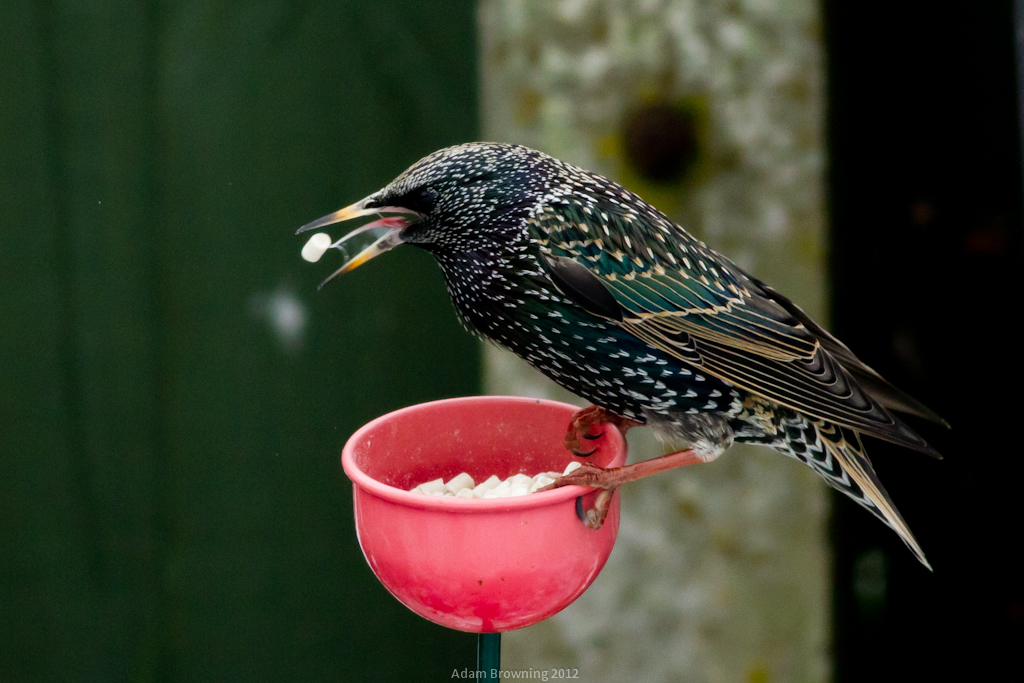
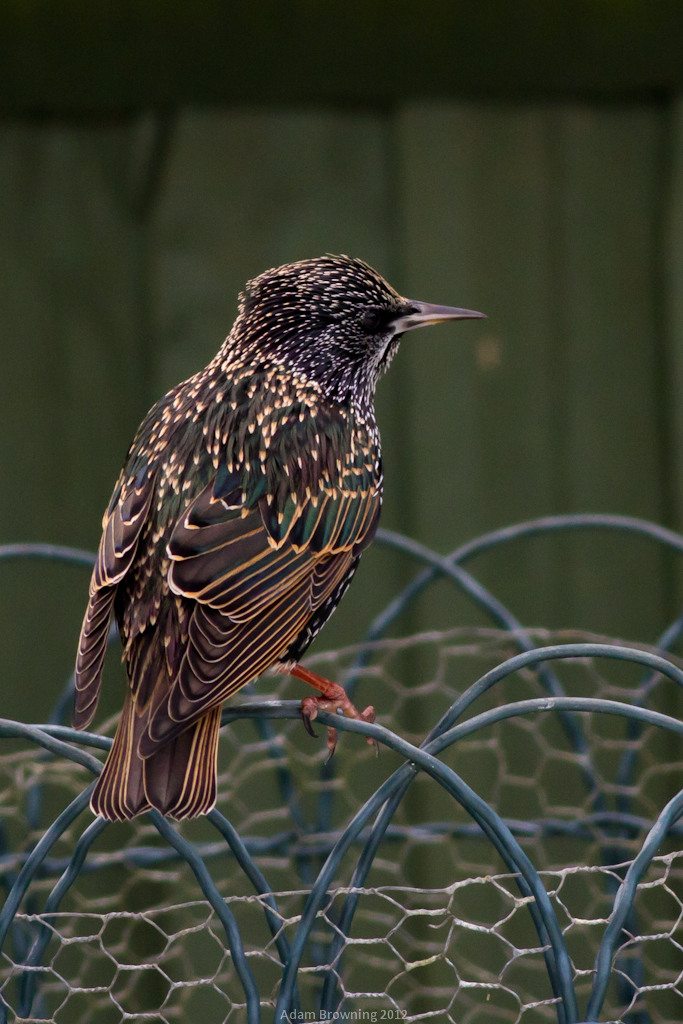
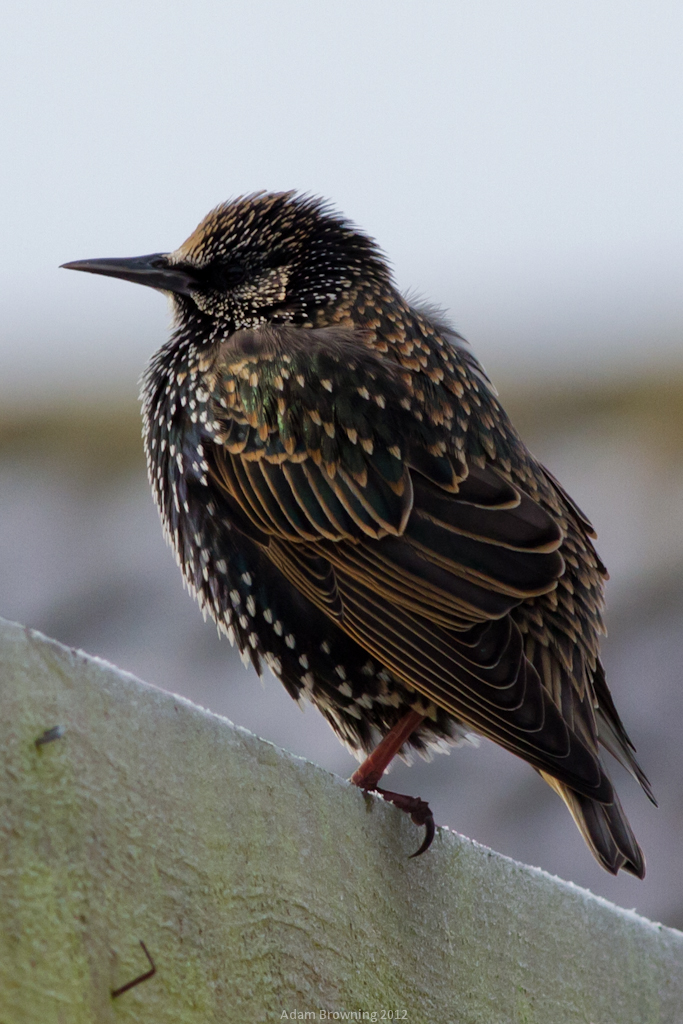
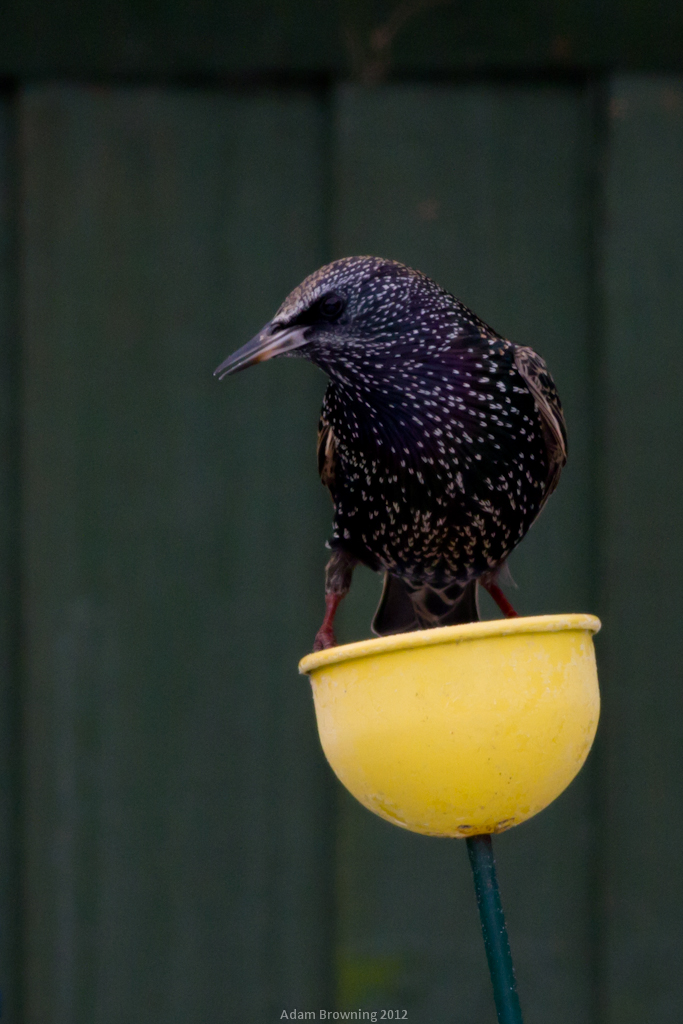
Here are some photos from todays trip. Unedited out the camera shots, 100% crop of the OOC shots, and the final edited shots.

7D, 1/800, f/5.6, ISO 800
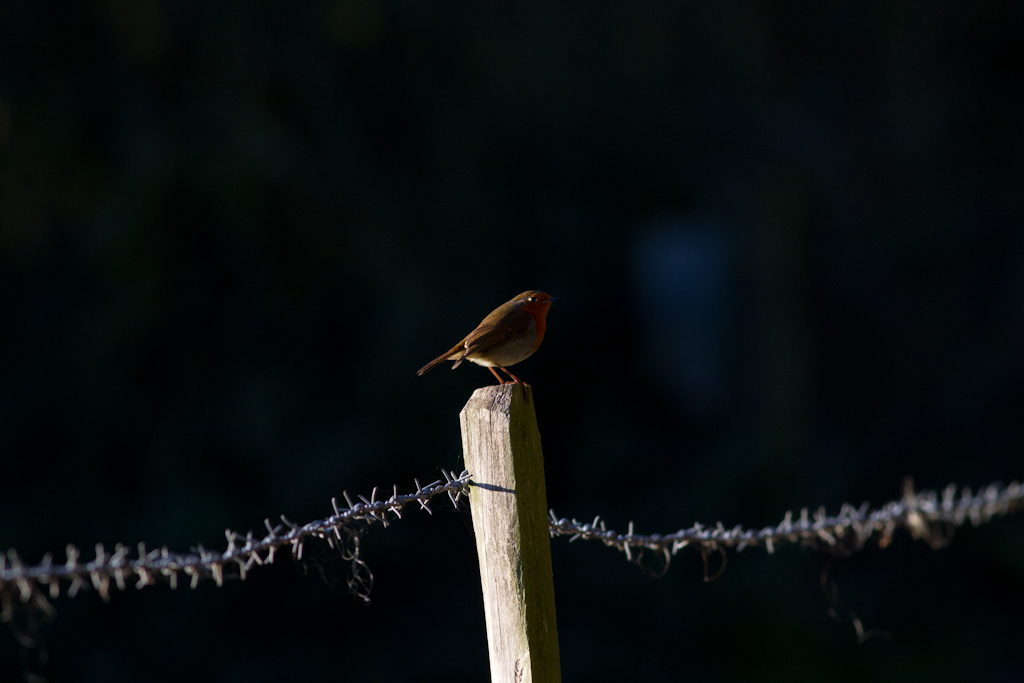

IMG_0276 by Adam Browning, on Flickr
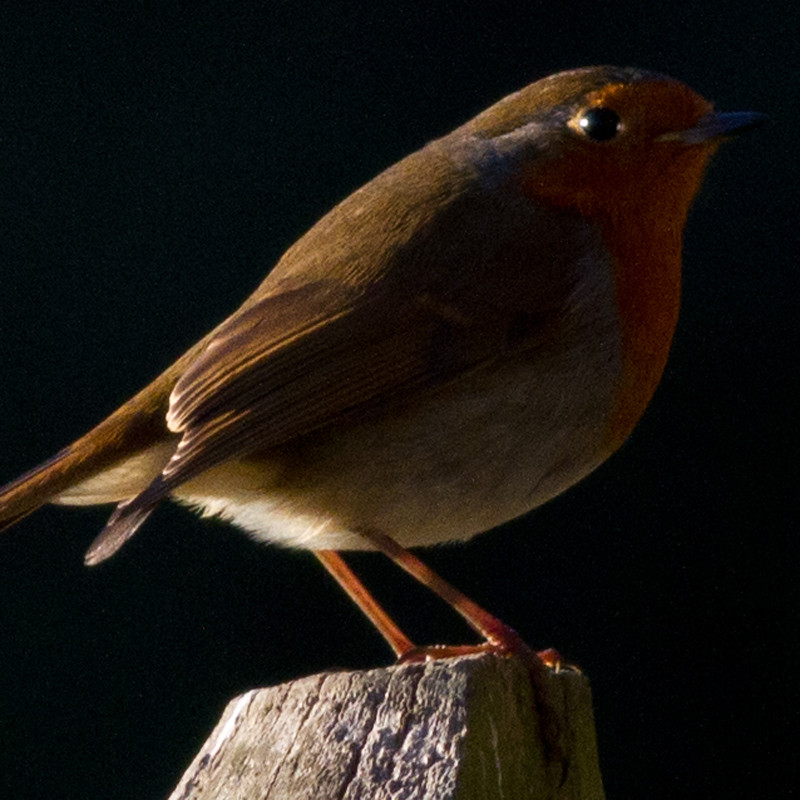

100pc2 by Adam Browning, on Flickr
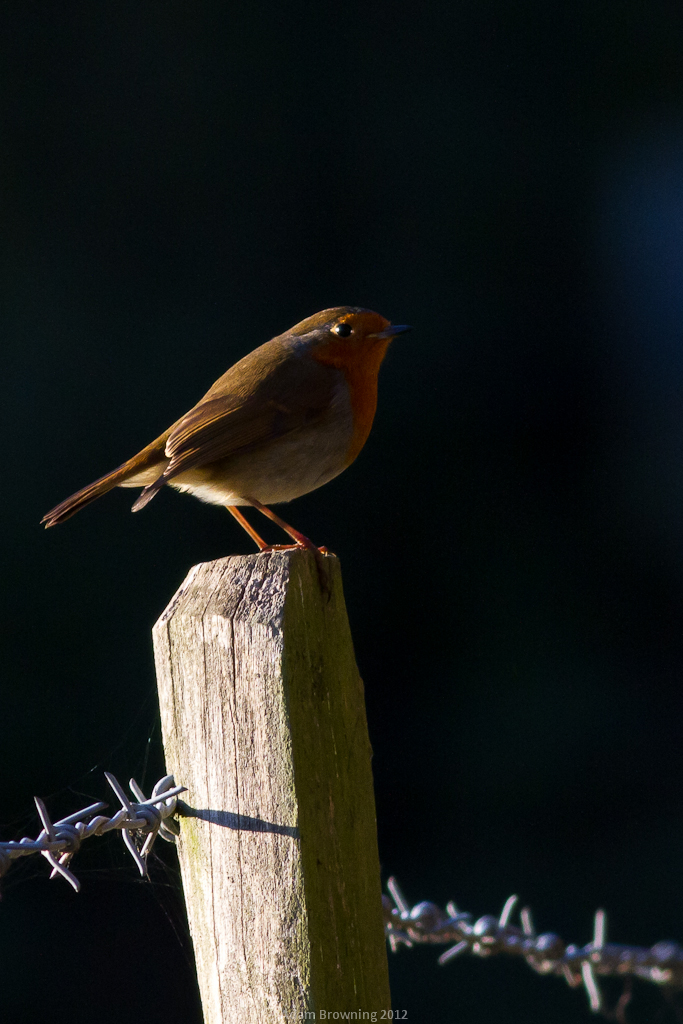

finish2 by Adam Browning, on Flickr

7D, 1/800, f/6.3, ISO 640
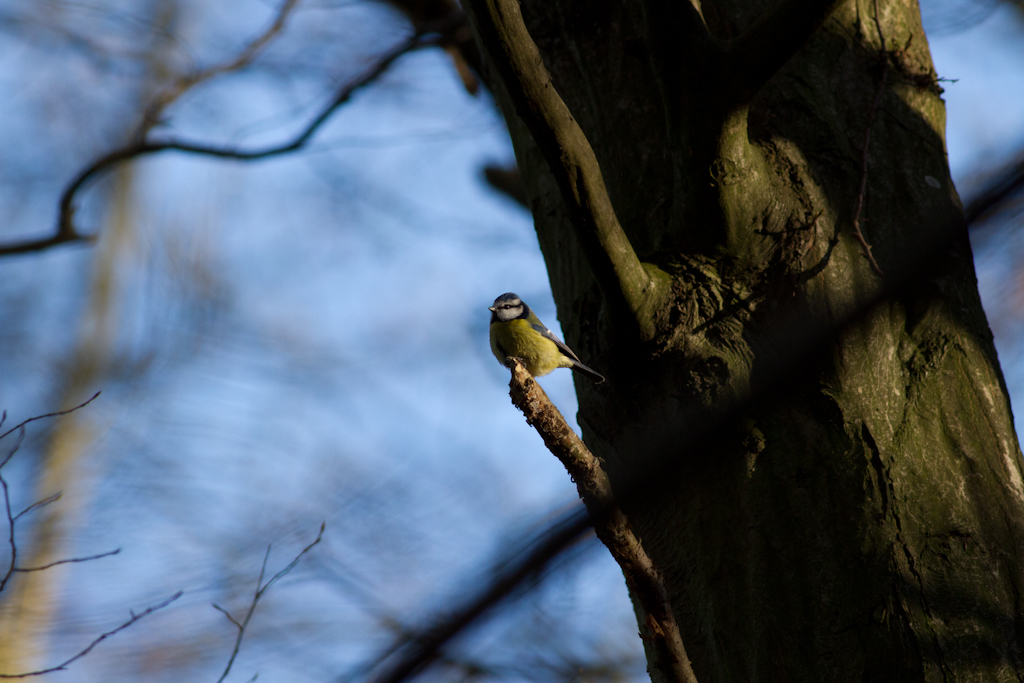

IMG_0179 by Adam Browning, on Flickr
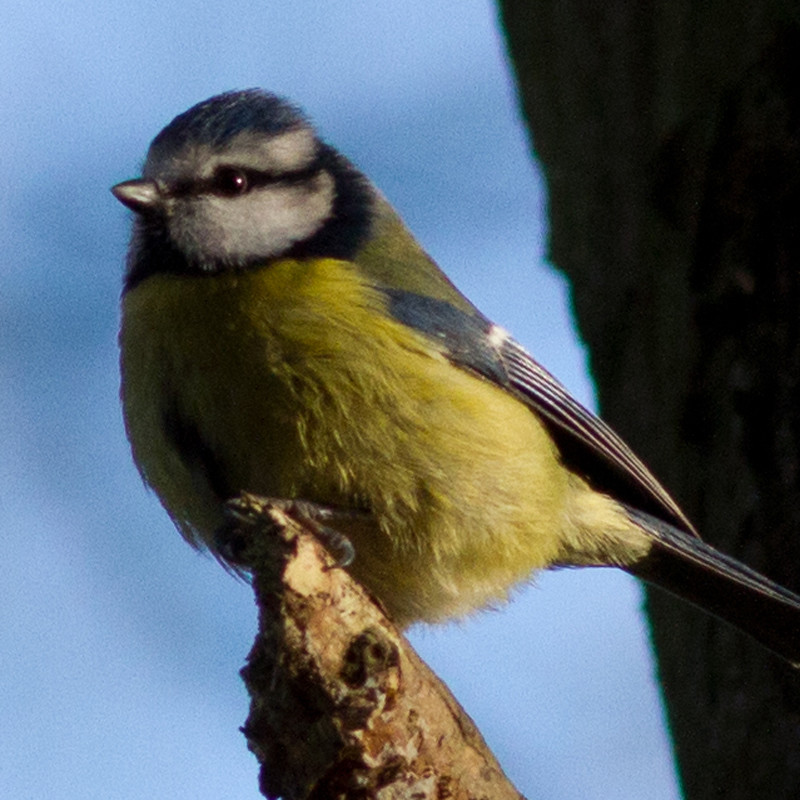

100pc by Adam Browning, on Flickr
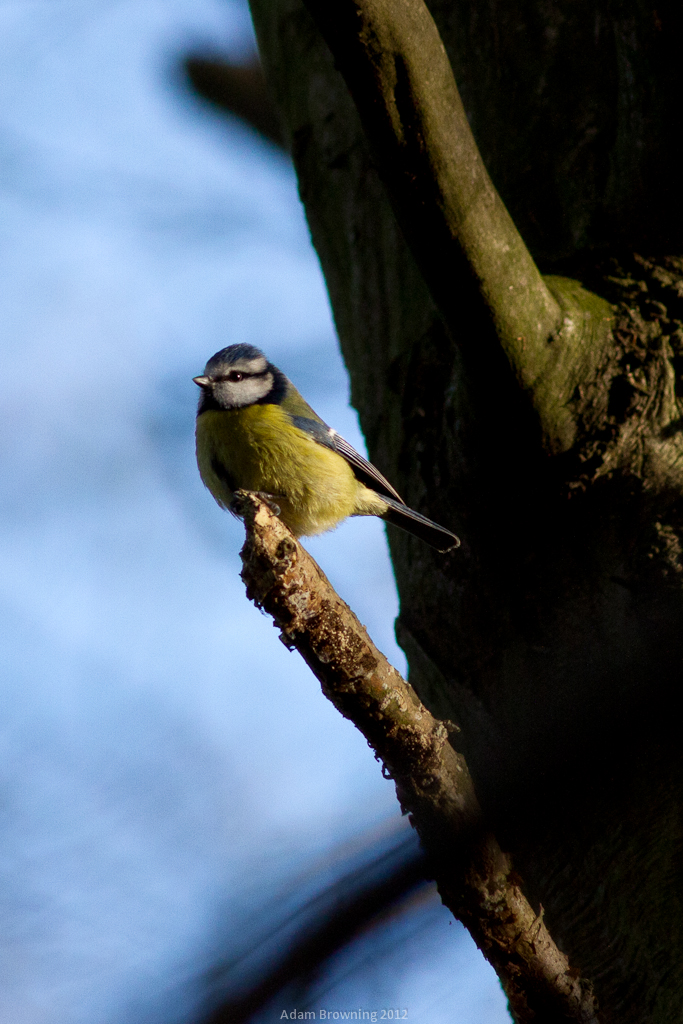

finish1 by Adam Browning, on Flickr
 
Looks okay to me on my phone. Keep in mind that even L glass doesn't perform amazingly wide open. I shoot my 35/1.4L at f/2 (one stop down from wide open) and its fairly sharp. You might see a distinct improvement going from f/5.6 to f/8.
 
First thing I will say, and this is from experience when I was using the same setup as you, is the 400mm F5.6 takes a little while to master.

The first shot there is definitely nothing wrong, apart from the exposure on the robin masking a lot of detail. The fencepost certainly looks sharp to me but there is simply not enough contrast on the bird.

Second one I'd say you are getting a slight drop in quality due to camera shake. Not much just slight. Were you hand held?

While some L glass does not perform great wide open, the 400mm F5.6 is not such a lens, it is superb wide open...
 
Thank you both. I have heard people say the 400 L f/5.6 was razor sharp wide open. I forgot to say, all these shots are on a tripod, and I shoot in bursts.

I'm going to have one go at the MFA, I saw recommended distance between camera and target is 50x the focal length. I had to do with about 35ft, literally from one end of the house to the other, using a sheet of paper with a big = sign printed on it.

I will be able to try next weekend with a longer range, weather permitting!
 
First pic is clearly front focused. Suggest you revisit micro-focus adjustment, using a conventional method.

You don't need to be 50x focal length with a 400mm lens, just a 'sensible' distance. Not so close, as is common, that takes the lens too far beyond it's normal operating range so it's then out at normal distance. But it also needs to be close enough so you can see the sharpest zone within the depth of field. Try 5-10m max.
 
First pic is clearly front focused. Suggest you revisit micro-focus adjustment, using a conventional method.

You don't need to be 50x focal length with a 400mm lens, just a 'sensible' distance. Not so close, as is common, that takes the lens too far beyond it's normal operating range so it's then out at normal distance. But it also needs to be close enough so you can see the sharpest zone within the depth of field. Try 5-10m max.

The barbed wire did make me think this. What is a more conventional method? I have read of a few, and laptop tethering was recommended...
 
The barbed wire did make me think this. What is a more conventional method? I have read of a few, and laptop tethering was recommended...

What do you mean by laptop tethering? Reikan? Anyway, do this right and you can't go wrong. From another thread.

Do a test like this.

Camera must be square to the box, on a tripod, not too close (say 1.5-2m for that camera/lens) or you may make a correction that will throw it out at normal range.

Use centre-point only at f/1.8, and focus on the box just to the side of the rule, making sure there is no possibility that the AF point can pick up on anything other than the flat face of the box. Repeat a few times to check consistency, de-focsuing each time.

Then check the images to see exactly where the sharpest point of focus falls on the ruler, adjust as necessary.

IMG_3381-1.jpg
 
Last edited:
What do you mean by laptop tethering? Reikan? Anyway, do this right and you can't go wrong. From another thread.

Laptop tethering I found was using live view on your laptop screen, zooming in 200% and focusing on something flat. Then using the < and > buttons on the screen to adjust the focus, until you find the sharpest focus.

I will try your method as well. It looks like it will be a lot easier at about 15ft.

I assume the black line on the ruler is level with the flat surface of the box?
 
Laptop tethering I found was using live view on your laptop screen, zooming in 200% and focusing on something flat. Then using the < and > buttons on the screen to adjust the focus, until you find the sharpest focus.

I will try your method as well. It looks like it will be a lot easier at about 15ft.

I assume the black line on the ruler is level with the flat surface of the box?

Yes, you need a reference point as it's impossible to see the exact plane where the box is when you look at the test images. Your 7D has a good LCD. Just zoom in on that and you'll quickly see where things are.

Edit: with a long lens indoors, you'll likely run into shutter speed problems and shake, so mirror-up and self-timer. Even better, illuminate target with flash at a lower power setting, 45 degrees to the box.

Another method that is sometimes easier with longer lenses, good for checking at longer range outdoors. Get a printed page with lots of different sized type and BluTack it to a wall. Camera, tripod square to target, lowest f/number, centre-point AF. Shoot five pics at say +10, +5, 0, -5, +10. Zoom in on the LCD and flick through the images. Pick the sharpest one, then do +/-2 around that to fine tune.
 
Last edited:
Yes, you need a reference point as it's impossible to see the exact plane where the box is when you look at the test images. Your 7D has a good LCD. Just zoom in on that and you'll quickly see where things are.

Edit: with a long lens indoors, you'll likely run into shutter speed problems and shake, so mirror-up and self-timer. Even better, illuminate target with flash at a lower power setting, 45 degrees to the box.

Another method that is sometimes easier with longer lenses, good for checking at longer range outdoors. Get a printed page with lots of different sized type and BluTack it to a wall. Camera, tripod square to target, lowest f/number, centre-point AF. Shoot five pics at say +10, +5, 0, -5, +10. Zoom in on the LCD and flick through the images. Pick the sharpest one, then do +/-2 around that to fine tune.

Thank you! I might try both. Try the box, see what it says, reset to zero, try the other, see what it says.

Thanks again!
 
Adam,

I may be mis-understanding how you went about focussing with the camera tethered so maybe ignore me. If you've focussed using the image on the screen then you're not using the AF sensors that you're trying to calibrate....you're using contrast detection.

Bob
 
Yep, that's fine if you're using "Quick mode". Regular Liveview AF doesn't drop the mirror and uses contrast detection via the image sensor.
Sorry for intruding but it's best to make certain.

Bob

Don't be sorry! I'd rather people help than stay silent :) Thank you very much!
 
:thumbs:
 
Back
Top