Image Size?

Tango32

Suspended / Banned
Messages
1,084
Name
Craig
Edit My Images
Yes
Hi All

Just trying to upload a few of my pics and they keep failing on image size I see there is a limit on sizes 200kb all mine are way more than this am I doing something wrong? and can I re-size my current pics easily?

thanks Craig
 
What software are you using?
 
You will need some kind of software to resize your images to below the limit for the forum. I have no experience of Snapseed so I don't know if that does it. As you are a Canon user, you can use Digital Photo Professional.
 
There is also a pixel limit size, I think it's 1025px on the longest side
 
You will need some kind of software to resize your images to below the limit for the forum. I have no experience of Snapseed so I don't know if that does it. As you are a Canon user, you can use Digital Photo Professional.

Is there any where I can download the Digital Photo Professional ? I bought my camera 2nd hand from LCE and had no software :(
 
There is free software called GIMP available via google searches which is good according to forum users (not used it personally)
 
Are you trying to add them to a thread as an attachment?
If so, why?
Just put them on a photo hosting site, then link to a smaller version (800x600 for example) using the code provided.
Paste that in your post, job done - just like Admirable has pointed out in the link he provided.

Just check some sites for size limitations - I used to use Webshots but they limit the max size you can view (pointless then uploading a 4000x3000 image for it not to be viewable at that resolution), but have long since switched to Picturepush, and registered with another one based in Germany (directupload.net), but yet to make use of it.
 
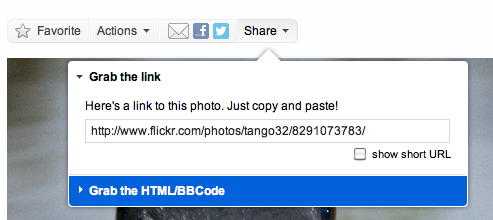
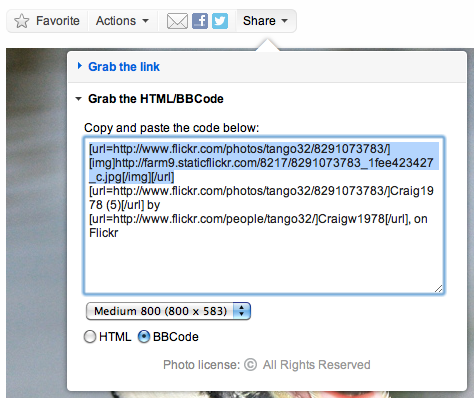
Step 1: Select the highlighted rollover as shown

OhVTlxkM.png


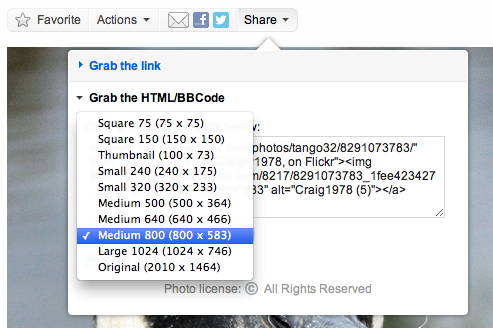
Step 2: Select the size as highlighted (medium 800 is best for quick display, esp on tablets/phones)

0TBZvFrK.png


Step 3: Switch to BB Code as shown

fb8dQuDj.png


And then copy the selection shown (the rest is not required for the image to display, and looks crap when posted).
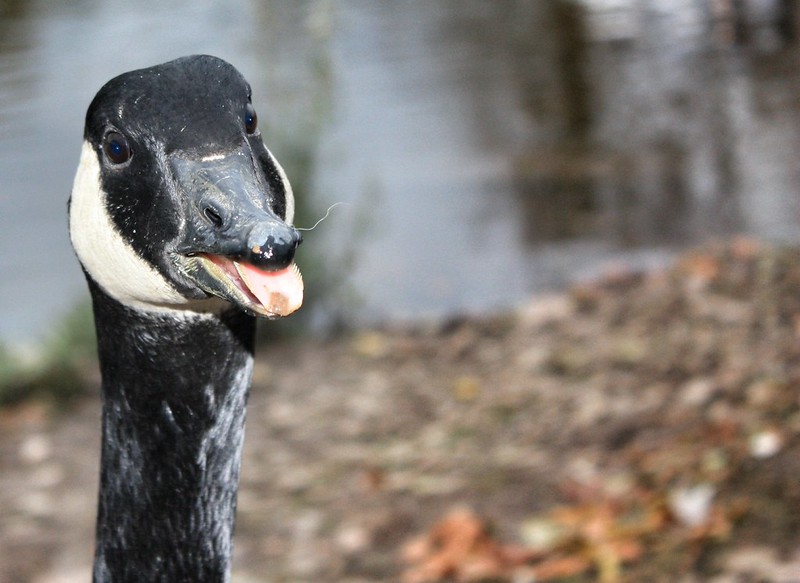
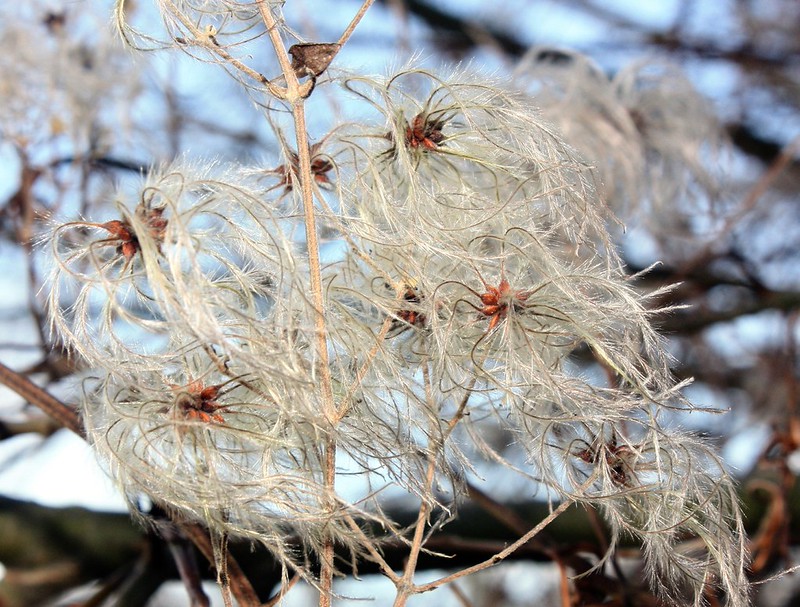
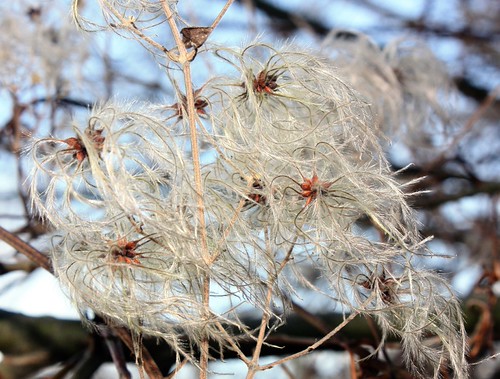
Pasted and submitted, will result in the above image of your swan.

As you can see, there's the url with an img tag nested within - that's what gives the clickable image, which takes you to your Flickr page for it.

If you just wanted the image to show and nothing more, then select size first (no bigger than 1024), and instead of switching to BB code, look for the src="xxxxx.jpg".
Copy all within the "" marks, then paste inside img tags, like so....... xxxxx.jpg[ /img]....... with no space between the closing tag's [ and /

Or in the reply panel - select the image icon as shown, and paste in the pop-up that displays. Hit OK and you're done.

[img]http://thumbsnap.com/i/V5bjVzxe.png


That's all there is to it.
 
Last edited:


all it needed was an idiot proof guide :)

thanks for all your help peeps ;)

Almost - remove the img tags to get the linked image as above.
If you copy what I've shown in my screen shots, then you need to just paste, nothing else.
If you want just the image, you need only copy the image's url, which ends in .jpg
 
Last edited:
admirable said:
There is also a pixel limit size, I think it's 1025px on the longest side

Just for clarity forum image size rules are 1024px on the longest edge ;) only one pixel out :naughty:

And if uploading to you TP Gallery the rules are actually 200kb file size and 800px on the longest edge :thumbs: glad to see however that you got there in the end :woot:
 
Nah, it's only the toy version! :lol:

Yeah, I know, but held back on critique :lol:

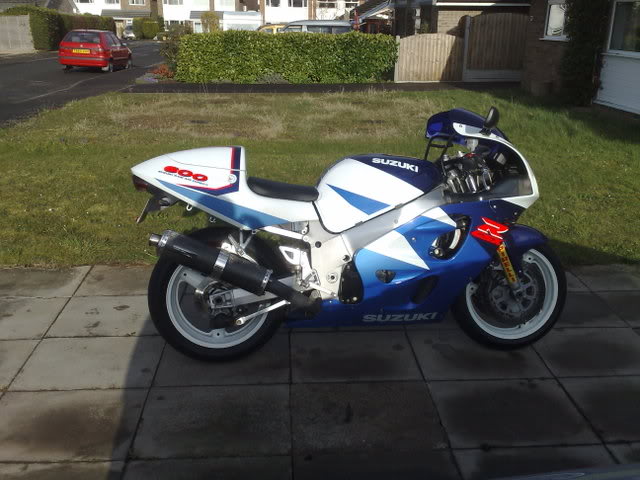
But now you mention it, dont get the bike half in shade next time, unless its some nice strobe lighting :D
 
Back
Top