

learningtofly
Suspended / Banned
- Messages
- 514
- Name
- Tony
- Edit My Images
- No
Yesterday, I took a couple of shots of a watch and posted one of them on a couple of message boards and to my blog. The original - shot on my EOS 5D with flash - is relatively hi-res at 4080x2720 pixels and a file size of 3.5MB, and post processing was minimal (a bit of dust removal, slight desaturation and unsharp mask).
Now, here's the image as described, uploaded to Photobucket and linked in the normal way...

And here's a screenshot of a selection of the image exactly as it was displayed in Photoshop at full size on my monitor...
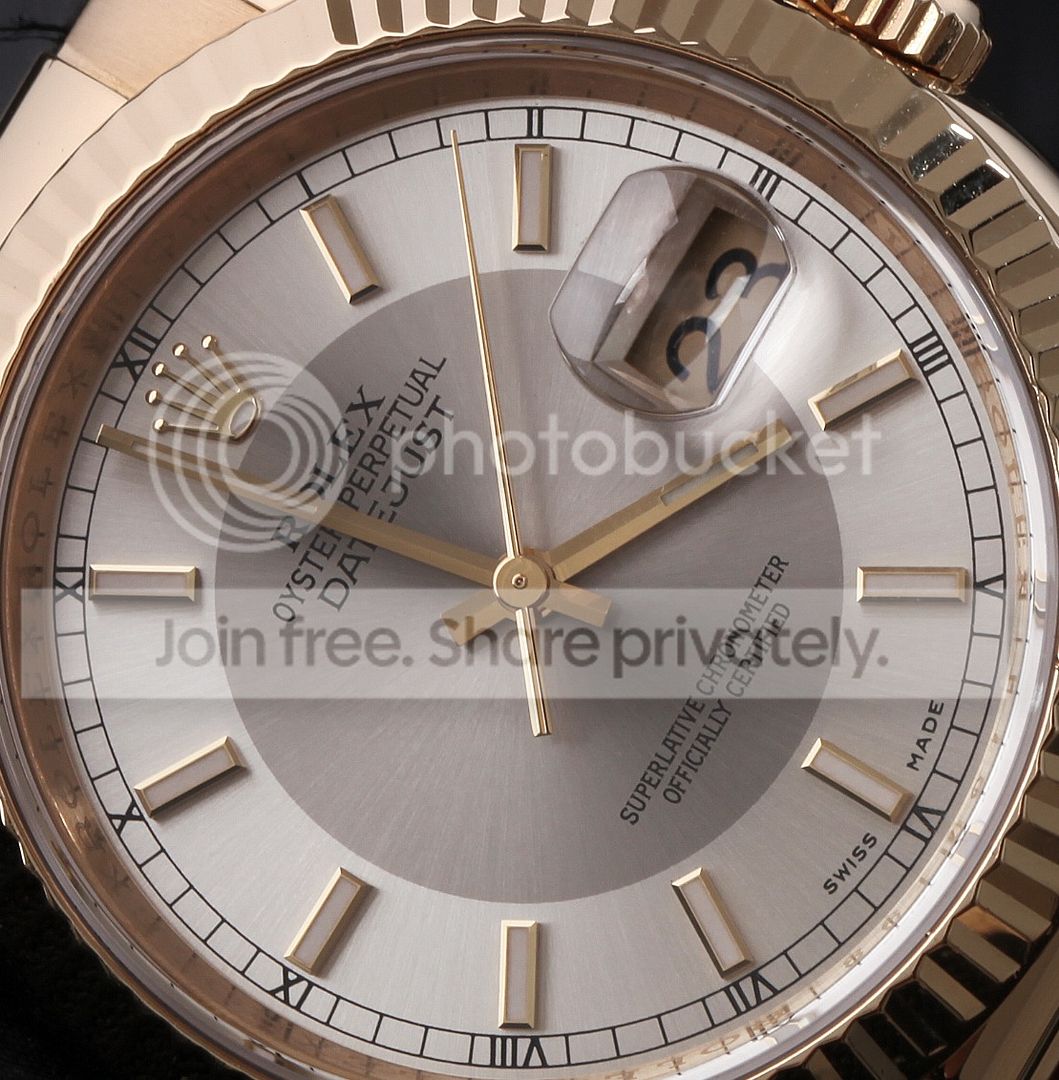
Notice on the first shot how the second hand seems to be twisted; there also seems to be some image degradation around the dial font, neither of which are evident when the image is displayed at full size, as you can see from the screenshot. At first I thought it was a Photobucket upload issue, but when I looked more closely in Photoshop the same thing was happening to the original image file, as soon as I reduced the size displayed on my monitor to around 50% or below.
Now, I'm still pretty much a novice when it comes to post processing, and I'm thinking that perhaps I'm missing out a technique for saving images to a suitable size for web use; or perhaps it's something completely different, although if it is the issue's the same in that I could do with some guidance.
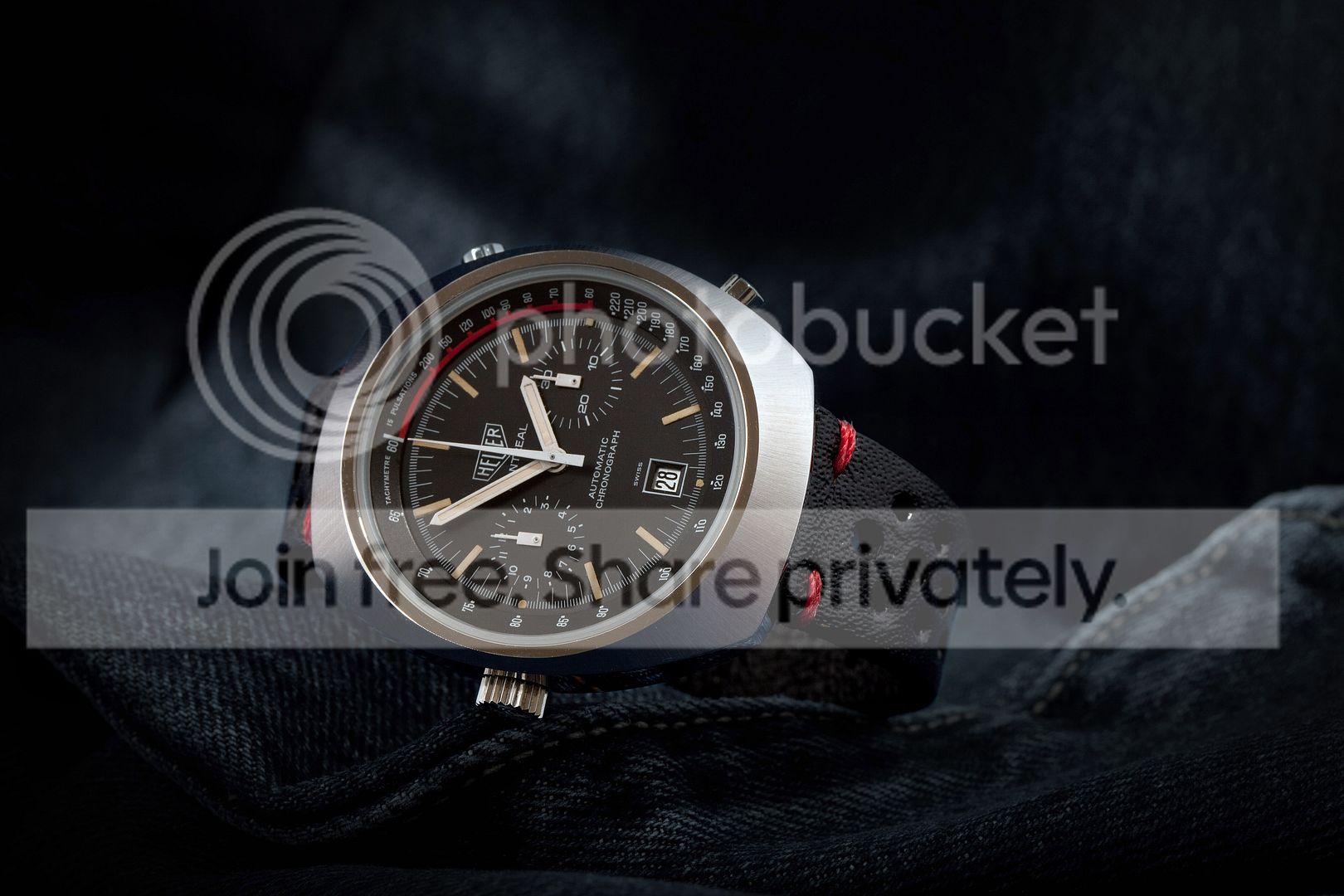
Can anyone offer an explanation, bearing in mind it isn't a consistent problem (see shot below, PP'd in precisely the same way as the DJ was)?
Now, here's the image as described, uploaded to Photobucket and linked in the normal way...
And here's a screenshot of a selection of the image exactly as it was displayed in Photoshop at full size on my monitor...
Notice on the first shot how the second hand seems to be twisted; there also seems to be some image degradation around the dial font, neither of which are evident when the image is displayed at full size, as you can see from the screenshot. At first I thought it was a Photobucket upload issue, but when I looked more closely in Photoshop the same thing was happening to the original image file, as soon as I reduced the size displayed on my monitor to around 50% or below.
Now, I'm still pretty much a novice when it comes to post processing, and I'm thinking that perhaps I'm missing out a technique for saving images to a suitable size for web use; or perhaps it's something completely different, although if it is the issue's the same in that I could do with some guidance.
Can anyone offer an explanation, bearing in mind it isn't a consistent problem (see shot below, PP'd in precisely the same way as the DJ was)?


