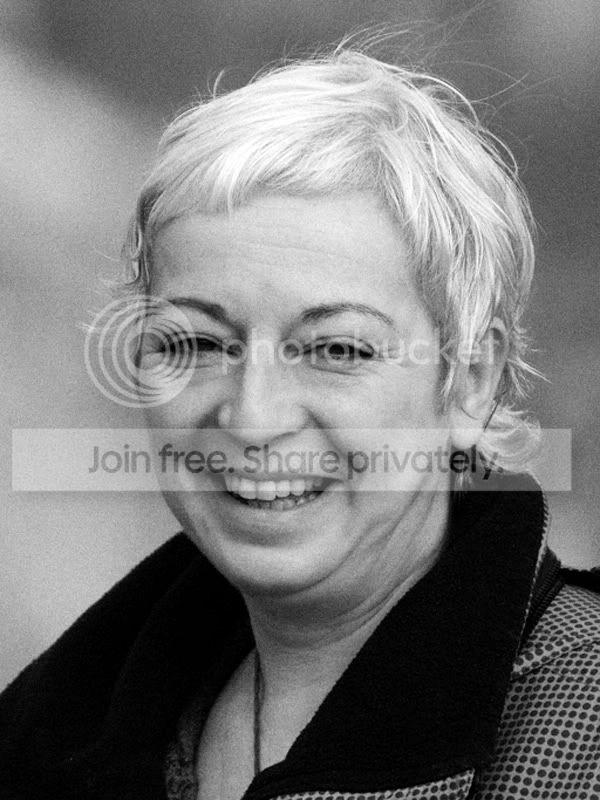
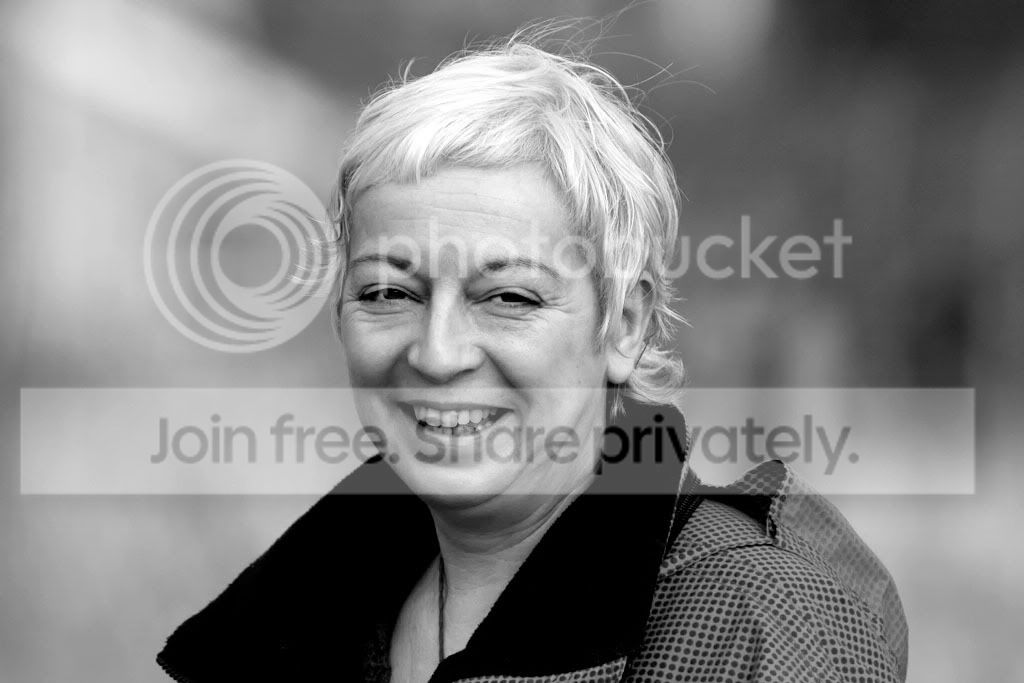
I am looking for a favour please

u8myufo

Suspended / Banned
Messages
19,354
Name
Rich
Edit My Images
Yes
Ok I am pretty confident at doing PP on my bird shots. But I have a picture of a friend who`s 60th birthday it is in a fortnight. I have a picture of her that I took a couple of years back and me and all the neighbours would like to chip in for a canvas print to be done for her birthday. I would like to do the picture some justice, so I was wondering would anybody like to take up the challenge, the more the merrier so to speak :D The only thing I want is for it to be in Mono. Not sure if the 8meg raw is needed to work with or not. Let me know.

Thanks for any offers
 
Last edited:
Post a small one for us to see what you have, then see what happens.
 
Thanks :thumbs: they were from my early days of PP :lol: and I probably could not do much better with them now. I cannot remember what I did on them as such other than put it through Portrait pro. Like I mentioned I would like a mono one but I am sure the way I went about it was not the best way.

Straight conversion from Raw without too much PP
IMG_0696.jpg


My attempt.
IMG_0696_pp.jpg
 
My effort from the colour version posted. Suspect I coud do better from the original file.

ladyedit.jpg
 
Have you used Pro-Portrait and resculptured her slightly?

Here's by attempt, with no skin smoothing or anything.

IMG_0696.jpg
 
Thanks, I like the crop on yours Ed and I like the finish on Nigels ( No offence Ed ;) and understand about working with the RAW file ) Something I feel I should say is, I am a sucker for soft focus. Would you advise avoiding any skin smoothing? :shrug: I only ask as although she is a good friend, I do not want to offend in any way. Different if you are having the shot done for modeling work etc, but as this gift will be more on a personal level it might be looked at differently by the person if it looked like you were trying to make them look too good :shrug: What do I know?
 
I'd really keep it simple Rich - she's a lady of a certain age and going OTT on it is likely to boomerang back on you big time. I'd do a nice mono conversion -not too contrasty and at most give it a nice soft focus finish.
 
Rich - I would say you've done a really good job of fulfilling your requirements! - your mono version looks well retouched but not over-retouched. Speaking with my girlfriend (who is a woman :lol:) she agrees that an 'over-done' retouch job amounting to a glamour makeover may possibly be taken the wrong way...

I would suggest using your mono version but with added obvious soft-focus? to give a more painterly look to the image. The canvas print will have an effect also in terms of sharpness perception? (no experience of them).

HTH

Geoff
 
Sound advice guy`s. I seem to have a better idea what to go for now :thumbs: So unless someone puts one up that I really like ( Well come on :naughty: If you cannot bring Mohammed to the mountain and all that ) then yes I will attempt another go at it.
Thanks again.
 
Perhaps a combination of your initial portrait pro processing

and ed's crop which removes the hood/shoulder vent thing which is a bit distracting

see how that turns out
 
I thought Dale's version was the best. Detail in the eyes and the blacks, unlike mine.
Ed's is nice with a good crop, but wonder if it will work as a canvas with the added grain?
 
My take on this didnt do to much just a tweak on contrast and brightness with a bit of wrinkle smoothing :D


IMG_06961.jpg


or a cropped version


IMG_06962.jpg
 
Last edited:
see what you think... softer around the coat area and bit more punch i think :shrug:

IMG_0696_1_.jpg
 
heres my take (let me know when u want these removed):

5428143205_2721239c07_o.jpg


but are you sure u want mono? i like the aged look where its not totally desaturated:

5428738986_dd84f7e151_o.jpg
 
Heres my quick go, smoothed the skin a little and put in some catchlights.
5428464257_b9570406a0_z.jpg
 
Thanks a lot guys for the ideas, There are parts of all of them that I like, so I will try to do one and incorporate a little of each :thumbs:
 
Trry combinigg two or more of the edits which you particularly like. This is BY's edit posted into leftcurl's edit as a new layer. Adjusted opacity of the layer to about 70-80%. Flattened image - added soft focus effect and catchhlights.

5430647940_6225c894be_o.jpg
 
Thanks a lot guys for the ideas, There are parts of all of them that I like, so I will try to do one and incorporate a little of each :thumbs:

haha... very diplomatic. Have you thought about becoming an MP? :D
 
Trry combinigg two or more of the edits which you particularly like. This is BY's edit posted into leftcurl's edit as a new layer. Adjusted opacity of the layer to about 70-80%. Flattened image - added soft focus effect and catchhlights.

5430647940_6225c894be_o.jpg
You seem to be stuttering this morning Ced`s, are you ok or just the excitement of talking to me :naughty: I like :thumbs:
haha... very diplomatic. Have you thought about becoming an MP? :D
Yup! ;)

:plusone:
 
You seem to be stuttering this morning Ced`s, are you ok or just the excitement of talking to me :naughty: I like :thumbs:

Yup! ;)


:plusone:

LOL.Not really awake yet, and a mate of mine came round last night with a bottle of scotch - don't ask how much we left. :naughty:
 
I know you wanted black and white but i also did a color edit...

1-5.jpg


2-3.jpg
 
No...
 
Rich think about just straightening that crooked smile a bit as it's not too flattering? It would go totally unnoticed by the lady herself too. ;)

5435518129_a8ac38b300_o.jpg
 
Rich think about just straightening that crooked smile a bit as it's not too flattering? It would go totally unnoticed by the lady herself too. ;)

5435518129_a8ac38b300_o.jpg
Thanks Ced`s will keep that in mind :thumbs:
my quick atempt.
IMG_0696.jpg

IMG_06962.jpg

Thanks Scott for your time :thumbs: So many to choose from now :lol:
 
Ok here is my play

2e1ap9t.jpg


oteott.jpg

That is great Sarah :) Is there a mono edit as well? I only ask as all I can see under the colour version is the little box with the red X in. :shrug:
Thanks again.
 
Hmm nope just the colour and b&W i don't see the x?

Looks like they have caught up with me now Sarah. Thanks a lot to everybody, and whilst all your efforts are appreciated I have decided to go along with Sarah`s edit. I have even now gone back to choosing the colour version as well :lol:
 
I know I've missed the boat...not that mines is better :lol:

But I was involved in the GIMP discussion thread in this subforum.

This took a few mins to do with the Layer Duplication, Layer Desaturation and opacity to 80%. Slight adjust on White Point on Levels.

Not quite mono....just another idea:lol:

*edit* Hope you don't mind this addition everyone, just like to highlight GIMP as a freeware package too, I just being using it for a week or so.


IMG_0696AB2.jpg
 
Last edited:
Back
Top