
and help to keep the site free for all
You are using an out of date browser. It may not display this or other websites correctly.
You should upgrade or use an alternative browser.
You should upgrade or use an alternative browser.
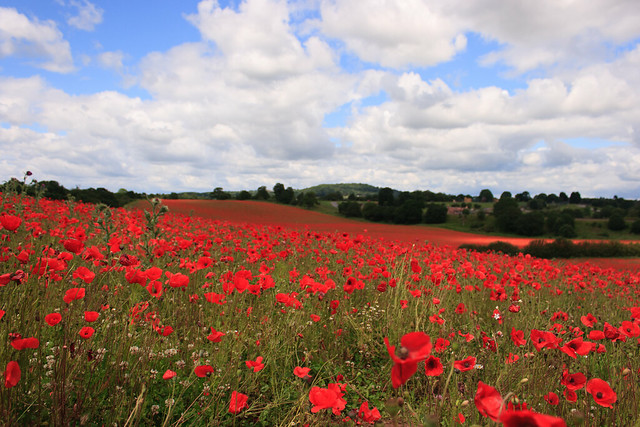
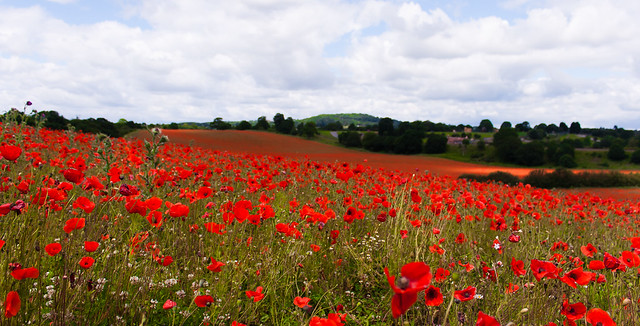
How would you improve this image in post-processing?
- Thread starter ShaunHill
- Start date


D
Deleted member 34016
Guest
I would crop away half of the sky 
Les
like this- just a personal opinion
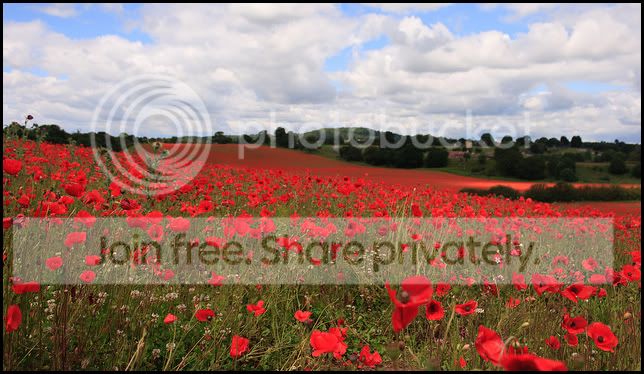
Les
like this- just a personal opinion
Last edited by a moderator:

swanseamale47
Suspended / Banned
- Messages
- 10,876
- Name
- wayne clarke
- Edit My Images
- Yes
Personally I'd crop it a bit to make the sky less of a feature and take the horizon line away from the cemtre.

D
Deleted member 34016
Guest
Ah, that's cool!
Is there any way anyone would improve on the colours in PP?
I think the colours are fine- its the composition that needed addressing as per the two examples above by myself and Swanseamale47
Les


jacob12_1993
Suspended / Banned
- Messages
- 1,941
- Name
- Jacob
- Edit My Images
- Yes
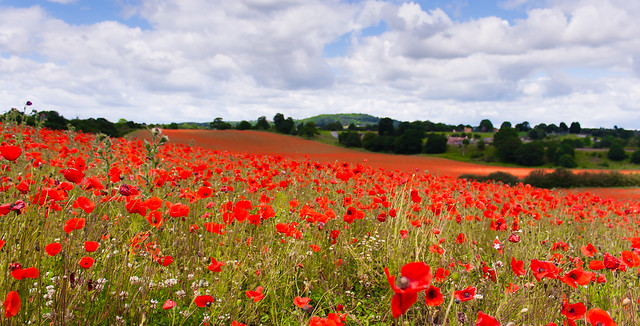
Bare in mind this is a tiny picture to edit on so some of the colour has started to break up. First off I would crop to bring the horizon up and add more empahsis to the poppies. Then I would play with the Hue/Saturation to get the blues/greens and reds more realistic as they are not right in the first image. I would then finish off with levels and curves for some selective contrast adjusments before finishing with a vignette Hope this helps!


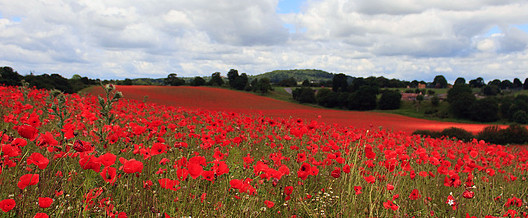
I have gone for a slightly different crop as there isnt enough poppies to make them the dominant part of this image. Added more contrast a copy of the image, and then overlaid that on the original image with a gradient layer mask so only the sky is affected. Also tweaked the hue/saturation of the poppies.
