How to remove haze in these shots

LCPete

Suspended / Banned
Messages
9,785
Edit My Images
Yes
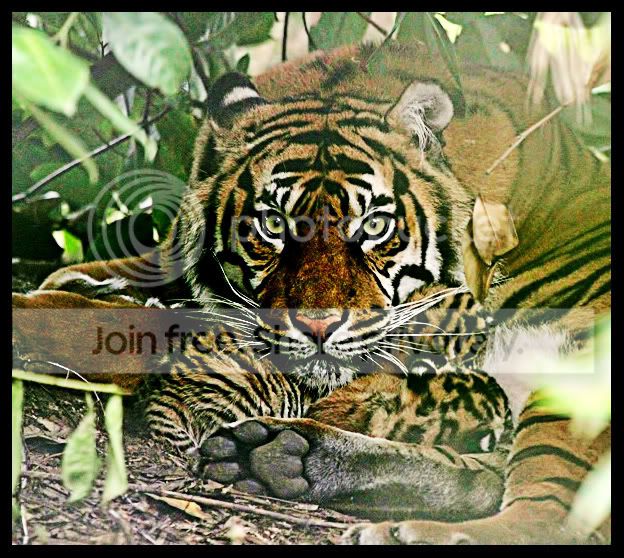
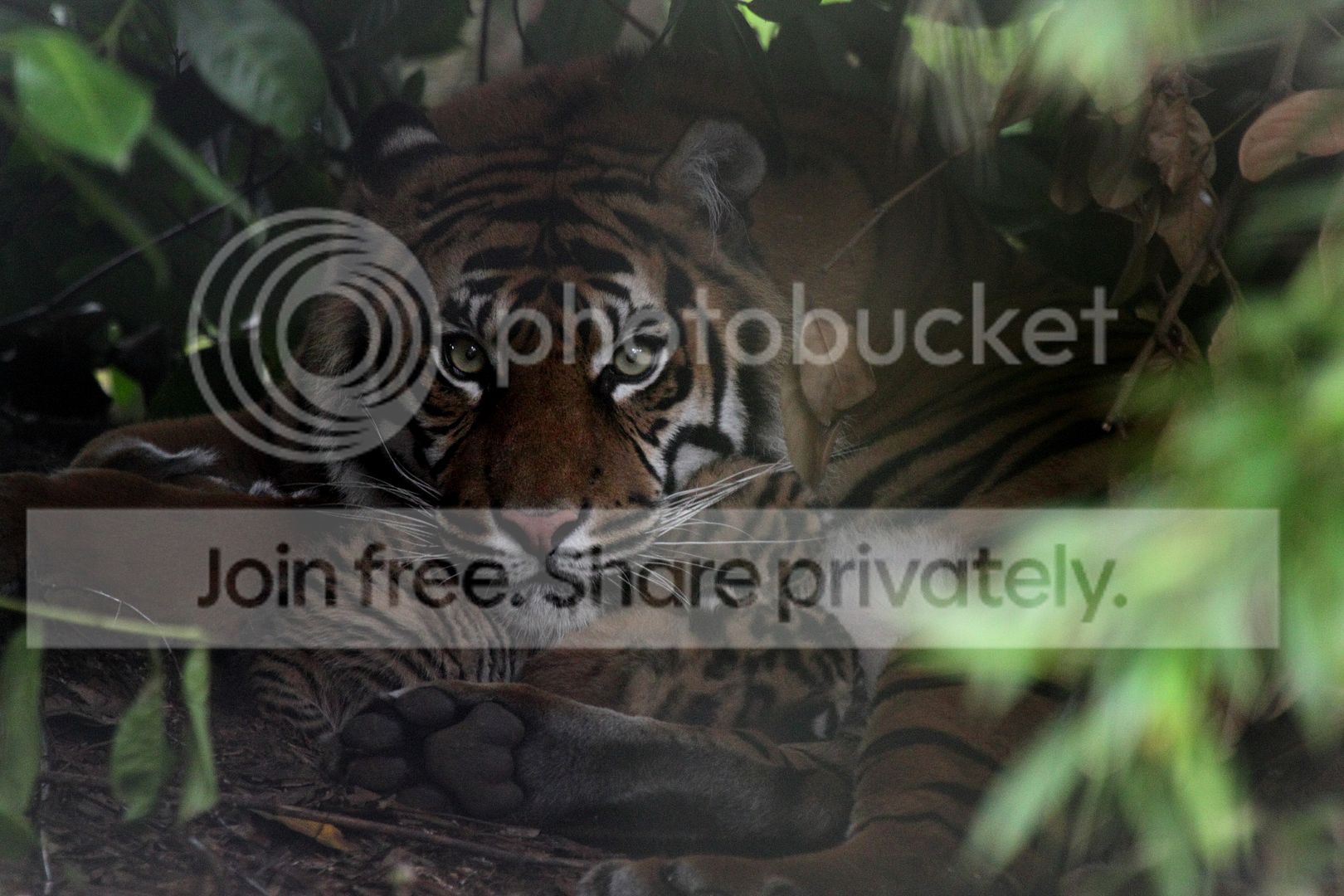
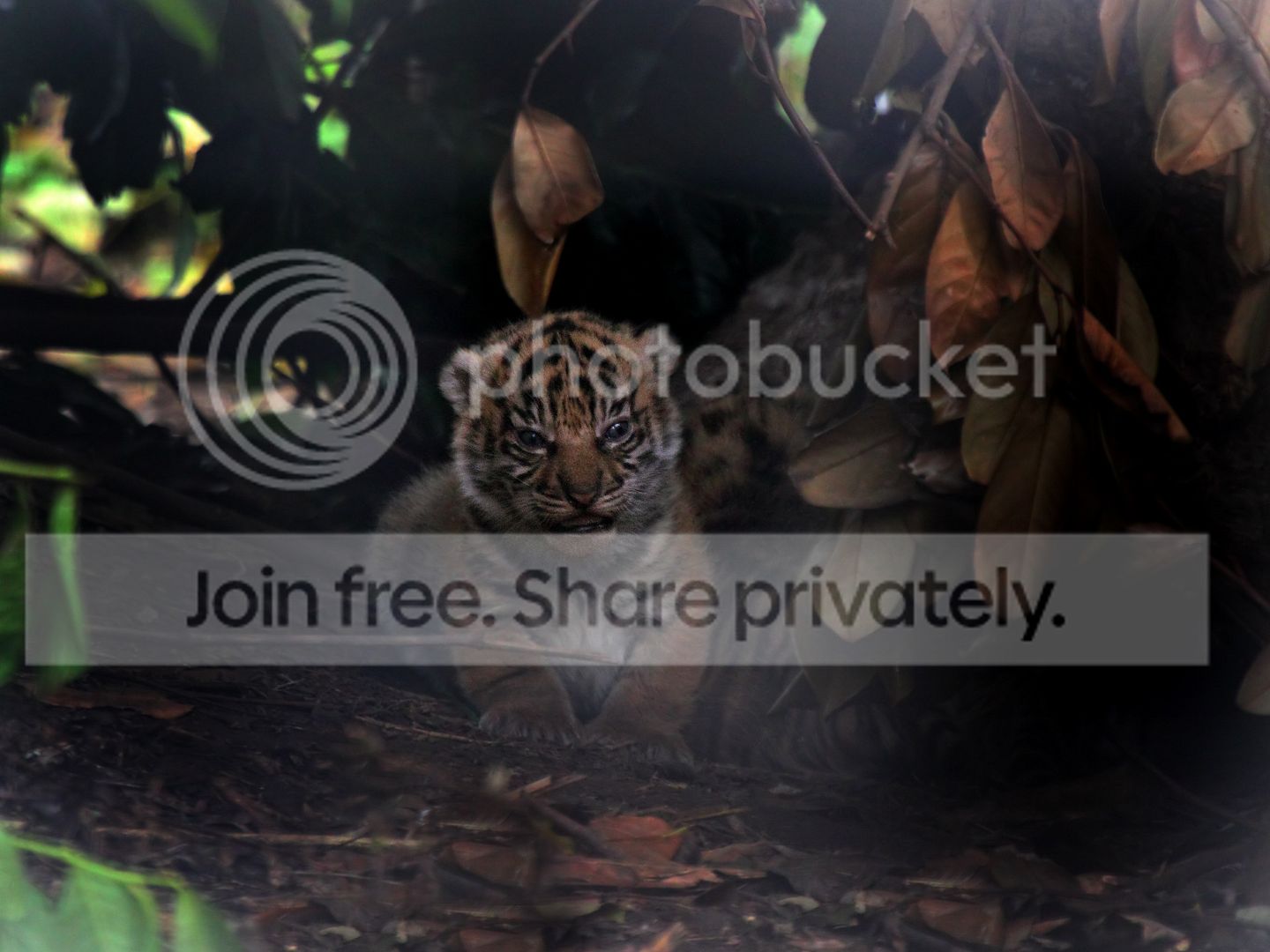
Hi everyone its a big ask:D but can these 2 shots be saved?
I know they are crap but they were the best ones that I managed
They are of the new Sumatran Tiger cubs at Chester zoo :)
I could not get close enough to the wire to focus it out and the cubs were in shade
I was at ISO3200 but still could not get a high enough shutter speed
They have now barricaded off the enclosure as the Tigress was getting stressed from all the attention so wont be able to go back and try again

I have converted from raw increasing the contrast which helped a bit but cant get rid of the haze from the out of focus wire
Pete

IMG_5321notedited.jpg


IMG_5216notedited.jpg
 
Thanks Andrew:clap:
Thats better than I managed will have another go in levels
I can get the colour right its just the haze that I cant get rid of
 
High pass filter- tweeked the contrast a little

IMG_5321notedited.jpg


Les
 
Last edited by a moderator:
Thanks Les i've not tried the High pass filter before thats brill seems to have got rid of the haze:)
Thanks for having a go Adam:)
 
Thanks Les i've not tried the High pass filter before thats brill seems to have got rid of the haze:)
Thanks for having a go Adam:)

No worries - just pay around with CS 5 its suprising what you can do

Les :thumbs:
 
thanks Andrew thats better again:)
 
Is there a way of changing the colour of the white pixels that are giving the haze to black?
That would give a viginetting sort of effect that would look quite good
Am on nights at the mo but will have a go on saturday when I finish:)
 
I would use a contrast-boost curve/levels adjustment layer, or perhaps even several for finer adjustments, masking it in where I need to boost contrast. Having done that, you can then apply your global adjustments.

tigerwj.jpg
 
I would use a contrast-boost curve/levels adjustment layer, or perhaps even several for finer adjustments, masking it in where I need to boost contrast. Having done that, you can then apply your global adjustments.

tigerwj.jpg

Thanks Nick thats great just what I was trying to do :clap:
I will have a go and post up my results:)
 
IMG_5321notedited2.jpg

IMG_5216notedited.jpg


I used the burn tool to get rid of the haze and added a brightness layer and a little vibrance. May have got a little carried away with the cubs.
Thanks Sandy looks really good :clap:
I have just bought elements 9 that does have vibrance will try it out
 
thanks guys for the help really appreciated:)
I spent this afternoon having a go myself and am really pleased with how they turned out:)
used a mixture of the burn tool and levels with layers
I have also posted them in the zoo animals feedback section
IMG_5364hbcontrast.jpg


IMG_5321.jpg


IMG_5260.jpg
 
Back
Top