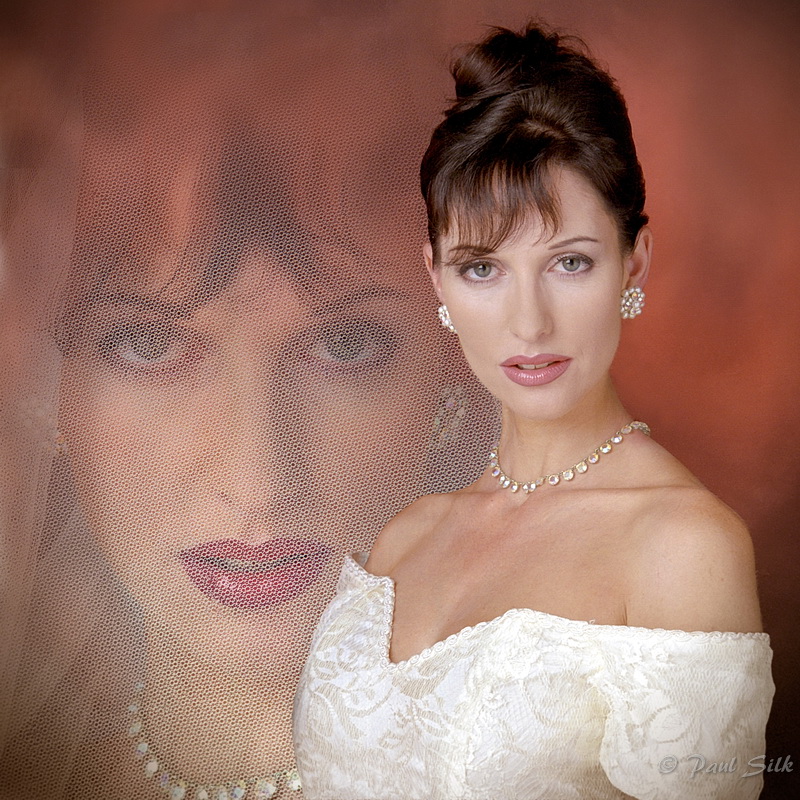
How is this effect created?

Will James

Suspended / Banned
Messages
526
Name
Will
Edit My Images
No
Hello,

I'd like to know how the white around this model is done on photoshop...I'm guessing the background is white and actually the yellow/purple have been added....but how can I create a similar effect (I have CS5)? Would be really useful to know!

I will post links as I'm not sure if I can post it to a forum without the author's permission?

http://www.flickr.com/photos/isairodpal/4375751785/in/set-72157621971141935/


http://www.flickr.com/photos/isairodpal/4375748975/in/set-72157621971141935/

Thanks.
 
Create adjustment layer: Colour filter. (or just new layer fill with colour)
Use a large soft brush on a layer mask to remove the colour over the model and part of the background.
 
Create adjustment layer: Colour filter. (or just new layer fill with colour)
Use a large soft brush on a layer mask to remove the colour over the model and part of the background.

Hi Andy, thanks for the tip. How would I create the gradual effect between the white and the background colour? Just decreased the opacity the further out from the model I go?
 
Have ago with the gradient tool, select foreground to background,tick reverse.
also 2nd box in (Radial gradient) and change opacity to suit.
Just had ago seems to do the trick
 
Another way is draw a rough oval (or use the eliptical marquee tool) on the layer mask, go to select/refine edge and add in some feather to soften the edge, you can see the effect so it's easier to judge this way.
 
Another way is draw a rough oval (or use the eliptical marquee tool) on the layer mask, go to select/refine edge and add in some feather to soften the edge, you can see the effect so it's easier to judge this way.

With CS3 that'll be Select>Modify>Feather.

Looking at the image it looks as though a new adj layer has been added in the layers pallet and with a very soft (large-ish) brush painted in using a soft yellow/purple, then opacity reduced on that layer. Or as Wayne said, a feathered (eliptical marquee) oval on a layer mask to create the vignette with then a white brush on the model to bring back the original tone and therefore avoiding the colour cast on the model herself..

There could be any number of ways of course, there's usually more than one way to create something in Ps.

Rgds
 
Last edited:
Have ago with the gradient tool, select foreground to background,tick reverse.
also 2nd box in (Radial gradient) and change opacity to suit.
Just had ago seems to do the trick

Thanks for the tip :thumbs:

Another way is draw a rough oval (or use the eliptical marquee tool) on the layer mask, go to select/refine edge and add in some feather to soften the edge, you can see the effect so it's easier to judge this way.

I've done something like this before, I always forget how to do things in PS I just need more practice, thanks for the advice :)

With CS3 that'll be Select>Modify>Feather.

Looking at the image it looks as though a new adj layer has been added in the layers pallet and with a very soft (large-ish) brush painted in using a soft yellow/purple, then opacity reduced on that layer. Or as Wayne said, a feathered (eliptical marquee) oval on a layer mask to create the vignette with then a white brush on the model to bring back the original tone and therefore avoiding the colour cast on the model herself..

There could be any number of ways of course, there's usually more than one way to create something in Ps.

Rgds

Yup I've just got to learn what I find easiest and best to get the effect I want, as above I find it hard to remember the process of doing things in PS, just need some more practice. Thanks for the tip :)

Photoshopmama's Youtube channel is informative. You might find this tutorial helpful.

http://www.youtube.com/watch?v=K2IIfMjf_iI

Cool thanks for that!
 
Judging by the harsh white line around the edge of the subject on the second one I'd say it's been cut out and placed on a background made in Photoshop.

Although why I do not know has it would have been easier to have done it in the ways suggested in this thread.

I agree with Just Dave it would have been easy to do with the lighting, a second flash gun with a snoot (toilet roll) and coloured cellophane on the white background.

But saying that somethings cannot be done with lighting and you have to cut and paste.:)

28685937.jpg
 
Back
Top