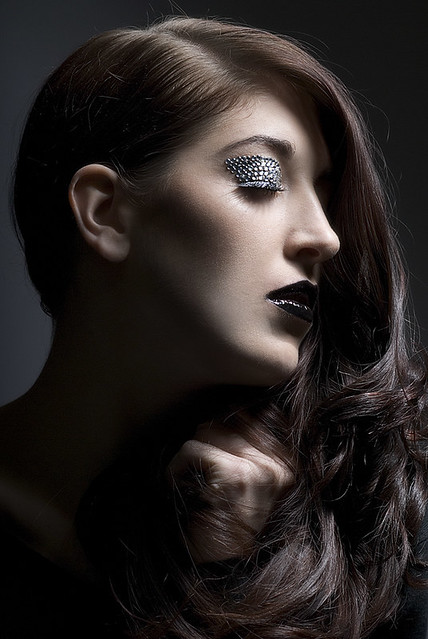
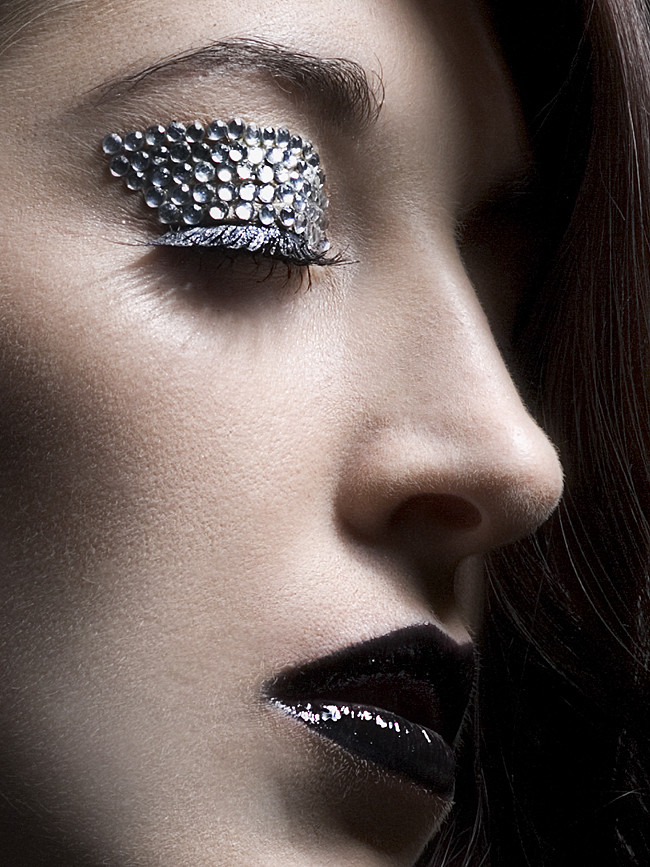
How do you smooth your skin?

futureal33

Suspended / Banned
Messages
2,390
Name
Nick
Edit My Images
Yes
Just wondering how you do your skin smoothing, and what program(s) you use.

Ive recently been experimenting with a few different methods. Only problem being that each seems to work well in different circumstances, so its a case of trying each method out before I get one Im happy with, rather that one which works "everytime" etc.

All these were done in Photoshop

Method 1 = High Pass Smoothing
Method 2 = Smart Blur
Method 3 = Surface Blur

In this instance, I like the results of the High Pass smoothing best.

But in other examples (which I will duly post) surface blur seems to work better!

What methods do you use to get that perfect smooth skin effect?

Method 1: High Pass

highpass by futureal33, on Flickr

100%

100%highpass by futureal33, on Flickr


Method 2: Smart Blur

smartblur by futureal33, on Flickr

100%

100%smartblur by futureal33, on Flickr


Method 3: Surface Blur

surfaceblur by futureal33, on Flickr

100%

100%surfaceblur by futureal33, on Flickr

So which do you use?
 
Portrait pro. Best £30 quid ever spent.

:thumbs:

As long as you go steady with the sliders otherwise you end up with what looks like a shop dummy.
 
hmmm, that does seem liek too much effort.

I first of all you the retouch tool to get rid of any blemishes ..... then the skin smoothing tool and just scribble it over the persons face. .. Any further adjustments after that can be done with the sliders to change the intensity, radius and detail of the smoothing ... Aperture 3
 
I use a daily skincare regime of Oil of Ulay......

But when my victims / models don't I use portrait pro :)
 
These are way too smooth, and portrait pro is AWFUL (don't give me the "its ok if you move the sliders down" crap - it isn't, the method is horrible). Frequency separation done well is the best way, but I highly recommend imagnomic portraiture plugin as more of a quick fix. Its the only programme I've found that leaves texture. Skin does have texture.
 
Don't forget to look in the tutorials section on this forum.....free tutorials.
 
I've just had a look at some of the examples in the Portrait Professional gallery and I'm shocked by just how bad they are including some rather extreme examples where people's freckles have been completely removed.

Personally, I'll only generally go as far as removing non-permanent features and giving subjects a fresher appearance like they've had a good night's sleep. This I'd usually do by first smoothing any deep creases (but not obliterating), cloning/healing out any blemishes, creating copies of the skin layers to apply surface blur and then reapply skin texture on top. Yes, it's a lot more involved than pushing and pulling a few sliders, but that's my current method of skin smoothing.
 
punkuate said:
These are way too smooth, and portrait pro is AWFUL (don't give me the "its ok if you move the sliders down" crap - it isn't, the method is horrible). Frequency separation done well is the best way, but I highly recommend imagnomic portraiture plugin as more of a quick fix. Its the only programme I've found that leaves texture. Skin does have texture.

With respect, Port Pro is capable of producing results that are far more subtle than the headshot on your PS port. Maybe you've not seen the latest version?

Sorry, no offense intended. Nice work on that port, by the way.
 
Totally depends on what's required and how much time you're willing to put in.

Basic - healing and clone tools
Intermediate - Frequency seperation, then healing and dimension dodge and burn
Advanced - Pixel level dodge and burn and dimension dodge and burn

Pixel level dodge and burn, when done expertly can take hours...think 5,6,7,8 + hours depending on image and required output.

For plug ins, portraiture by imagenomic isn't too appaling, however, portrait pro IS rubbish for anyone wanting to output anything that's visually acceptable to a qualified eye, and using any form of blurring on the skin should be avoided at all cost.
 
With respect, Port Pro is capable of producing results that are far more subtle than the headshot on your PS port. Maybe you've not seen the latest version?

Sorry, no offense intended. Nice work on that port, by the way.

PUNKuate_4158977.jpg


This?
 
punkuate said:

Actually it was the other one, but I must stress I'm not criticizing the image. I just wanted to get an idea of your tolerance level, given how strongly you seemed to feel about PPro.
 
Back
Top