How do you do that (HDR)

AlexPhotography

Suspended / Banned
Messages
127
Name
alexander
Edit My Images
Yes
Hello folks... now I know HDR is a little like marmite you ether loves it or hates it but me personally I enjoy editing as much as I enjoy being out in the field taking the shot.
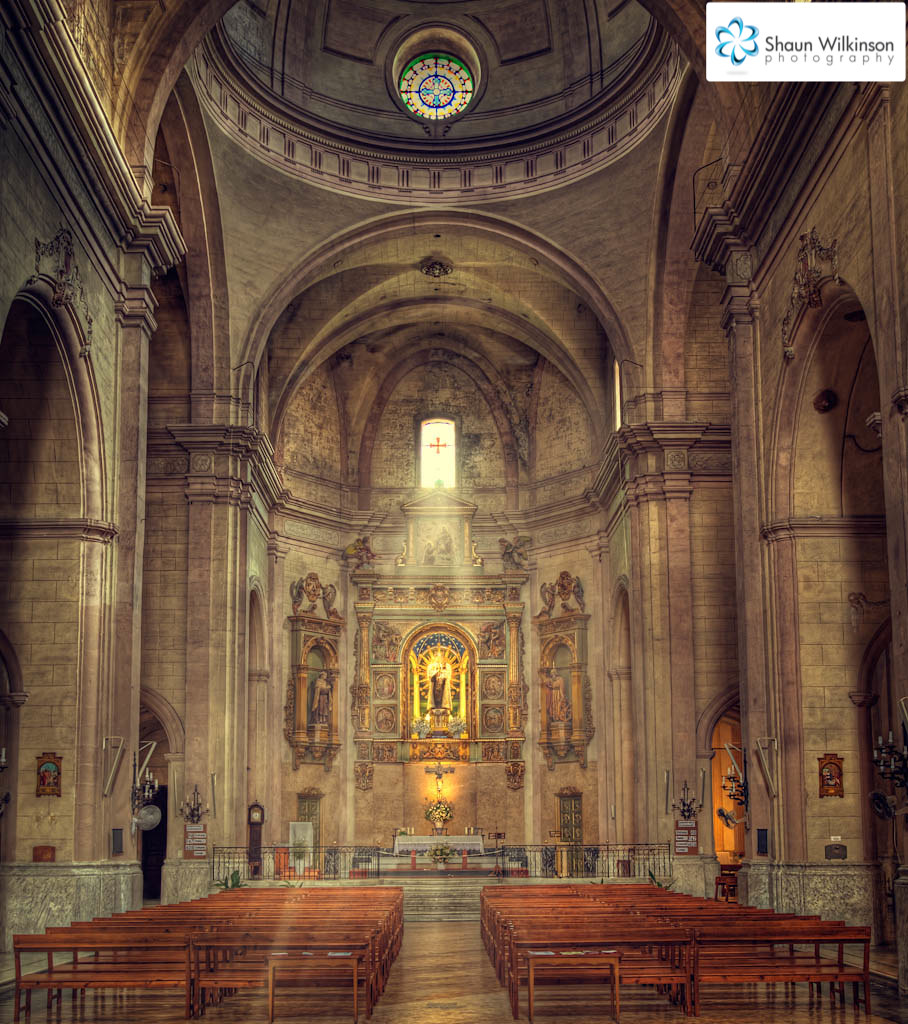
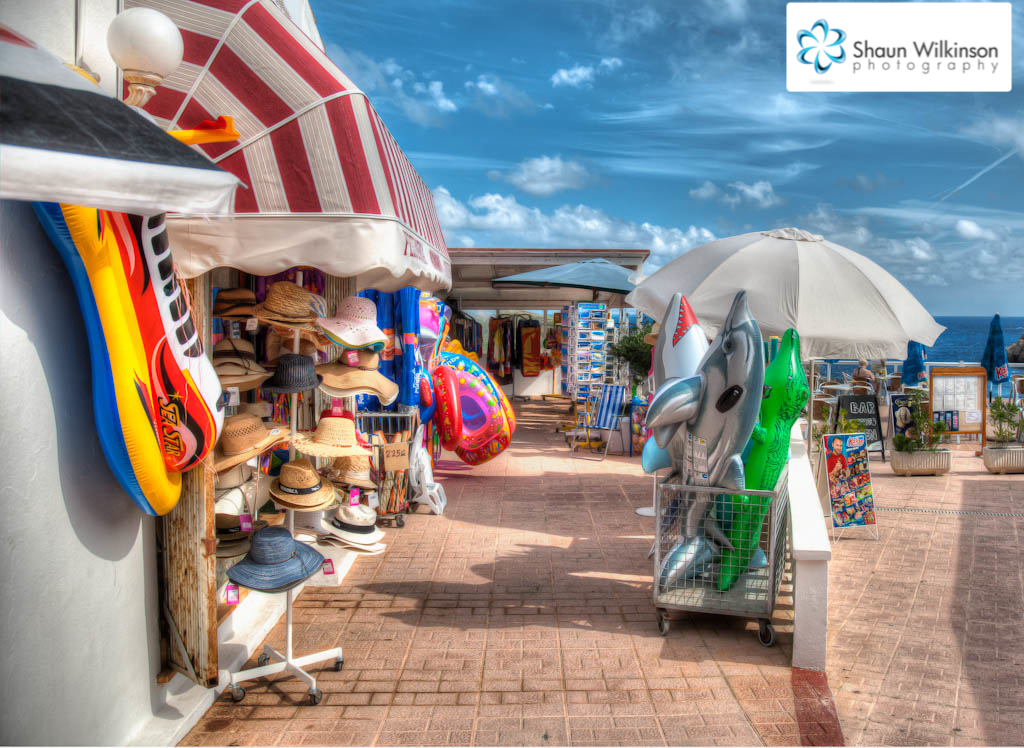
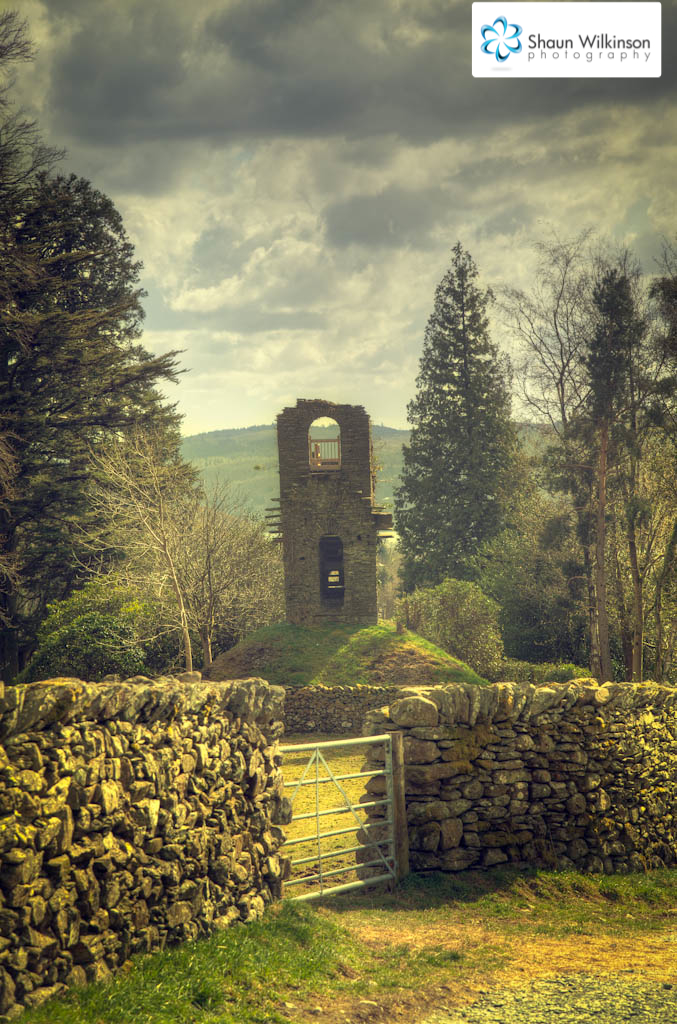
Well I have seen a good few shots on the web which to me look really impressive with the bright colours and the affects of HDR and really want to learn how you all do it.
Now I have had a little play with my camera with the AEB setting on full with the under exposed, normal shot, and over exposed but my shots still come out fairly bold. I am still yet to try out shooting in RAW which I have herd mentioned a few times. The software I have is Photoshop elements 9 I have also downloaded the free software picturenaut and also the canon DPP (which I am yet to try out).
So if anyone could give me a few tips and pointers will be much appreciated. Thanks guys
 
A lot depends on what effect your after and how your shooting, the scene contrast will also make a difference.
I tend to shoot two stops apart (3 frames) and that works well for me, I can get anything from a fairly natural look to the "Oh my God it's HDR" look by ajusting the software, I don't use Elements but photoshop tends to give a more natural effect in my experience.
Try downloading the trial of Photomatix and give that a go. Well worth the money in my view.
 
yes, photmatix is great for single click pre-sets in hdr so you can have a play around and see which suits the shot best :thumbs:
 
with elements you get ACR [adobe camera raw], if you open image with ACR,
you will get an acr box, go to exposure -2 save,
then do +2 save then open all three in elements, then go to file new then choose photomerge exposure,
if you are doing it in camera it is the same process, only difference load straight into elements and then photomerge
 
Thank you so much guys I have downloaded the free trial of photomatix and soon as I get paid I will get the full version I love it I just need to get out with the camera now and get the shot I want. I tried it on a test shot and got some really good results. Soon as I get the shot I will share with you all so thanks again guys for your great tips and advice made me one happy snapper :thankyou:
 
I tried a quick attempt in photomatrix but it looked pretty poor tbh.

Think i'll head out at some point and get a few better images to load into photomatrix and have another go.
 
Hello folks... now I know HDR is a little like marmite you ether loves it or hates it but me personally I enjoy editing as much as I enjoy being out in the field taking the shot.
Well I have seen a good few shots on the web which to me look really impressive with the bright colours and the affects of HDR and really want to learn how you all do it.
Now I have had a little play with my camera with the AEB setting on full with the under exposed, normal shot, and over exposed but my shots still come out fairly bold. I am still yet to try out shooting in RAW which I have herd mentioned a few times. The software I have is Photoshop elements 9 I have also downloaded the free software picturenaut and also the canon DPP (which I am yet to try out).
So if anyone could give me a few tips and pointers will be much appreciated. Thanks guys

Hi Alex the latest DPP has a HDR Tool included and some good results are possible.
 
Back
Top