How do I fix this?

Chr1stof

Suspended / Banned
Messages
1,171
Name
Chris
Edit My Images
Yes
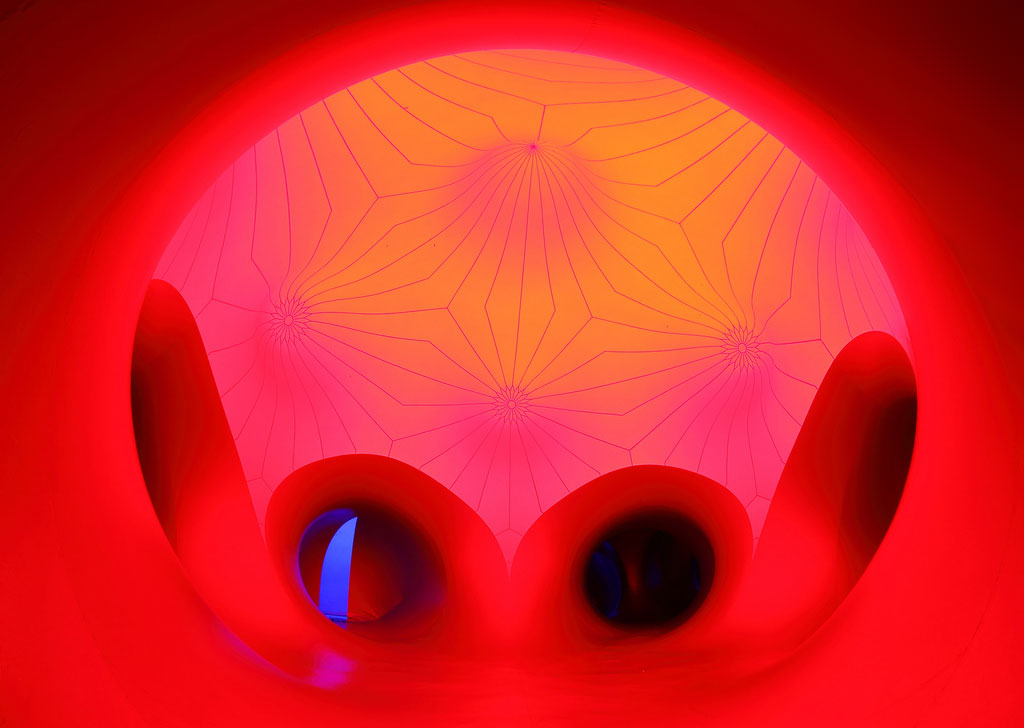
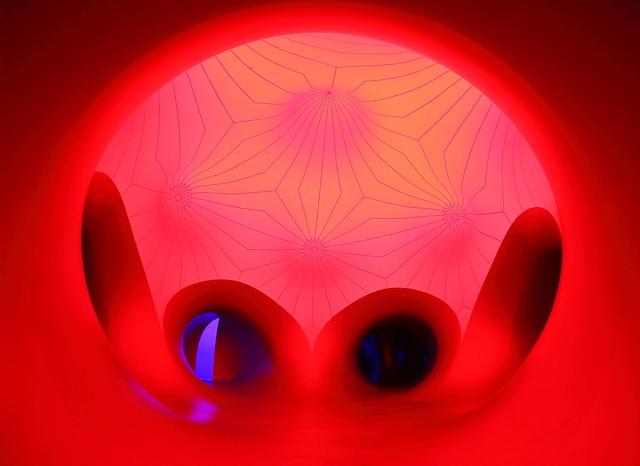
I am very inexperienced when it comes to PP-ing, could someone point me in the right direction on how to remove the rippled bit in the top right of the image below? I think I would struggle cloning it, would it be better to somehow copy the top left side, flip it and paste it in? :thinking:
If anyone wants to have a go at the original (you should be able to get to it on my photostream link) and repost it then thats fine, but I would like to learn how to do something like this :)

Edit- sorry, I have replaced the photo- didn't realise it would vanish from this post but the original can be seen in Stormcrow's post lower down


Architects of Air Luminarium - Levity III by Chr1stof, on Flickr
 
Last edited:
here you go
6209270530_15a2ddd3f2.jpg

content aware the area you want to get rid of,
eyedrop colour on left hand side,
go to paint brush, paint in colour,
took 2/3 minutes
 
Cheers for replying, Im not sure what "content aware" is?
Could you expand a little on the steps (dummies version!)
I have CS3 if that helps. Apologies for being a bit thick with this stuff ;)
 
Content aware fill is new to CS5.
I had a quick bash in CS4, using the method you originally suggested.

edited.jpg


A bit rough, but it's rushed.
I just made a feathered selection for the left corner, copied and flipped it to the right. Then adusted the levels so that it blended in to the the original image, flattened and tidied up a little bit with some dodging and smudging.
 
here you go

content aware the area you want to get rid of,
eyedrop colour on left hand side,
go to paint brush, paint in colour,
took 2/3 minutes

not sure why you would use CA first, then paint brush, suppose everyone does things differently

as said CA isnt in CS3 its only in CS5

I used lasso selection tool and gaussian blur

6211486368_c5f7ee2ff6_b.jpg
 
Last edited:
Sorry, any chance someone can give me a step by step for CS3?
Edit-
I used magnetic lasso to pinch the top left corner and move it to the right after using transform to flip it, but im struggling to get it to match in. Havent sussed the eyedrop/paint brush bit yet...
 
Last edited:
Sorry, any chance someone can give me a step by step for CS3?
Edit-
I used magnetic lasso to pinch the top left corner and move it to the right after using transform to flip it, but im struggling to get it to match in. Havent sussed the eyedrop/paint brush bit yet...

8SOLM.jpg


1
XHBcp.jpg


2
7ZO1L.jpg


3
0sNuq.jpg


4
MkjrU.jpg
 
Wow- thanks for that- karma to you :) will try it tomorrow!

Another example of why this forum is so excellent :) and a reminder of how little I know!
 
finally had time to have a play, not 100% happy but I will have a play some more... Thanks again for the help

6209270530_bfeff011e0_z.jpg
 
Back
Top