Help!!

Bean

Suspended / Banned
Messages
162
Edit My Images
Yes
Hello! :D

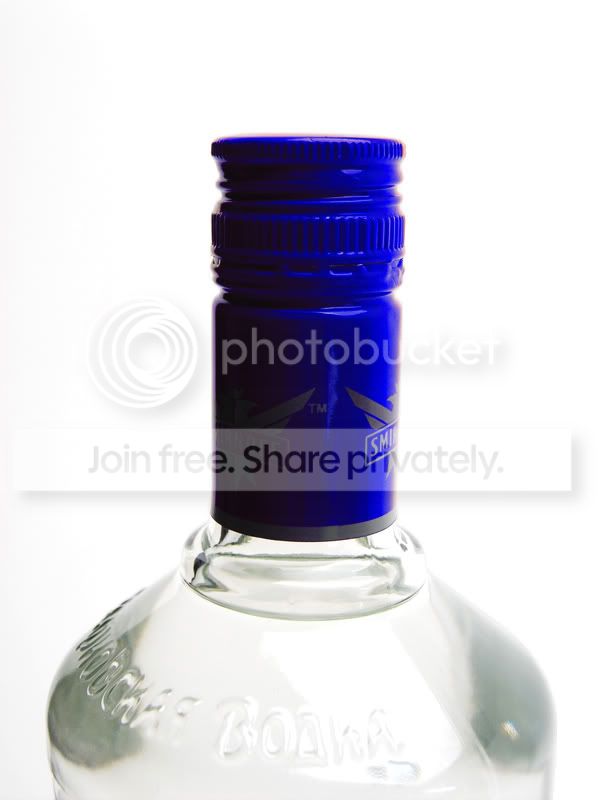
I'm just post-editing some photos I've done and I've come across a problem with some product shots...

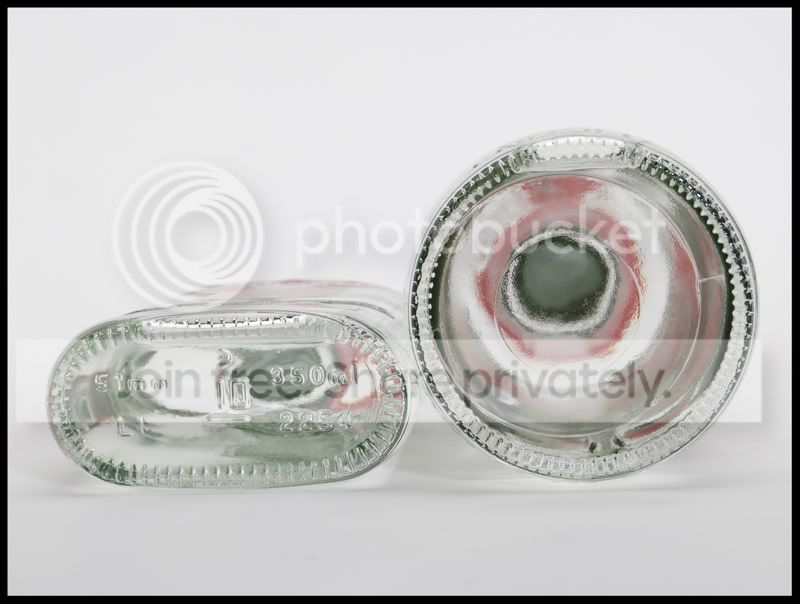
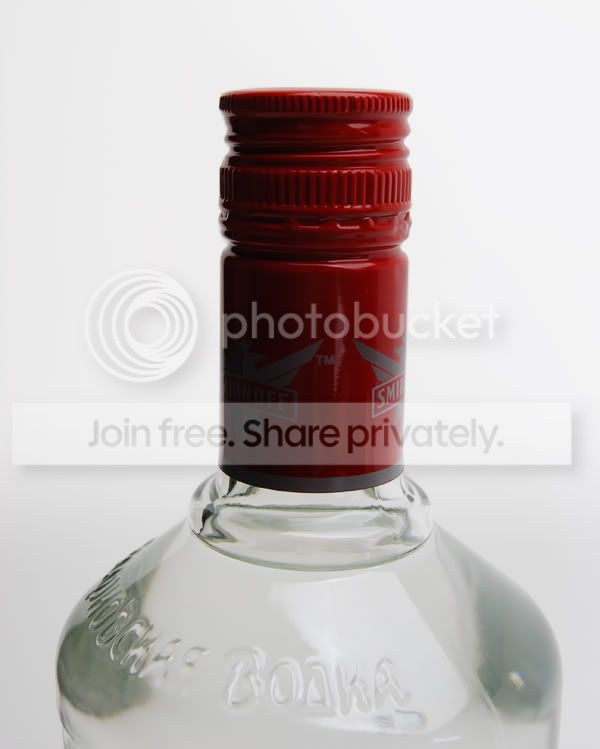
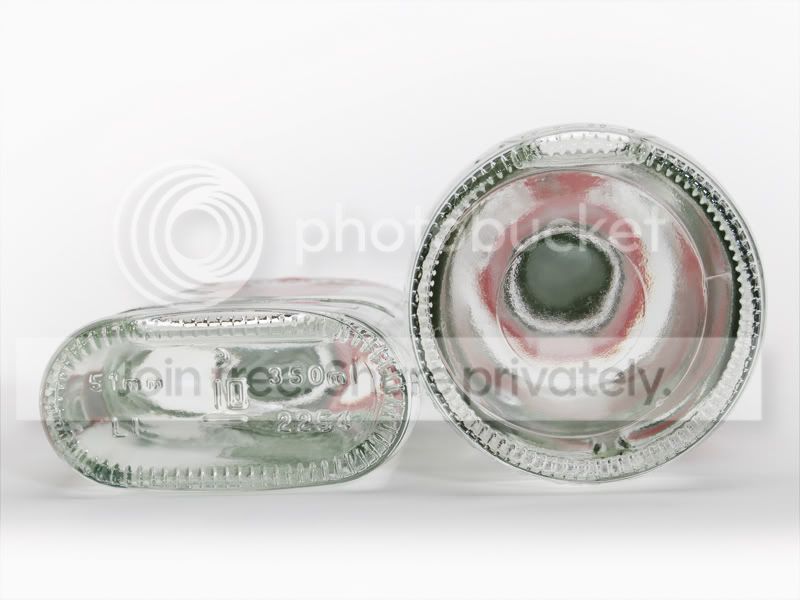
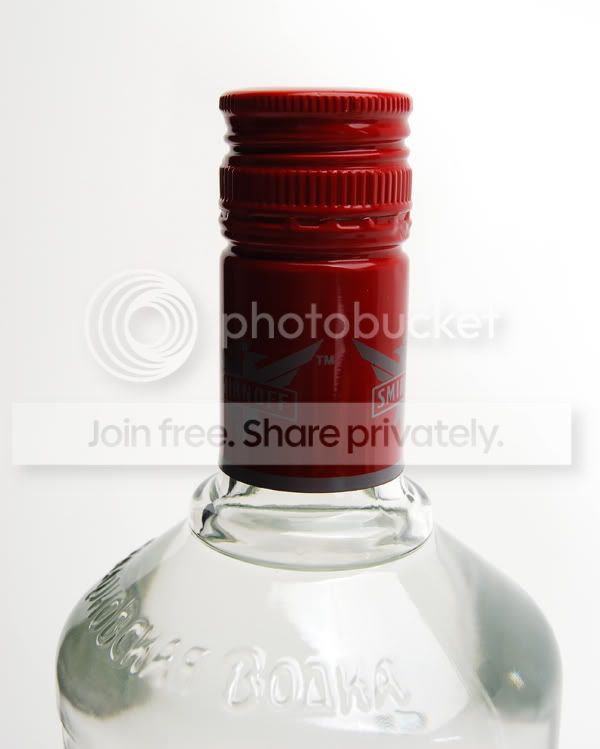
I've got these, but the background has come out too grey!
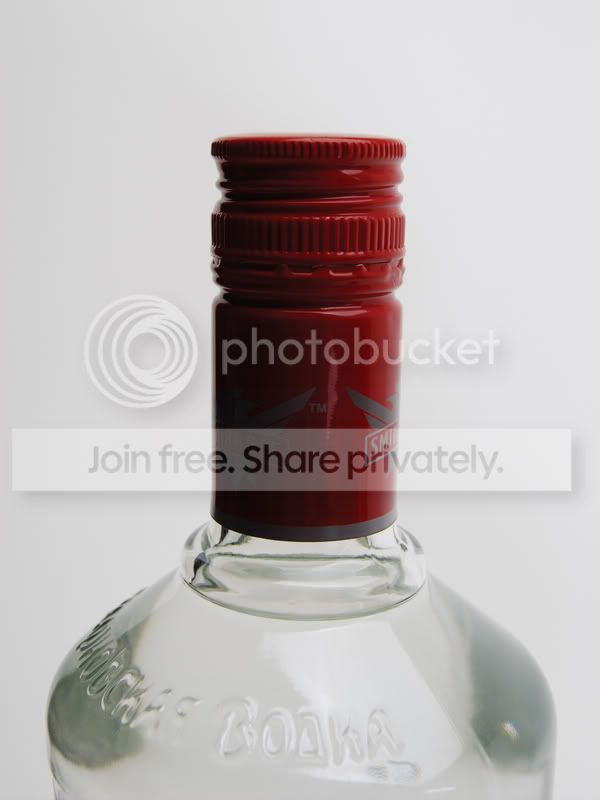
Untitled-3-1.jpg

Untitled-2-1.jpg


Any ideas about how to get the image brighter and cleaner?

I've played with the 'curves', but i then lose the detail in the glass.

Help!!
 
Not really done this sort of thing before, but it seems that that the background and subject are similiar in colour. I would suggest using a mask to seperate them so that you can alter the background and subject independently.

Here is a quick crude attempt.

Untitled-3-1_copy.jpg
 
simply create a new levels adjustment layer & you'll notice three eyedroppers in the bottom corner of the box that appears - select the lightest one of these & click the are a that you need to be white. This will set the white point for your document so you may need to mask any areas that lose detail because of this :thumbs:

Edit: Zeroeseights version works too, I'd use this technique for bringing back any of the lost detail :thumbs:
 
Fantastic! Thank you!!

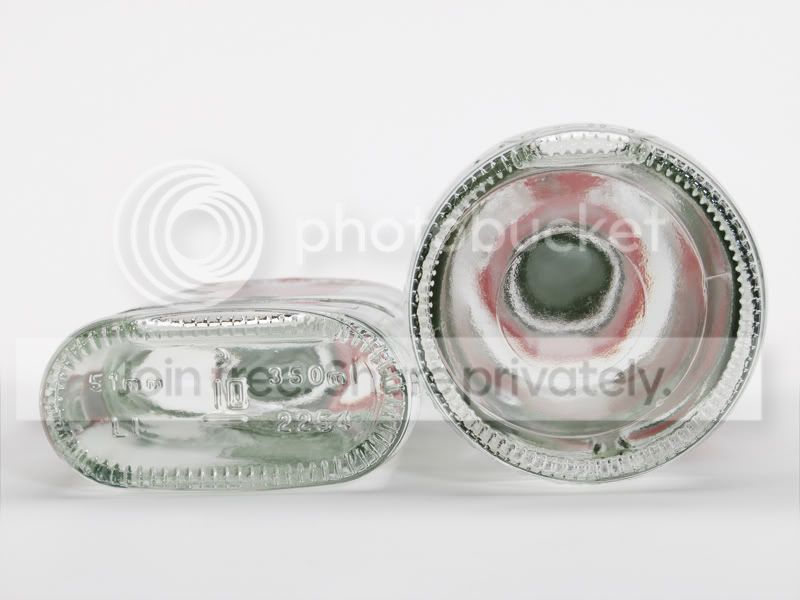
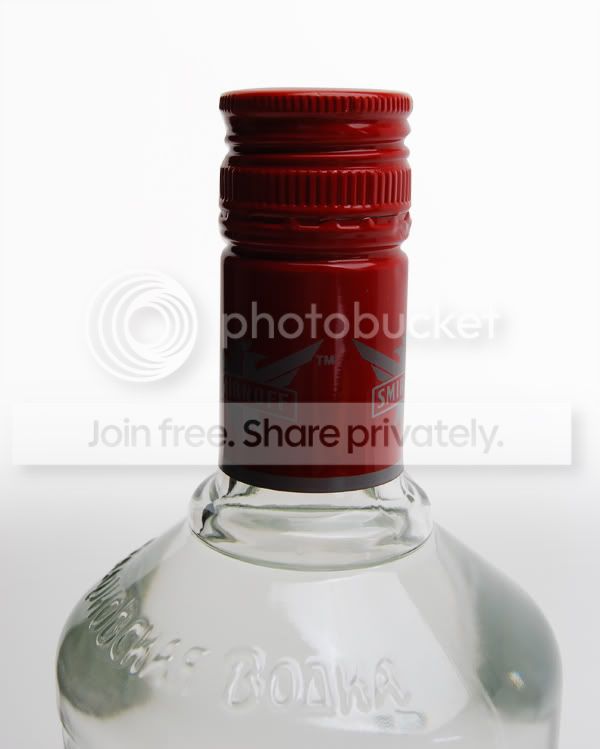
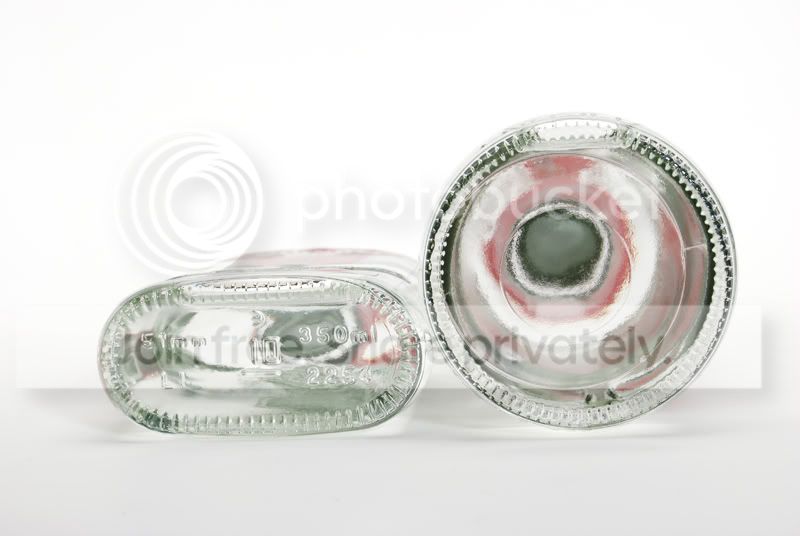
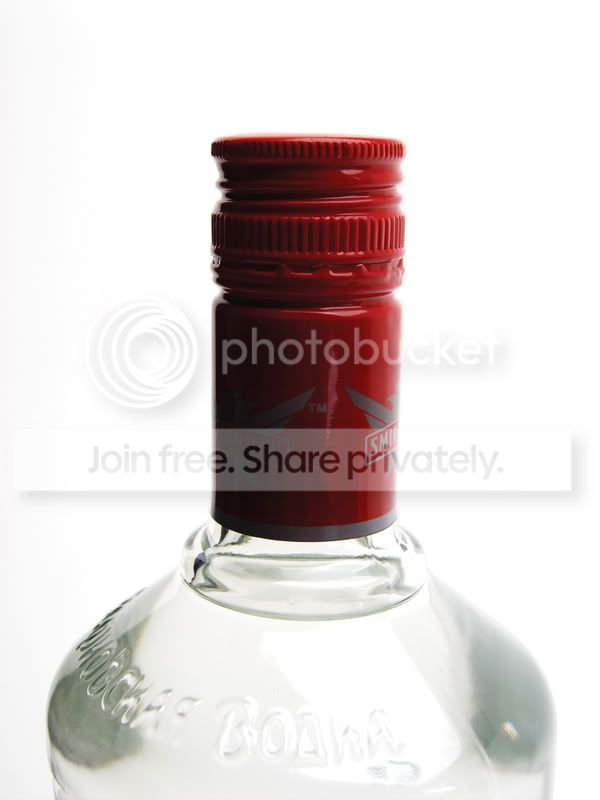
I've done these, I think they look better... what do you think?

4-4.jpg

Untitled-21-1.jpg


Thank you so much for your quick replies!! :thumbs:
 
lol, I've just put them up on here and still think they need more white!!

Bear with me, lol :p
 
simply create a new levels adjustment layer & you'll notice three eyedroppers in the bottom corner of the box that appears - select the lightest one of these & click the are a that you need to be white. This will set the white point for your document so you may need to mask any areas that lose detail because of this :thumbs:

Edit: Zeroeseights version works too, I'd use this technique for bringing back any of the lost detail :thumbs:

Hehe, we are both using the same method. I used an adjustment layer and layer mask, and set the white point as well later on. :lol:

Bean your edits look better than the originals, at least you can work on it now. :)
 
Back
Top