DrPips
Suspended / Banned
- Messages
- 310
- Name
- Dom
- Edit My Images
- Yes
Hi All,
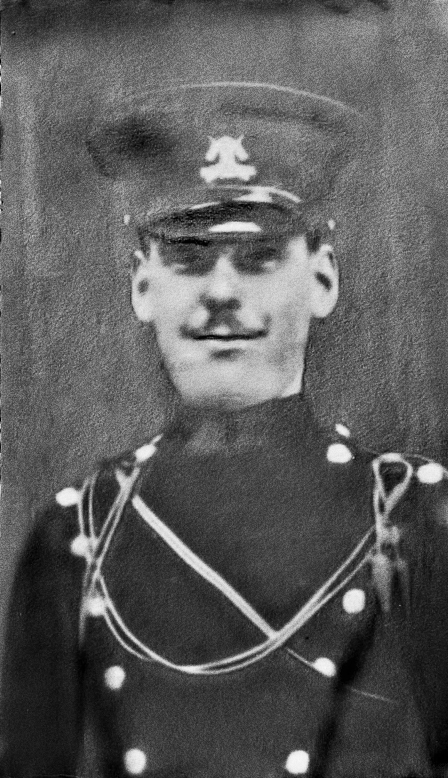
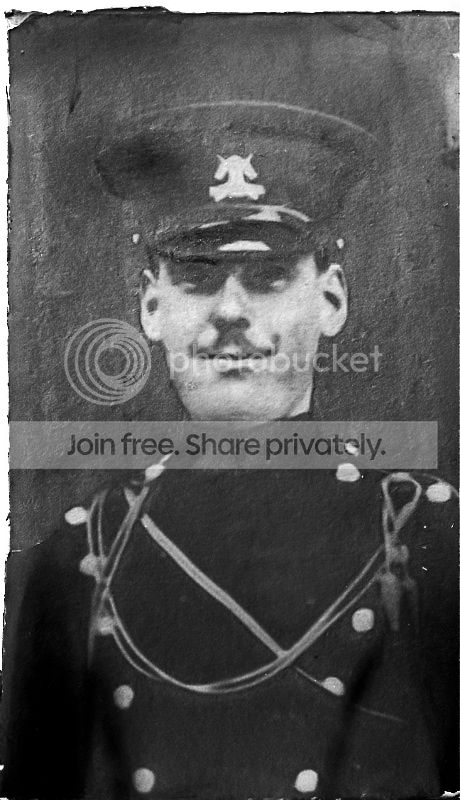
My grandmother has recently given me a few photos to scan and upload, and whilst most of them have scanned fine, there is one that has faded quite a bit, and I need some advice on how to get some of the detail back. Obviously there are no negatives, so it's just something that can be done with CS3.
The photo is of my Great Grandad who served in the 12th lancers in WW1

Thanks,
Dom
My grandmother has recently given me a few photos to scan and upload, and whilst most of them have scanned fine, there is one that has faded quite a bit, and I need some advice on how to get some of the detail back. Obviously there are no negatives, so it's just something that can be done with CS3.
The photo is of my Great Grandad who served in the 12th lancers in WW1
Thanks,
Dom