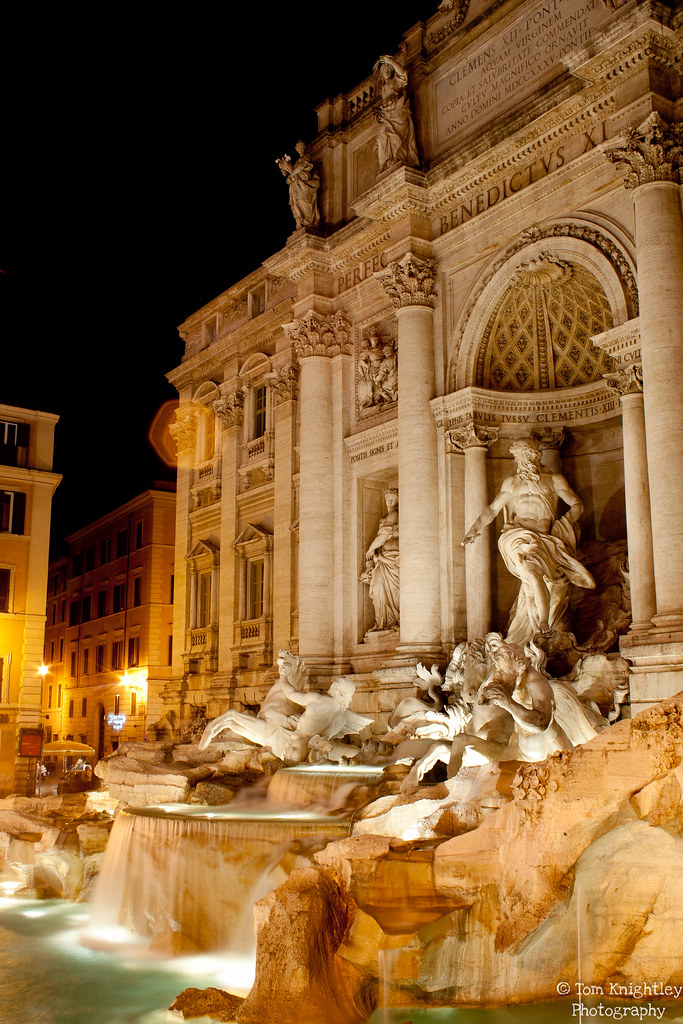
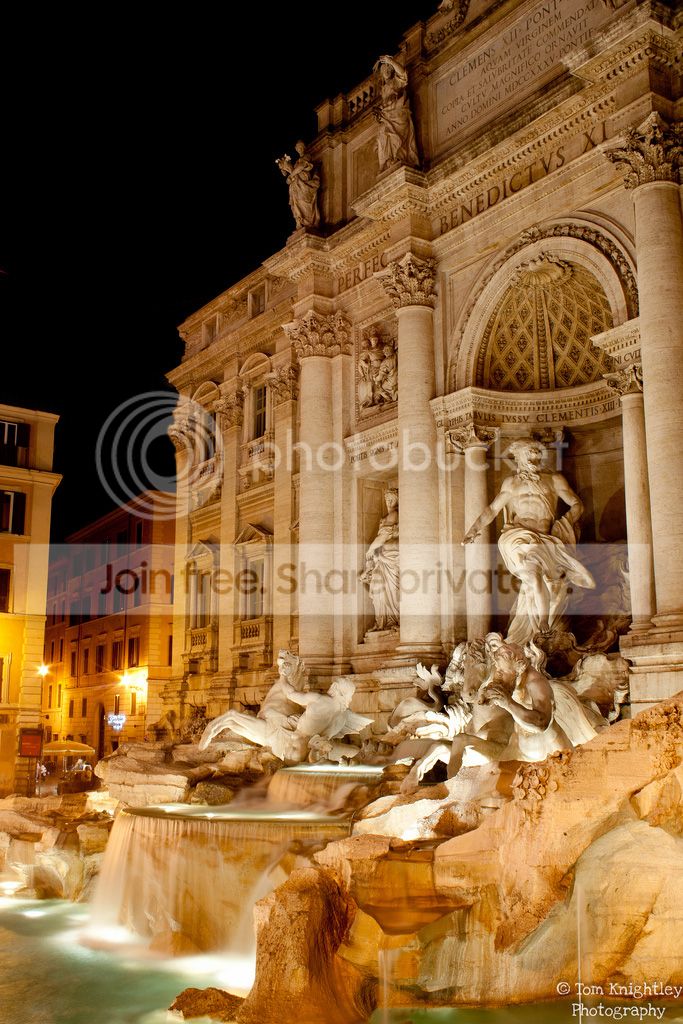
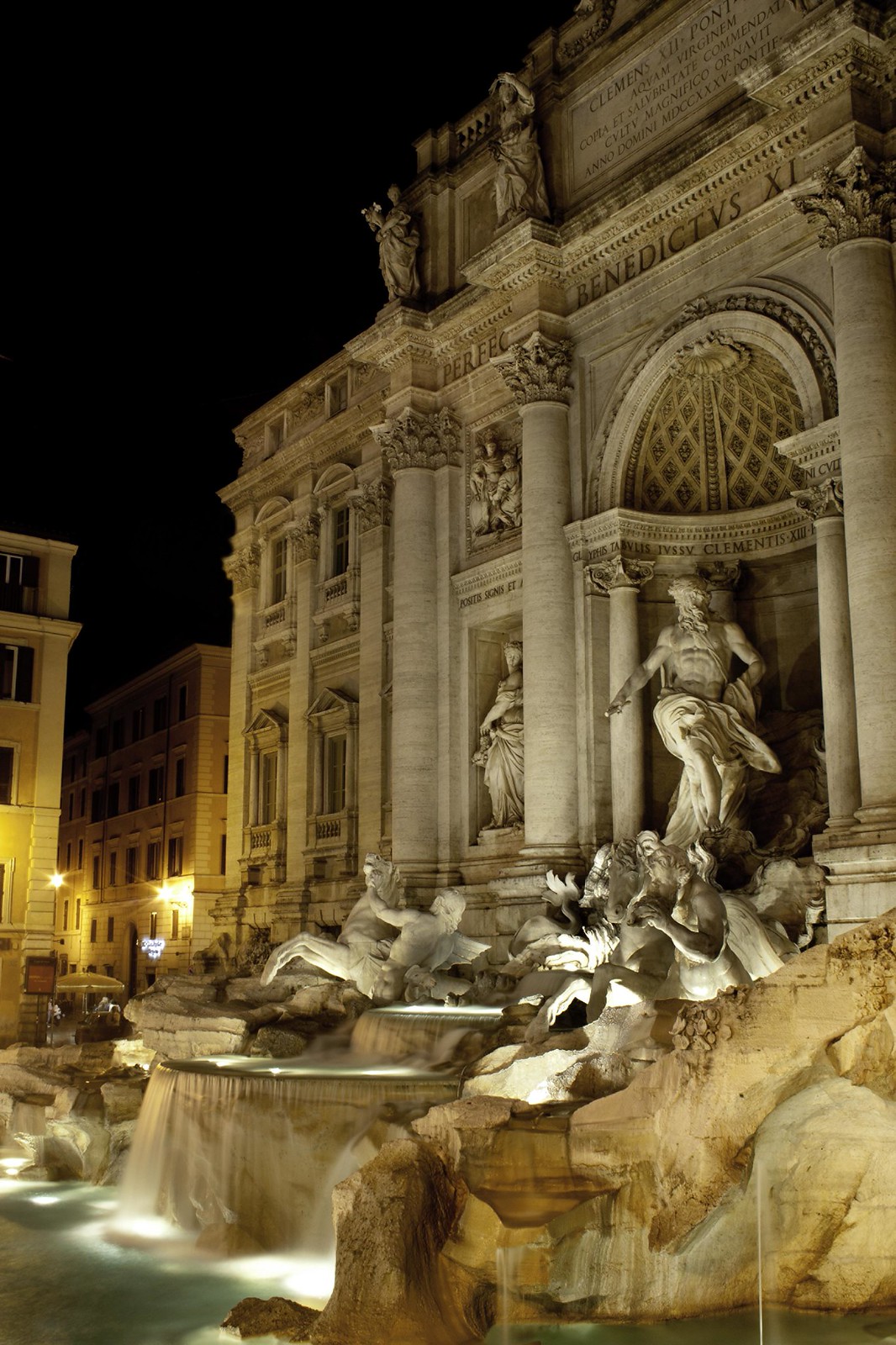
Work at the highest image size you have to get your lines and cloned window area as precise as possible. If you are blowing up to A2 you will need to be precise but it is possible
• Dupilcate your layer and click into it in the layers panel
• Select the lasso tool and feather it at say maybe 10px, if you are using the full hi-res image you might want to go higher than that to stop getting a hard edge
• Using the lasso tool draw around a largish area around the RH window. Enough to cover the flare where it covers the stonework on the LH side at least
• Right click inside the selected area and then choose 'Layer via copy'
• Select the move tool and move the new window layer over the LH window to position it
• If you need to resize it at all then hit Ctrl+T and that allows you to pull the corners etc to size it. If you hold down the shift key when you resize, it will do it proportionately. Once it fits, hit enter. IF you need to adjust use CTRL+T again. You may find it easier to adjust the opacity of the new layer first - go to the layer panel and adjust the opacity down to let you see what is underneath. Once you are happy, make sure and put it back to 100%
• From the menus at the top select layer > layer mask > reveal all
• Reset your default foreground and background colours to black and white by clicking the small b&w box on the tool bar and use the L-shaped arrow beside it to make sure black is on top. Use this to select between black and white
• Select the brush tool and then adjust the size to suit, you use the black color to rub out the bits of the window layer you don't now want, use the white colour to put them back in again if you make a mistake
• The only part of the flare that should still be there is the stuff on black
• Flatten the image - Layer > flatten image
• Select the clone tool and then hold down the alt key and using your mouse select an area of the dark sky adjacent to the flare. Where ever you click this will be the area that is copied to the are in the next stage
Brush over the flare area until it is gone, adjust the tool size and reselect areas to suit