

moodye
Suspended / Banned
- Messages
- 122
- Name
- G
- Edit My Images
- Yes
Hi guys
Still cutting my teeth with the GIMP, here's what i would class as a successful edit, my most successful to date;
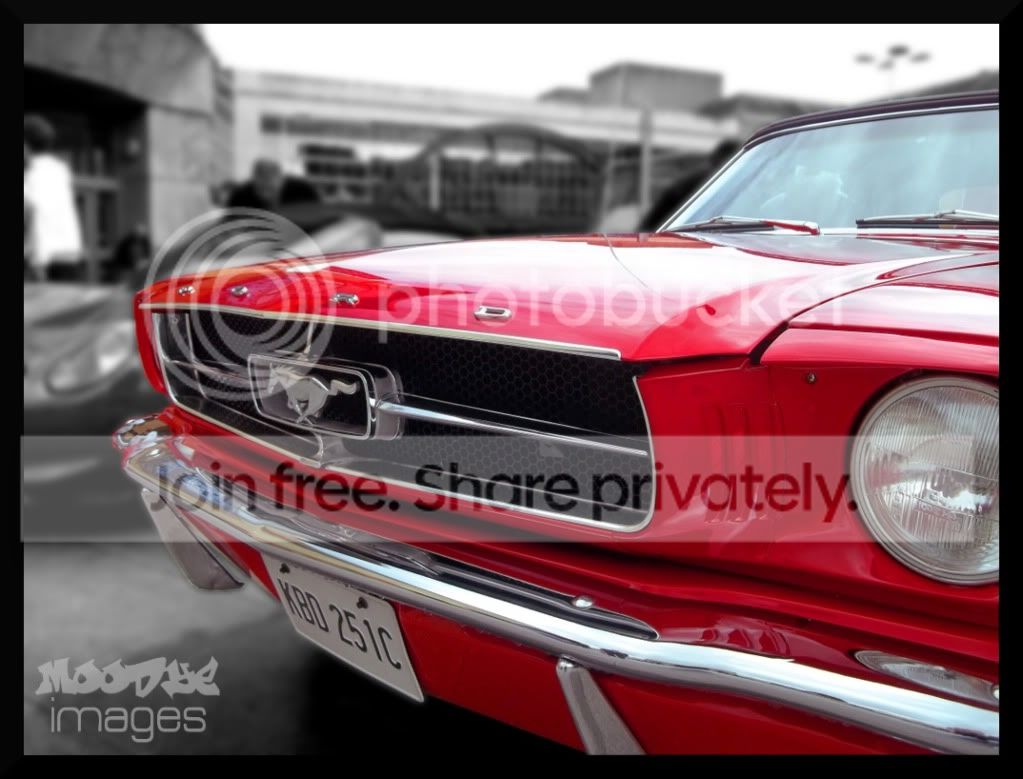
i feel this worked because of the colour of the subject car, and the background was so distracting i needed to blur it. the problem is, that there's an un-natural DoF created, by blurring the background and not the car, which i might get away with because of the selective colouring.
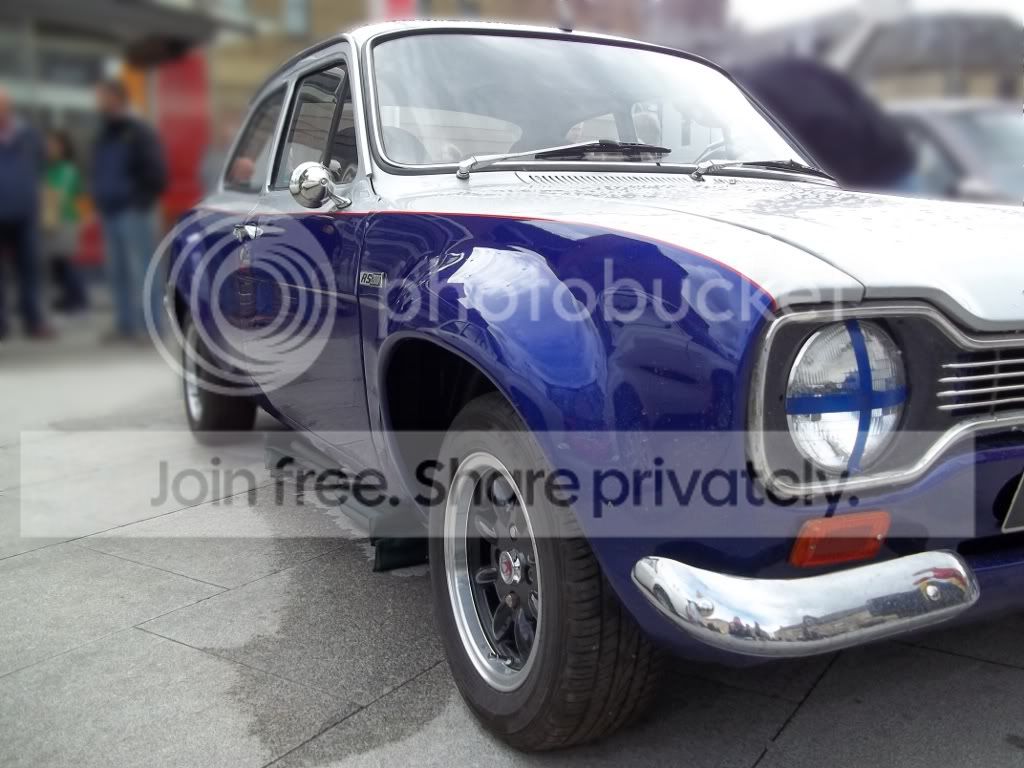
However, in this following image, i dont want go selective, but i'm trying to create some sense of depth whilst still blurring the distracting background.
in order to acheive this i have done two stages of Gaussian blur, but there is still a definate hard edge where you can tell i've made the selection.
any ideas on how to rectify this, or other ways to create what i'm after would be very much appreciated.
Cheers
G
Still cutting my teeth with the GIMP, here's what i would class as a successful edit, my most successful to date;
i feel this worked because of the colour of the subject car, and the background was so distracting i needed to blur it. the problem is, that there's an un-natural DoF created, by blurring the background and not the car, which i might get away with because of the selective colouring.
However, in this following image, i dont want go selective, but i'm trying to create some sense of depth whilst still blurring the distracting background.
in order to acheive this i have done two stages of Gaussian blur, but there is still a definate hard edge where you can tell i've made the selection.
any ideas on how to rectify this, or other ways to create what i'm after would be very much appreciated.
Cheers
G


