Maybe angling the objects slightly will help show the viewer the depth of the carving, making it more '3D'.
In terms of lighting, I'm pretty sure there was something to do with bringing out texture on the
Lencarta blog that might be of help...
One of the problems I see is specular highlights - those areas of highlight that are on the 'high points' of the carvings where the flash is reflecting directly back at the camera, much stronger than the reflected light on the other parts of the object. To kill those highlights you effectively need to make the light source massive, so that highlight covers the whole of the object and the highlight then become transparent. Could be worth shooting in the corner of a white room so you have two white walls and a white ceiling to act as the light source, bouncing light from the flash into the space.
If I were you, I also try light painting... tripod, manual focus, long exposure of about 20-30secs (camera in manual) and the aperture set to something like f/8. Use mirror lock-up to avoid mirror slap. and vibration. I do this a lot using a mobile phone with a white screen (the TP app is perfect

) and then you just 'wipe' over the subject evenly without ever facing the light source at the camera. Don't stop in one spot, just keep waving the phone around, and don't worry about your hand being in shot or anything - it won't be.
These were done this way:
 Lightpainted bottle
 by
Pat MacInnes, on Flickr
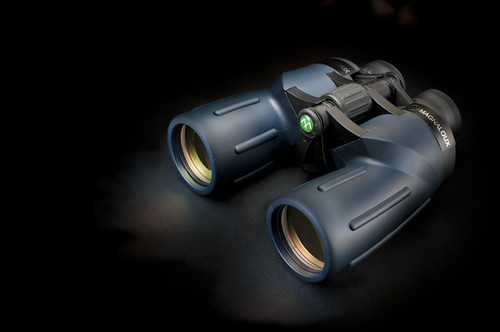 Binoculars
 by
Pat MacInnes, on Flickr




