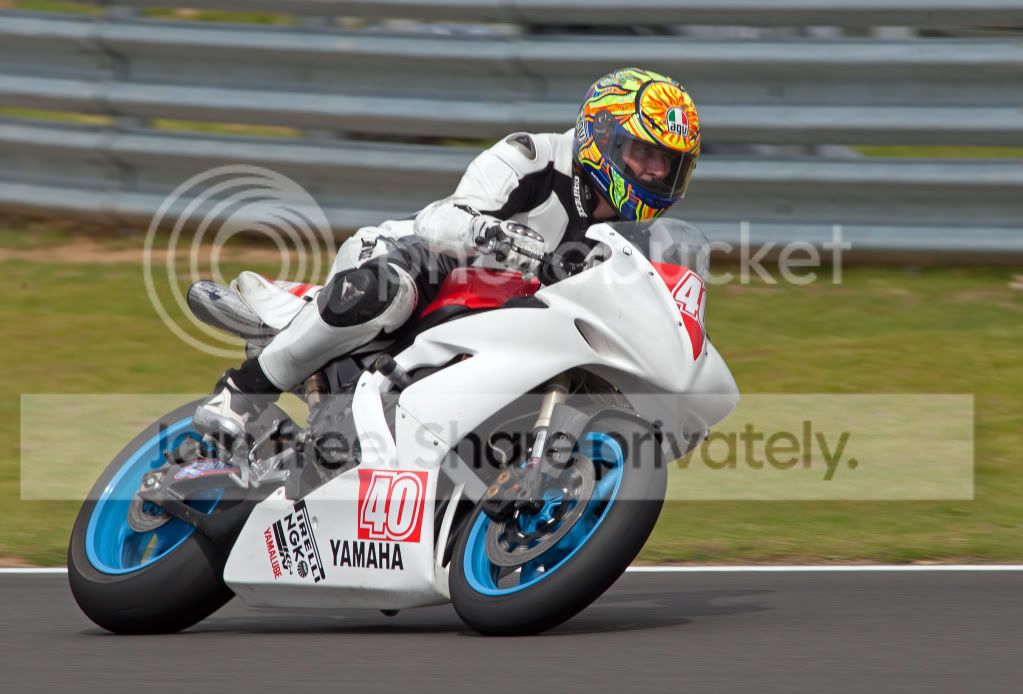
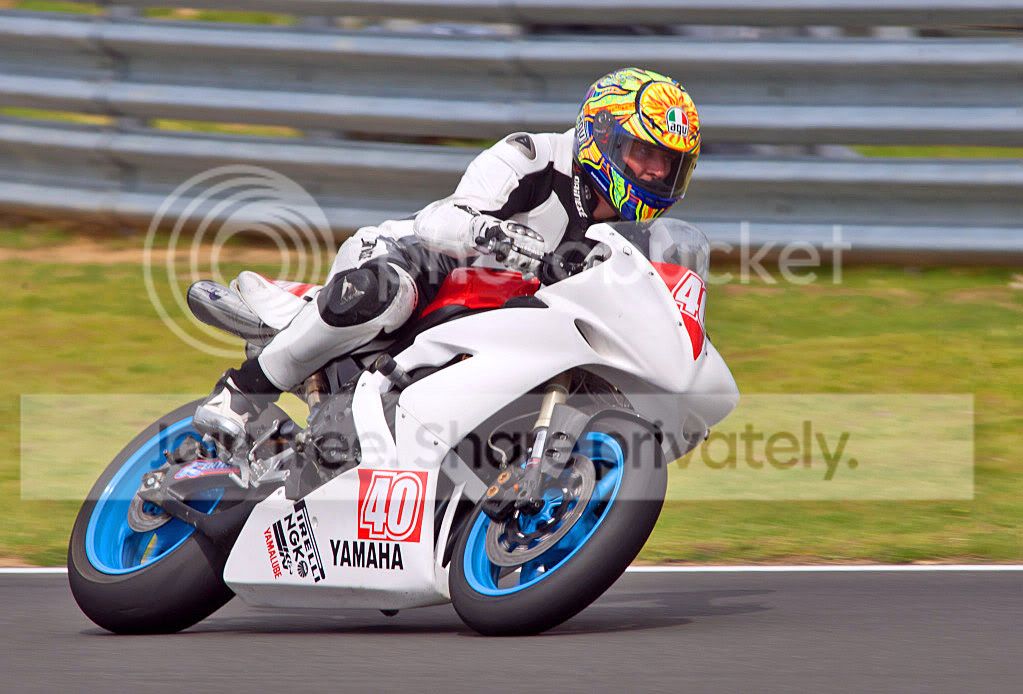
Help improve my images...

avarice08

Suspended / Banned
Messages
1,696
Name
Rob
Edit My Images
Yes
Hi Guys,

Even after a couple of years I'm still struggling to get to grips with post processing. :bonk:

How would you improve the following image? (Apart from binning it! :lol: )

If you want to have a crack, repost the image and explain what you did, i would find that very very useful

Thanks in advance.

Rob

The original image...
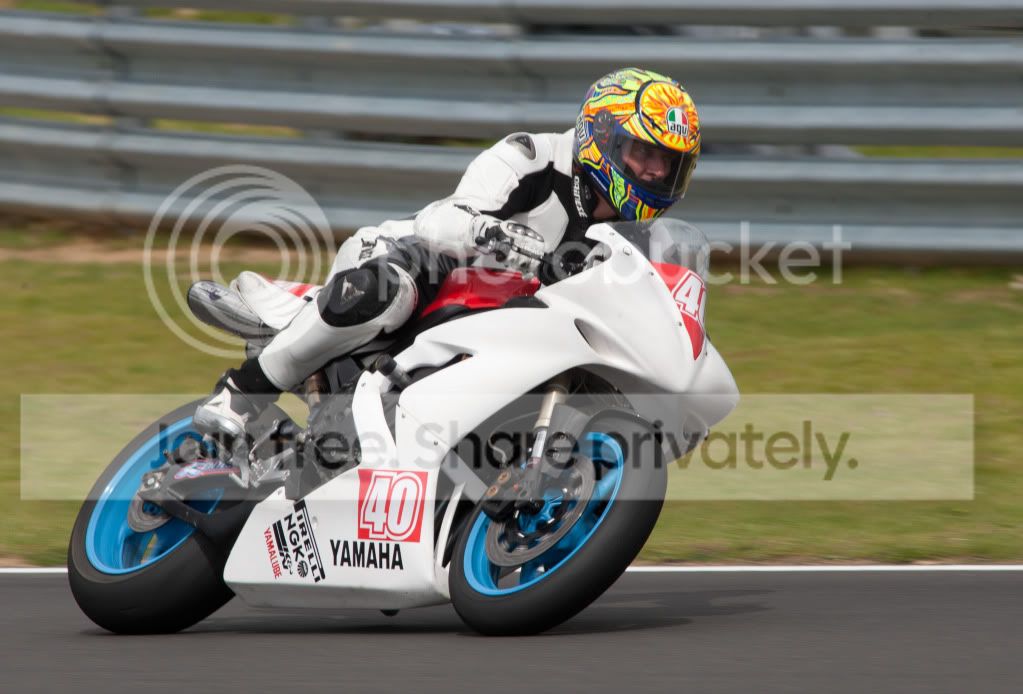
IMImaster120711.jpg


My edit


IMImyversion.jpg
 
i tend to go for contrast pops and some curves adjustments like this:

5930750073_e7c0c609c6_o.jpg


I dont know what software you use but I find it easy to work on raw files with lightroom. even the standard presets are okish. this is an 'aged photo' standard preset:

5930750303_b491feee10_o.jpg
 
Here's my edit for you:
IMImaster120711-Edit1.jpg

Using Lightroom 3, Slight boost to the blacks (+10), Contrast (+30) and Vibrance (+30)
Recovery 100% to try and show the curves of the white bike. Should be easier with RAW.
Add a slight vignette.
Over to Photoshop...
Adjustment layer to tone down his red face.
Duplicate layer, motion blur for the background and used a layer mask to un-blur the bike.
Adjustment layer - Levels to tweak.
Burn tool on the road and bodywork to show the shadows/curves of the bike.

All easy steps, keep playing with all the options and you'll find what works for you :)
 
Last edited:
Hi Rob. I don't think there's much to improve on, but a little motion blur, but you could/should have done that in camera!
IMImaster120711rev.jpg
 
Heres my edit.

Using Gimp:

Duplicate the layer twice
On the middle layer, use colour>Component and mono tone - think it was r30 g60 b10 - or something like that.
Change opacity to 60%
On the top layer, duplicate and use Filters>Threshold 90% ish on the right to black out most of hte pic and leave the biker and most of the bike.
Copy that layer
Hide the layer
Add a mask to the third from bottom (colour) image
Paste into then click the macro/flower button to hold the copied image into the mask.
Whip out the pain brush, soft, max size and paint in the mask white where the bloke/bike is, black to erase the rest. Zoom in and make sure there is no over spill adjust brush size as required.
Duplicate the layer
On that top colour layer, colour> saturation, and boost it.
Filters>Enhance> Un sharp mask. Tweak until happy.
Change opacity to 70%
Merge visible... done

moto.jpg


Edit:

Liking photodivas blurring of the background :D
 
Soooo votes .... which edit is the best?
 
Here's my attempt, but better is subjective..

biker.jpg


duplicate layer
isolate background with pen tool
make path into selection
copy background to new layer and apply motion blur over 60 pixels
use the path to make the mask and mask the rider (this takes the effects of the blur off the rider)
drop the highlights of the white bike with a curves layer
use dodge n burn to darken the visor
done

biker-how.jpg


you like?
 
Here's my attempt, but better is subjective..

biker.jpg


duplicate layer
isolate background with pen tool
make path into selection
copy background to new layer and apply motion blur over 60 pixels
use the path to make the mask and mask the rider (this takes the effects of the blur off the rider)
drop the highlights of the white bike with a curves layer
use dodge n burn to darken the visor
done

biker-how.jpg


you like?


Now this I like!

Cheers

Rob
 
Back
Top