HDR advice

Luke_

Suspended / Banned
Messages
265
Name
Luke
Edit My Images
Yes
So I am looking to start "trying" to shoot and create some HDR images.

From what I have been reading nearly everyone is using photomatrix, but can I not merge the three images in photoshop? I dont really want to have to fork out for another version of software.

Thanks :)
 
you can make HDRs in Photoshop, its in the file menu File, Automate/ merge to HDR, I think they must be Bracketed shots to work though as when Ive tried from 1 single file and done the exposures in camera raw it never works as PS cant read the exposures, and thats the beauty of Photomatics you can manually change the exposure settings and more adjustments
 
Try both. Photomatix is a free trial (wartermarked) but you won't lose anything by trying it out.

Personally, I prefer Photomatix as there is much more control with regard to tone mapping etc. Photoshop will do the job, but in my very humble opinion, it's not as flexible as Photomatix.

-H
 
Thanks! Im trying the photomatrix trial now, then going to compare the same images in photoshop.

I dont see why specifying EV values will help as I can just tell the camera to shoot at the correct EV steps, so I wont need to "fake" it to the processor?
 
Sadly photoshop is easily the most difficult to use, not helped by having to leave the HDR window to convert the image to a usable format, personally I also think it produces easily the worst rendering of HDR, they alway seem to need a lot of further PP work to look good. Photomatix on the other hand is easier, and produces a far bertter result IMHO.
I suspect the new version of photoshop will show improvments in this area.
 
I did a bit of a test myself a while back, comparing photoshop cs3 and photomatix:

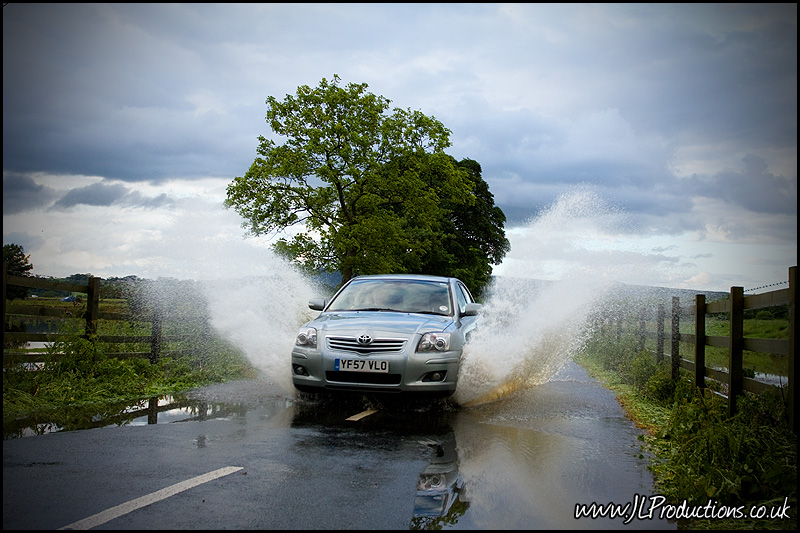
Original:


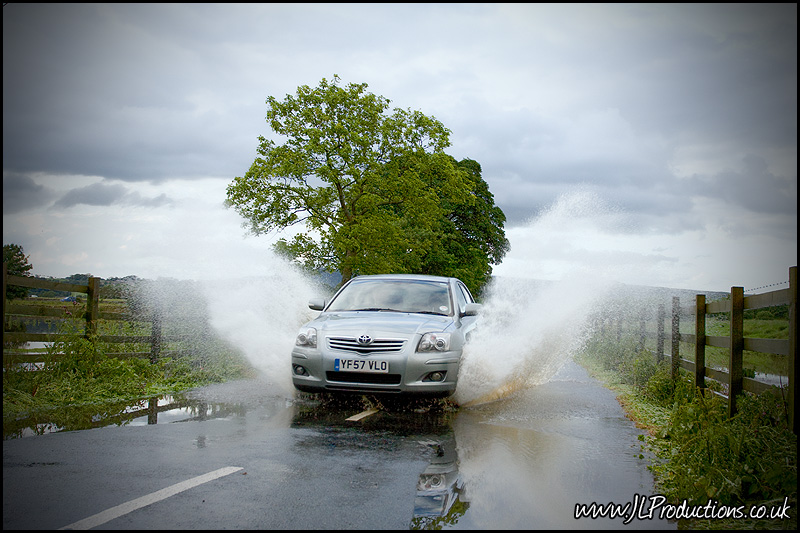
Photoshop CS3:


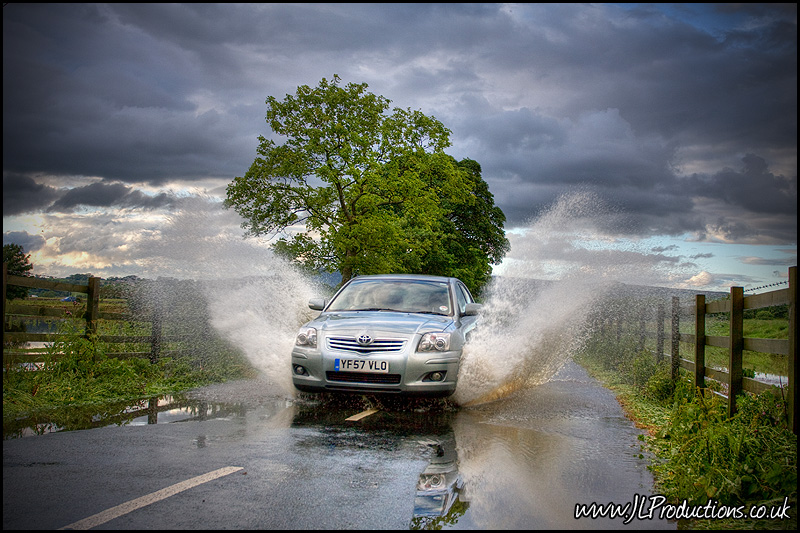
Photomatix:
 
I did a bit of a test myself a while back, comparing photoshop cs3 and photomatix:

Original:


Photoshop CS3:


Photomatix:

I think there's the answer to your question :clap:
(Beauty of a shot Tom!!)

Photomatix is without doubt the best piece of HDR software there is.
Well worth paying out for.

I have lot's of HDR shots using Photomatix on my flickr pages btw ;)
 
To be fair my test was quick and it was only the second attempt at ever doing an HDR in Photoshop, and like the millionth time in Photomatix. So it might not be overly fair, but I spent a long time trying to improve the Photoshop version with little improvement.
 
As chivers67 said good tutorial at http://www.vanilladays.com/hdr-guide/

also Pete Carr has a book out .. HDR Photography Guide Book ... which I picked up at the local library last month well worth a look ...

and Photomatix IMHO is better to use that PS .. if you do decide to buy Photomatix through http://www.vanilladays.com .. Pete has a 15% discount available .. thats where I bought Photomatix ...

Ben
 
To be fair my test was quick and it was only the second attempt at ever doing an HDR in Photoshop, and like the millionth time in Photomatix. So it might not be overly fair, but I spent a long time trying to improve the Photoshop version with little improvement.

Thats the problem with photoshop, it need a lot of fiddling about and tweeking from shot to shot. Interesting comparrison by the way, thanks for taking the trouble to post it.
 
I like the fact you can save the settings in photomatix- and import them from friends/online etc.
 
After I have finished playing with the photomatrix shot, can i save it as a DNG then play around with it in CS4?
 
i think i prefer the first pic to be honest. but i can see it looking good on other shots.
 
I disagree. I've tried both and think Dynamic Photo HDR is much better than photomatrix. Personal opinion.
 
Just my opinion but I think that Photomatrix is Great !! far better than CS4
 
I find dynamic photo gives a harsher/grittier look, not as smooth as photomatix, although it does work very nicely off jpeg.
 
Back
Top