- Messages
- 7,625
- Name
- Colin
- Edit My Images
- Yes
I stumbled across this .psd file to demonstrate how you set up your lighting. I think it would be a handy resource for TP users as we could share our lighting rigs and allow everyone to learn from it.
My first example is the shot I did of my son a few days ago and first I have included the setup which is much easier than trying to explain it:
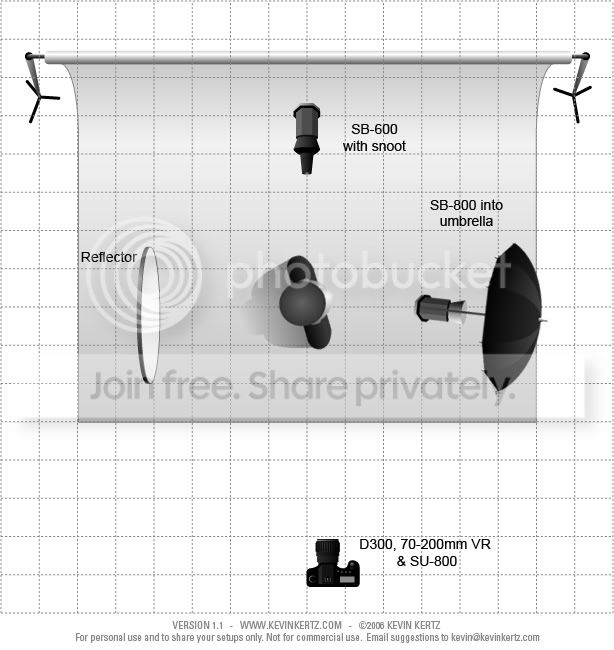
And the result:

My first example is the shot I did of my son a few days ago and first I have included the setup which is much easier than trying to explain it:
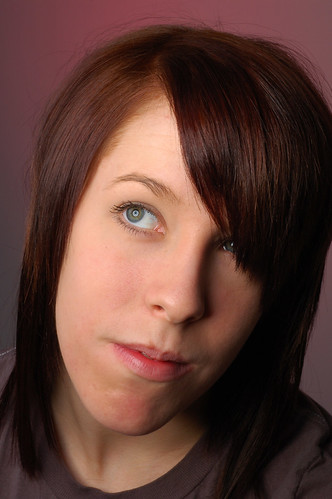
And the result:


 Such a good way of showing your lighting set up's. I've used it before in the past but just remember not to save over the OG psd file!!! (I havent yet but some people I know have!)