Gimp

Cutsie

Suspended / Banned
Messages
97
Name
Julia
Edit My Images
Yes
Not sure if this should go here or in the 'guides' section. If i've got it wrong please move this thread...

I was just wondering if anyone could tell me how to make a decent border for my pics using gimp (just got my first DSLR and have no photo editing kit yet).

Cheers

Julia
 
This option can be accesed on the image menu (right button click on the image), by going to <Image> Edit -> Stroke Selection.
 
What kind of border are you trying to make? If it's a simple single colour border, then go to right click -> Image -> Canvas Size -> change the canvas size to match the desired proportions -> click Center -> click Resize -> set the background to desired background colour -> right click -> flatten image.

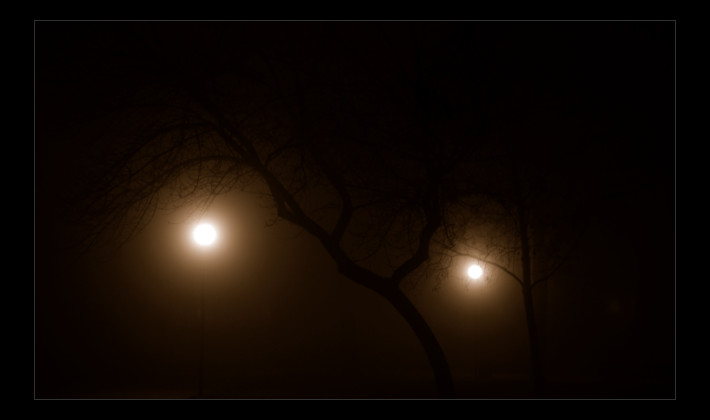
If it's something different, e.g. like this:


then it's similar, you have to set the width and height of canvas independently, though.
 
Ok, I've got as far as resizing the image. At the moment the image is surrounded by a checkered border.

Being a total noob though I can't work out how you change the colour of that part :thinking:

Can anyone help me?
 
That's a site to host images, I'm not quite sure how that will help me learn how to change the colour of my border? :thinking:

go down to the table at the bottom, hit the "free" button down in the bottom right corner, new page comes up, giving you ways to pay to accelerate the download, just wait, new page appears, type the code in the box & hit enter or click the download box
save the download
play the movie
 
Back
Top