D Type Jaguar - How can I make it look ace! :)

locostbob

Suspended / Banned
Messages
1,071
Edit My Images
Yes
Hey up...

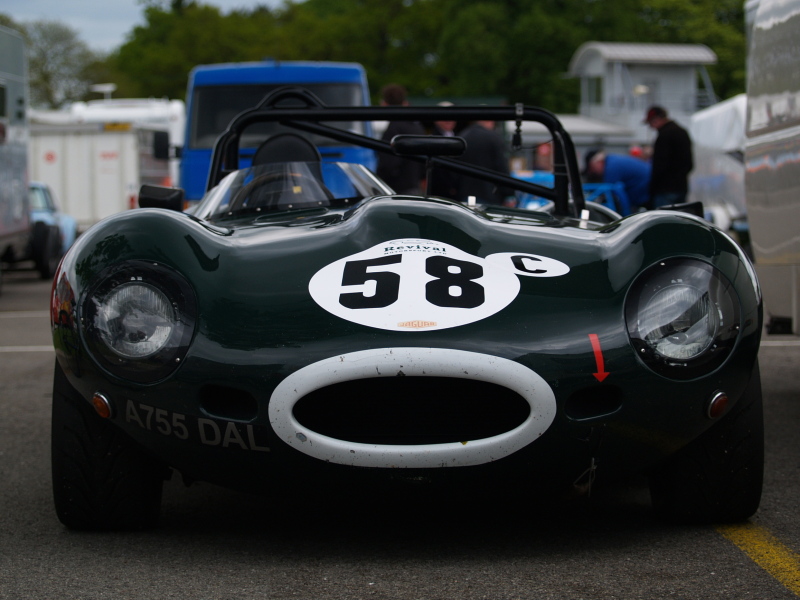
Took this photo (colour version) at Oulton Park at the weekend... its quite a special car to me (its my dream car) and i think there is some potential to get some more out of this photo to make a lovely desktop photo... Could anybody please guide me a little and give me some ideas?! :thinking:

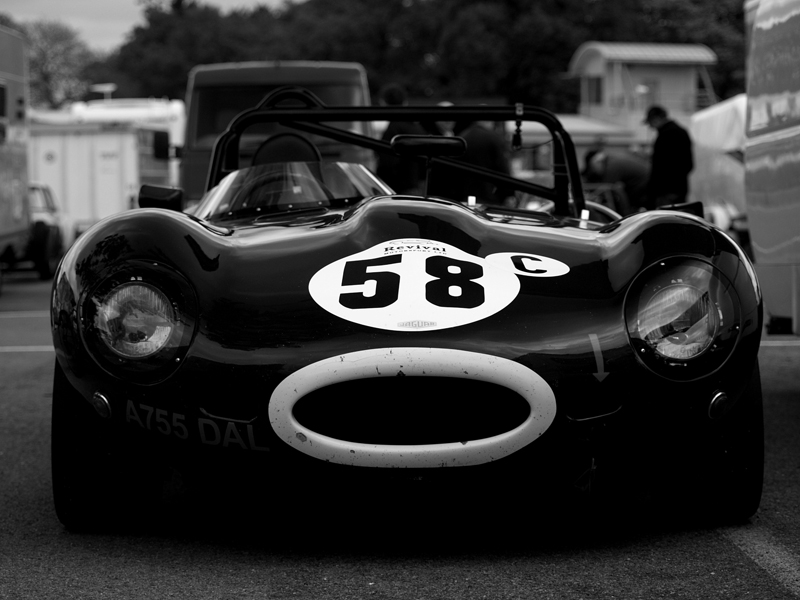
Im a photoshop novice, can crop, resize and mess with levels etc but that's its! I have converted to B&W and increased the contrast which i love - but the background spoils it...

Have tried to remove the BG with the magic brush but just keeps selecting the car as well...

Would like to keep B&W, what could I do with the BG and how to do it??

any suggestion would be greatly appreciated... :thumbs:

Cheers

Bob :)

1. Original Colour
3525842531_e3c028c72f_o.jpg


2. Converted B&W
3531029786_3a63dd3852_o.jpg
 
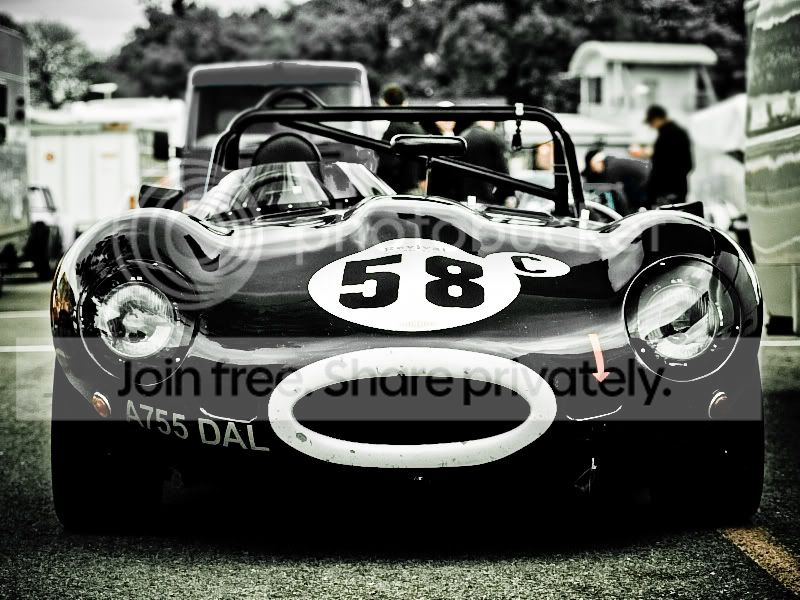
Had a quick play

3525842531_e3c028c72f_ocopy.jpg


Added a filter in LR2 called boondoogle an then desaturated the blue van in the backgound in CS3.
 
The image looks a bit dark to me even in the colour version. So it might help to lighten it a bit. The magic brush is not the greatest tool for selection on complex jobs like this.

There are a couple of possible ways to help matters. Using a mask to isolate the background may be the easiest. You can do this using Quick Mask and painting the mask to include the car. Using the quick selection tool may help speed things up but I suspect you may need to clean things up after it's had a go as there are tones in the background that are close to the car. And yes it's a bit labour intensive.

Personally I'd use the pen tool and make a paths around the car and then convert those to selections to remove the background. However this can take some time, but usually leads to better results.

There are programs out there that would do a quicker job. I'm thinking of Mask Pro from OnOne software. However it does cost £125 and even that would I think need some help in cleaning things up. You can download a trial copy and see what you think. The tutorials that come with may help
 
the background is distracting
if you don't want to remove the background (which often looks messy) you could select it and isolate it more with blur or artificial DOF.
or desaturate it and keep the car in colour. cheesey I know, but might work
 
It's a bit dark. I brought the levels up using curves, then gave it some impact with contrast masking, then gaussian blurred a duplicate layer, deleting the car from the blurred layer.

A bit quick and dirty delete, but gives an idea.

dtype.jpg
 
WOW!! that brings it to life! :)

its very depressing just how quick and well you did those images!! In 3 hours i couldn't get half that :( just managed to drink lots of tea! :)

Cheers for some ideas... when im at home will have a play and see if i can replicate it...

Just one question (for now!)... i guess what a mask does... how do you do it in PS?

cheers

bob :)
 
Shame its not a real D-type, but a kit car with an illegal number plate.

I seem to recall reading that there are now only 3 remaining original D-Types left. Shame because they truely are great looking cars.

Nice photo Btw :) :thumbs:
 
I seem to recall reading that there are now only 3 remaining original D-Types left. Shame because they truely are great looking cars.

Nice photo Btw :) :thumbs:

You read wrong! They're rare and a few were destroyed in racing, but there are many surviving - but they're worth about £ 2 million each.
 
I also had a play but my version is remarkably close to Byker28i's too close to be worth posting. Wayne
 
£2m... i'l have 2 then! :)

I think a decent one with serious history will fetch £3.5m...(if your lucky to find one for sale!!) but im no expert.. i drive a 152k mile passat bit out of my league!!

A shabby kit is £30k, a nice kit is £60k. The car in the photo is a 'revival' 24 were meant to be built for a race series but only 12 were made, i think this is 1 of 2 in the country, rest were exported to collectors... in its own right this car has a lot of history... and yes an illegal number plate! (only pre 1972 can have B&W)

Quite looking forward to tinkering with the photo... :)

bob :)
 
Shame its not a real D-type, but a kit car with an illegal number plate.

I didn't even notice that :lol:

Guy up the road from me used to own an XK-SS (reg Jag 1) and one of the ex-Briggs Cunningham lightweight E-types (5115 WK)
 
Some of the replicas are really nice. A customer has spent around £ 90k on a top C-type replica but its absolutely lovely - and because its a replica and therefore replacable you could use it without too much worry.
 
Some of the replicas are really nice. A customer has spent around £ 90k on a top C-type replica but its absolutely lovely - and because its a replica and therefore replacable you could use it without too much worry.


That'll be the Lynx effect :lol:

Oh and technically these are copies, not replicas - to be classed as a replica then it has to be made by the company that produced the original, eg the Frazer Nash LeMans Replicas
 
jag.jpg


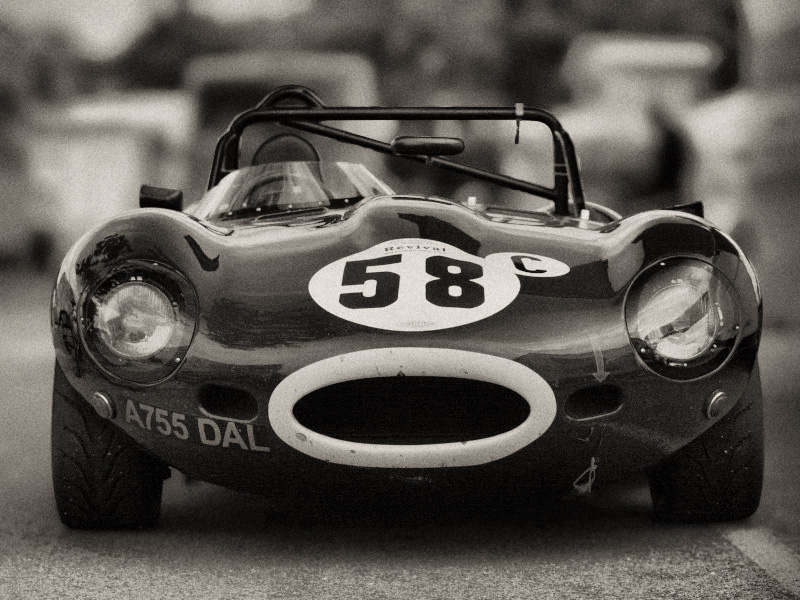
Did it using this Lomo-style tutorial I created for the tutorials section. Just created a new layer first. added gaussian blur as a gradient (about 6%) using a layer mask, before I painted in the bits of the car that i waned to remain in focus (the windscreen and roll cage). the I just adjusted the exposure in levels a bit to lighten it and applied the lomo effect as an action i've created. Think it works okay.... :)
 
thats got a lovely texture to it. Do you mind me asking how you added the grain??

cheers bob :)

Not an all Bob, I used Nik silver effects pro, a photoshop plug-in, theres a lot of controls for altering the effects, the grain is one, you can add as much as you want.. IMHO it's one of the better grain effects, and great with the B+W. Wayne
 
Back
Top