Trappe
Suspended / Banned
- Messages
- 3,701
- Name
- Rory
- Edit My Images
- Yes
must update my trial to play with full version
I'm sure you'll get student discount?

must update my trial to play with full version


Thought I'd pitch in and say that ofcourse the content aware system is fantastic... but my favourite is the new edge awareness system for selections... this was a far more tedious job than cloning ever was...

See that always baffles me ..... will hope it is easier !

What baffles you?:shrug:

Much more here"We are actively working to add 64-bit compatibility to the Macintosh version of our Viveza 2 product and expect to be finished mid-year. Once the update for Viveza 2 is released, we will deliver cross-platform 64-bit versions of our remaining products as they become available."

Thought I'd pitch in and say that ofcourse the content aware system is fantastic... but my favourite is the new edge awareness system for selections... this was a far more tedious job than cloning ever was...


I have just downloaded the trial version and had a quick play. I have never used photoshop before and was disappointed with the file organisation facilities; I can see why Lightroom is popular.
However, the CAF looks useful, this took 10 minutes for a complete beginner
 ), I like the lens correction filter, had a real quick play with that and liked the results.


I was going to have a play with the content aware fill - but can't find it.


The problem with the content aware fill etc is that now anyone can do it and those of us that spent hours using the clone tools etc are now out of a job

The problem with the content aware fill etc is that now anyone can do it and those of us that spent hours using the clone tools etc are now out of a job
I haven't been at all impressed with content aware fill, tried 3 different files, all of them looked crap afterwards, got better results faster with using the clone tool manually, am I doing it wrong?
Are you guys just doing a rough selection of what you want removed and including some of the background or a fine selection?
 )
)


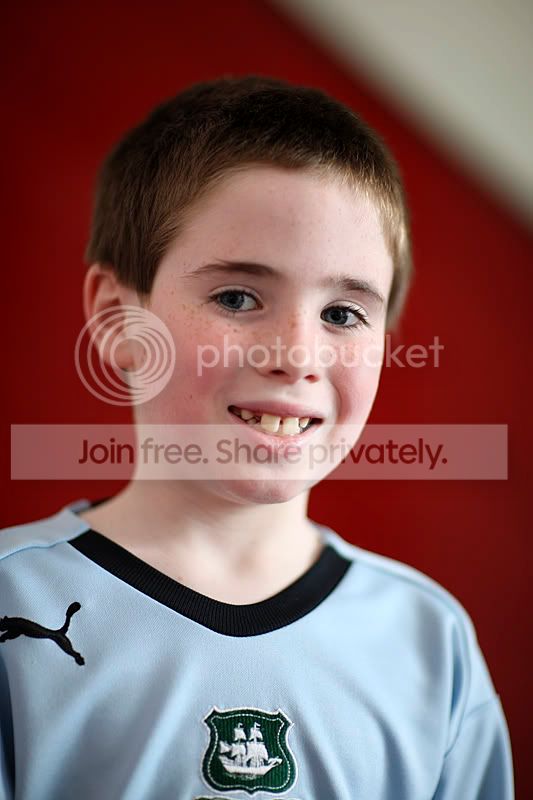
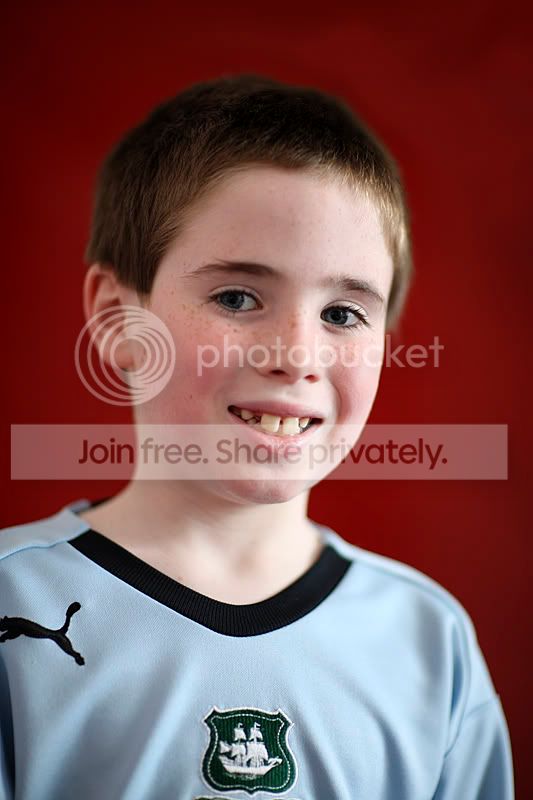
Thats not a great example though, it's really obvious you've cut it out, are you happy with the result?just used the refine edge on this photo alos used this tutorial for background
http://www.photoshopessentials.com/photo-effects/studio-background/page-2.php

just used the refine edge on this photo ...
To go from this
Then used the ruler tool to straighten the horizon (Finally from Elements!!)
I thought this was in CS3 & 4.........It was in my versions anyway.
I would suggest that you could have contracted the selected area as there is a halo around the subject which makes it stand out as a chop and swap job straight away
No it isn't. There's only the ruler tool.
It's even in the learn CS5 tutorials on Adobe TV
http://tv.adobe.com/watch/learn-photoshop-cs5/gs02-straightening-a-crooked-image/
In releases before CS5, there's a ruler tool, but no straighten button, you have to do it manually


Greylensman - I have had a go at your image, if you don't like it I will delete. I have been going though the tutorials here
Ah, image>rotate>arbitrary was too hard for you?
A one click solution is a good idea, I suppose I could run an action though to do the same thing?
but why should cheap as chips Elements 6 get a feature than mega pricey CS4 doesn't???
Is this better ? (seeing as no one commented on my dogs on the previous page which I spent a lot longer working on

No it isn't. There's only the ruler tool.
It's even in the learn CS5 tutorials on Adobe TV
http://tv.adobe.com/watch/learn-photoshop-cs5/gs02-straightening-a-crooked-image/
In releases before CS5, there's a ruler tool, but no straighten button, you have to do it manually
I have just downloaded the trial version and had a quick play. I have never used photoshop before and was disappointed with the file organisation facilities; I can see why Lightroom is popular.
the rule tool is in CS4 you just draw a line on the point you wish straight and then image/rotate/arbitrary you will have the angle already click on 'ok' its done

Is this better ? (seeing as no one commented on my dogs on the previous page which I spent a lot longer working on